APPENDIX F: VOCABULARY BUILDER
Eco Manual
298
Use Lists:
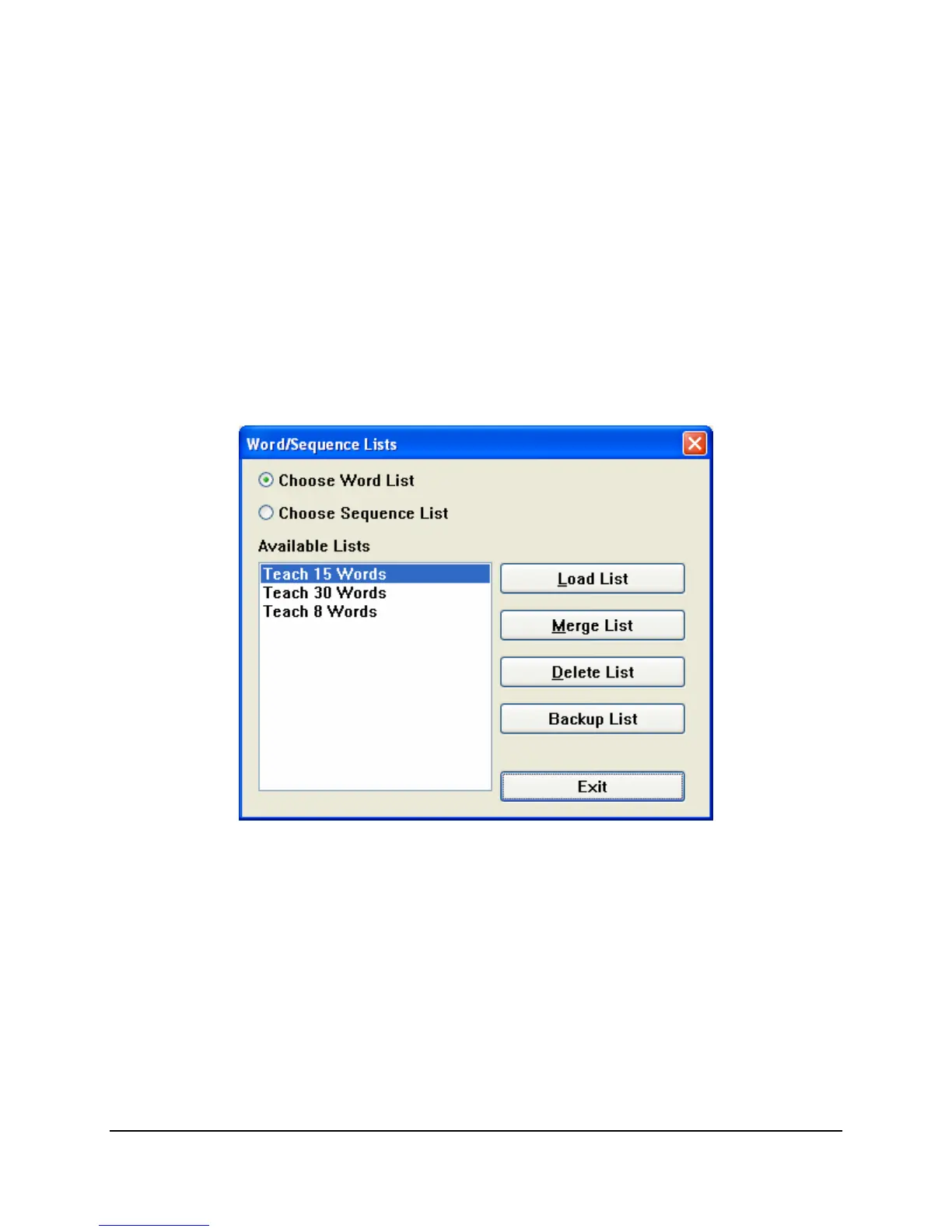
When you select Use Lists you see two choices at the top of the window that opens: Choose
Word List and Choose Sequence List.
Word Lists and Sequence Lists are templates that you can load and modify if you wish. They
save you the trouble of searching the
Visible Words and Phrases window to find and hide
sequences and words.
When you load a
Word List, the Visible Words and Phrases window will show you all the
sequences that can produce each word in the list. When you load a
Sequence List you will see
only the specific sequences that were saved in the list.
When you select
Use Lists, you see a window showing all the Word Lists currently in the
device.
In the example above, you see the default
Word Lists. When you select a Word List, and then
select
Load List, the Visible Words and Phrases window on the first screen will show you all
the sequences that can produce each word in the list.
If Vocabulary Builder cannot find all the words from the list you loaded you will see a window
similar to the one below that shows you the words that are missing.



 To Next Page