APPENDIX F: VOCABULARY BUILDER
Eco Manual
304
The list is now stripped down to CORE vocabulary only and also includes single-hit words
where possible (“a” and “is” are in the Dolch Preprimer).
With PASS you can save a copy of the
Visible Words and Phrases in a word processor
document. See the Vocabulary Sort section beginning on page
Error! Bookmark not defined..
Save Mask Info
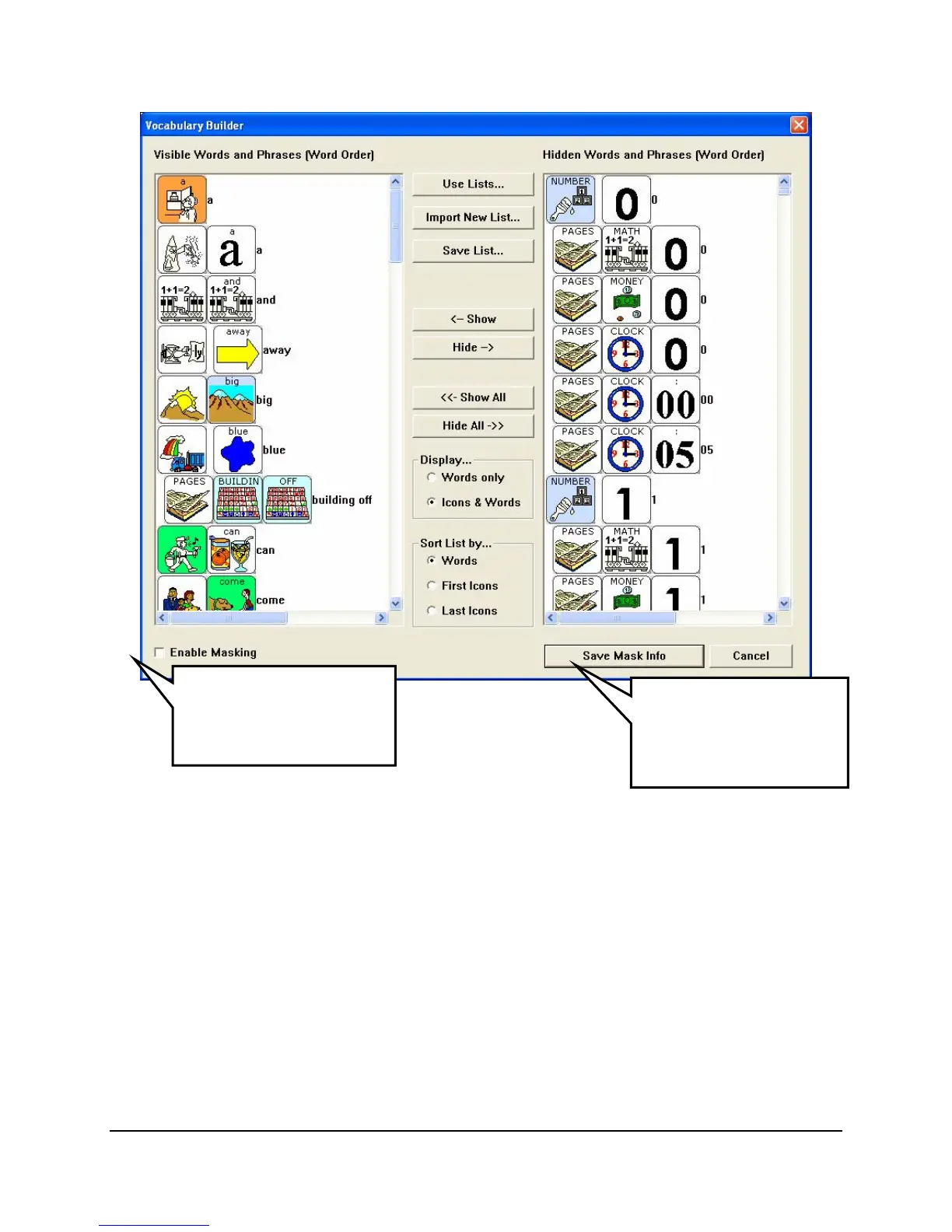
When your visible word list is the way you want it, select the Save Mask Info button to tell
your device that you want these words to be visible when masking is enabled.
When you select
Save Mask Info, the device will take a few seconds to store the information
and then put you back in your CORE vocabulary.
If
Enable Masking is checked, only your unmasked (visible) words will be accessible.
When the visible word
list is the way you want
it, select Save Mask
Info.
If this is checked, only
the visible words will be
accessible on the user
overla
.



 To Next Page