SETTING UP YOUR DEVICE
ECO Manual
68
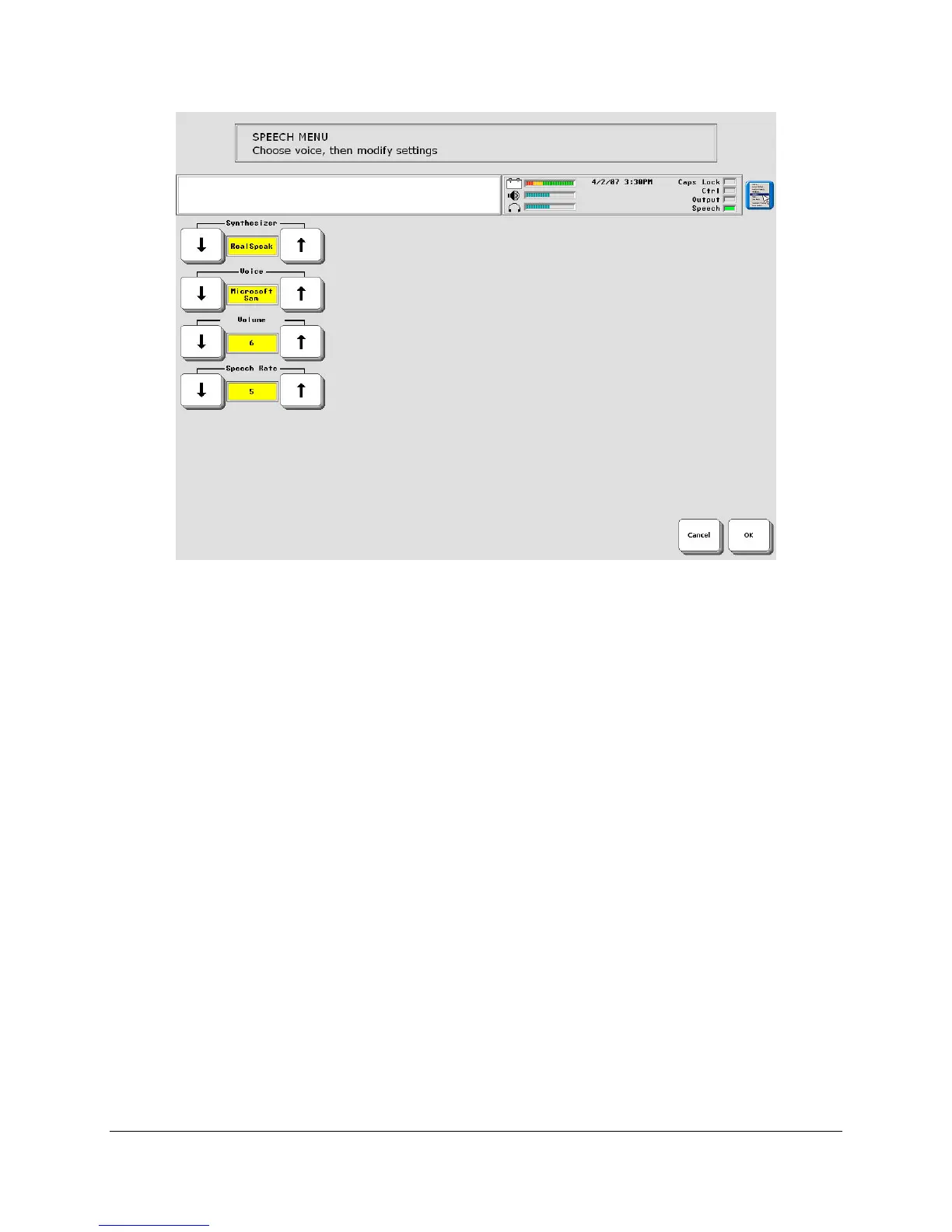
Voice to Modify: MAIN VOICE or PROMPT VOICE
MAIN VOICE: This is the voice your device will use to speak everything except Auditory
Prompts.
PROMPT VOICE: If you use Auditory Prompts, you will want to select a voice from this menu
that is different from your Main voice to speak the prompts.
Voice
If you are selecting a Main voice, remember that this will be your voice. When people hear this
voice, even if they can't see you, they will know it's you.
Recommendation: We recommend that you try the options listed below with their
default settings first. Write the default settings down before you make any changes. This
way you can always return to the original voice.
Volume
When this available it changes the volume of the voice. 1 is the softest; 10 is the loudest.
Average Pitch
Pitch is how high or low a voice sounds.



 To Next Page