WORD PREDICTION
ECO Manual
83
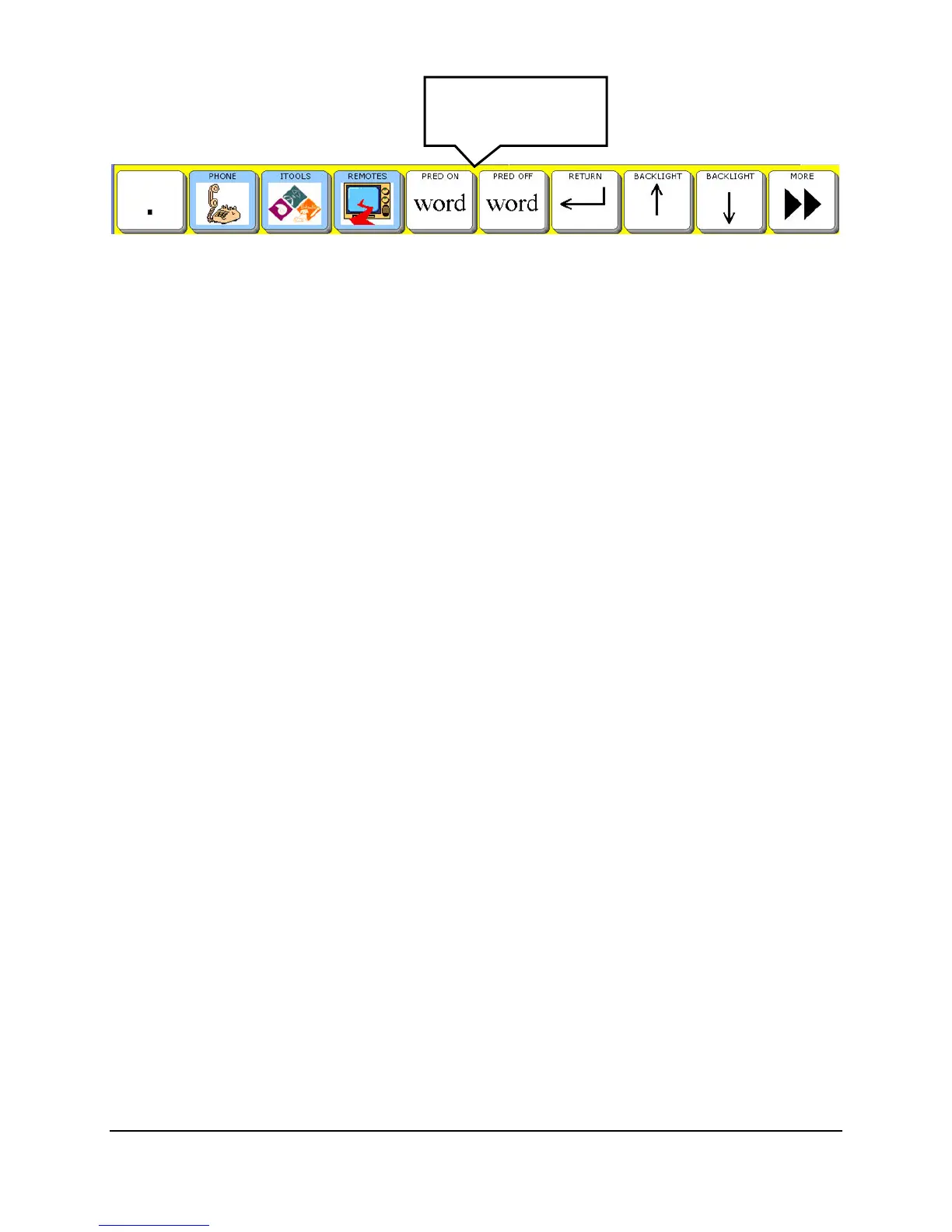
Select the word PRED ON or word PRED OFF key.
Dictionaries
Combined Dictionaries
If you select Combined, both the PRC and WordQ dictionaries will work together to predict
words. All three display options can be set: Recent Words, Previous Word and Spelling.
Words you used most recently will be predicted first and then the words most likely to follow the
word you typed or selected.
PRC Dictionary
If you select PRC Dictionary, the only display option you can set is Display Recent Words.
The Word Prediction system will keep track of and predict all the words that apply that you have
used most recently. Once the most recently used words are displayed, the words that you see will
be in the order of most frequently used.
In the Display Recent Words option, select the number of recently used words that you would
like to see on the display. When you begin to spell a word, your device will display the 5 (or
whatever number you have selected) most recently used words that begin with the letter(s) you
have typed. The rest of the words on the display will be the most frequently used words that
begin with the letter(s) you have typed.
If you set the number to "0", the words that appear in the Word Prediction Window will be the
words that you use most frequently, but not necessarily the most recently used words.
Display Recent Words does not work if you have selected the WordQ dictionary alone.
WordQ
™
Dictionary
If you select WordQ Dictionary, you can set two display options: Use Previous Words and
Suggest Spelling. Both of these options default to ON.
Use Previous Words means that once you have selected a predicted word, WordQ will then
display the words that are most likely to follow it. This may save you from having to start typing
another word. If you turn this OFF, once you have selected a predicted word, WordQ will not
predict another word until you begin to type in what you want.
Suggest Spelling tells WordQ to try to predict the word you want if you have misspelled it.
Word Prediction
On/Off keys



 To Next Page