USING THE CORE VOCABULARY OVERLAY
ECO Manual
98
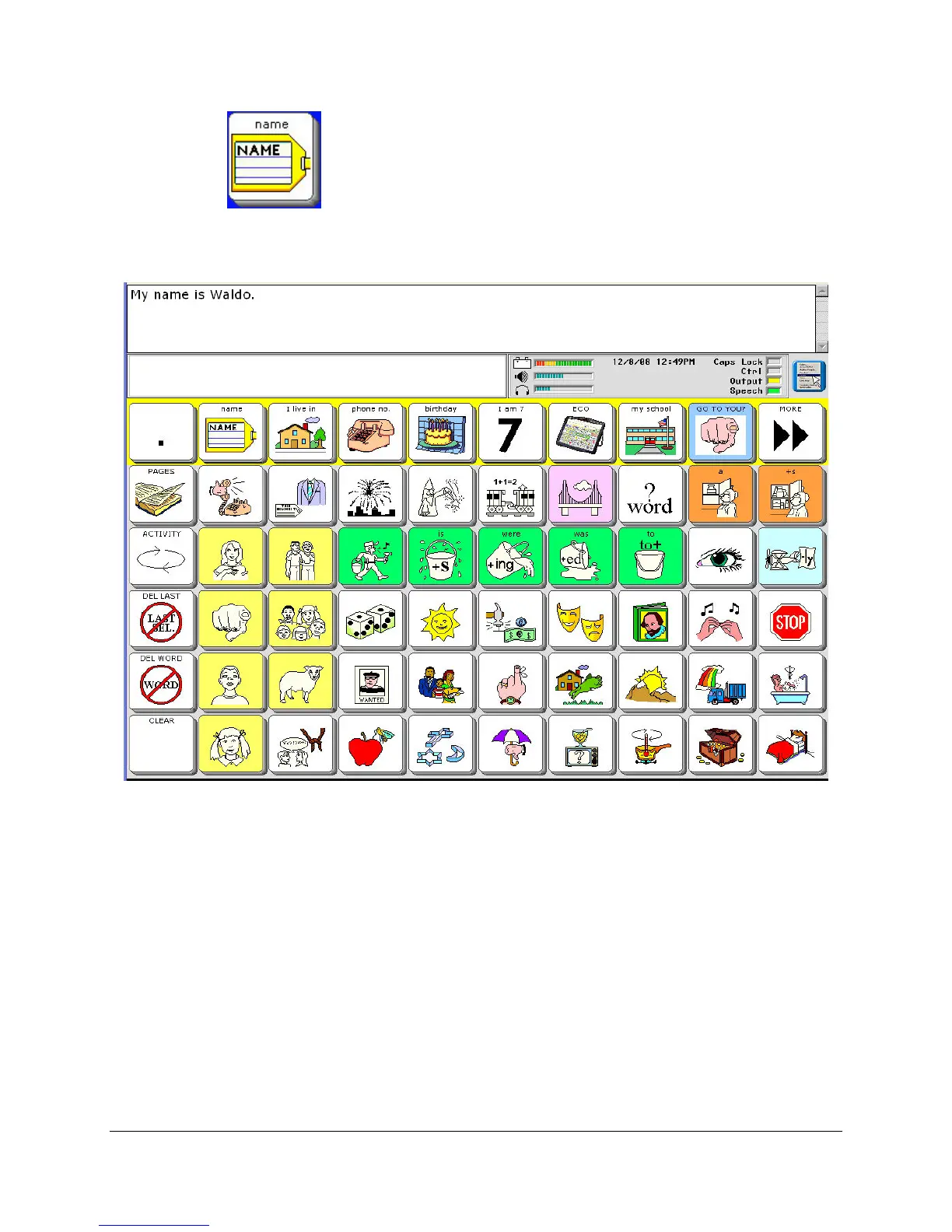
Now select the NAME key in the Activity Row.
You see "My name is Waldo" in your Text Display Area and you hear your device speak, "My
name is Waldo." You have recorded and stored a message.
You can erase the message by reading the instructions on the next page. Or you can go to the
Modify Activity chapter and learn about many other things you can do when you store
messages.



 To Next Page