❏ Select How To at the bottom of the operation screen: Displays the context-sensitive animation.
A
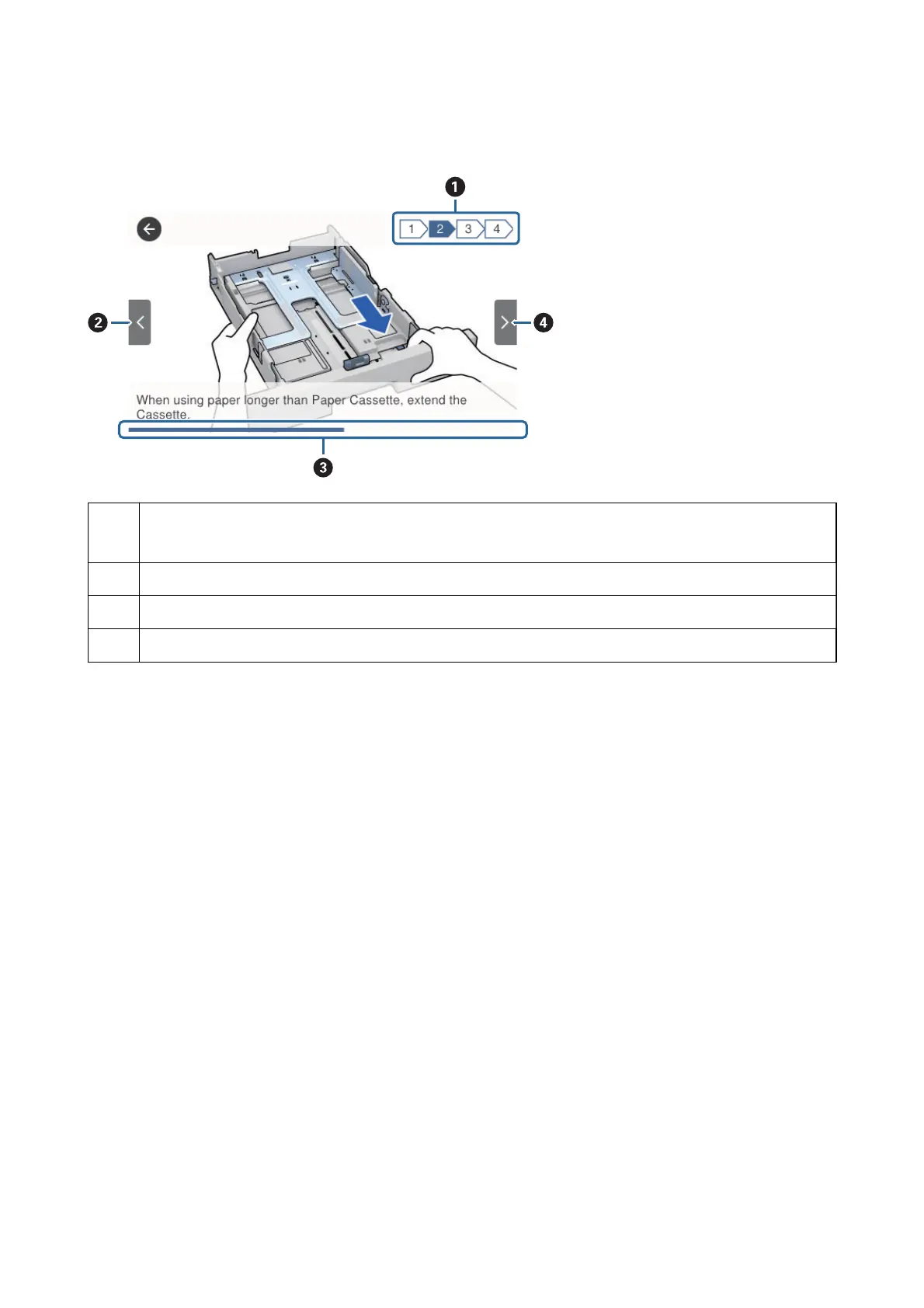
Indicates the total number of steps and the current step number.
In the example above, it shows step 2 from 4 steps.
B
Returns to the previous step.
C
Indicates your progress through the current step. The animation repeats when the progress bar reaches the end.
D
Moves to next step.
User's Guide
Printer Basics
26



 To Next Page
 Loading...











