1. Turn o the printer by pressing the
P
button, and then unplug the power cord.
2. Disconnect any connected cables.
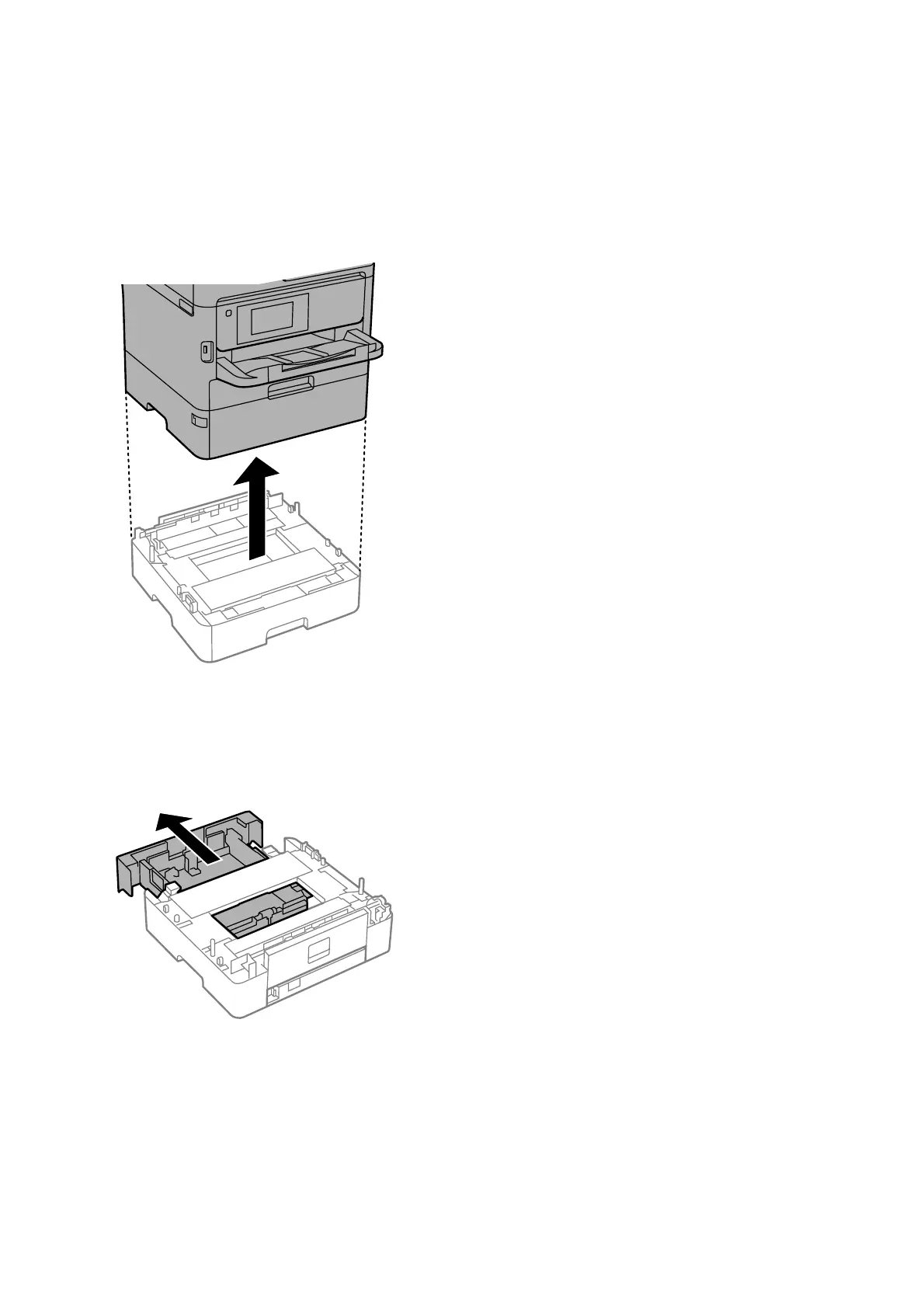
3. Uninstall paper cassette 2 if it is installed.
4. Remove the optional paper cassette unit from its box, and then remove any protective materials.
5. Place the optional paper cassette unit where you want to set up the printer.
6.
Pull the paper cassette slightly out of paper cassette 2.
User's Guide
Appendix
310



 To Next Page
 Loading...











