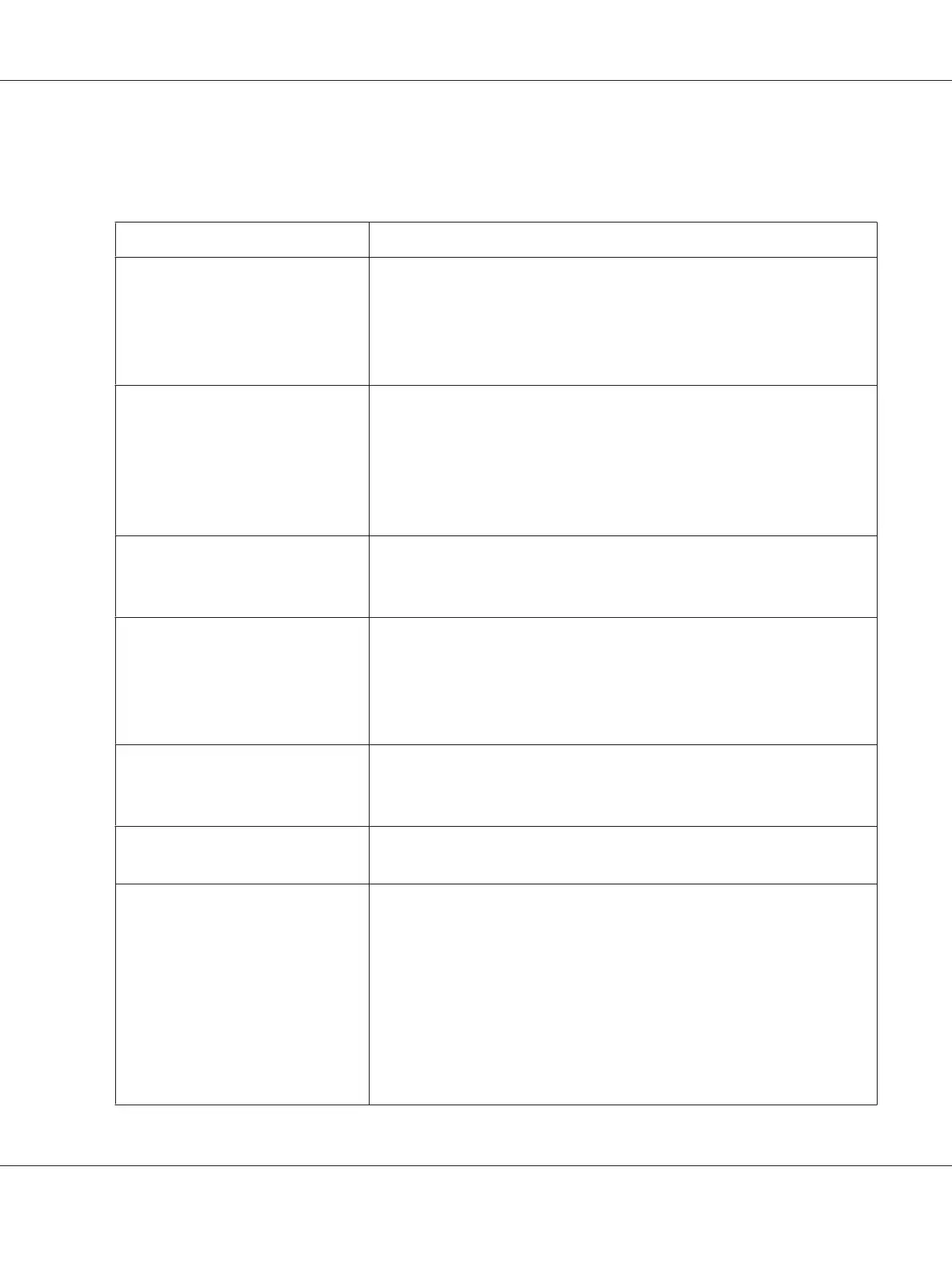
The table shown below uses Mac OS X 10.6 TextEdit as an example.
Printing options for Mac OS X
Item Printing Options
❏ Copies
❏ Collated
❏ Pages
❏ Paper Size
❏ Orientation
Layout ❏ Pages per Sheet
❏ Layout Direction
❏ Border
❏ Two-Sided
❏ Reverse page orientation
❏ Flip horizontally
Color Matching ❏ ColorSync
❏ In printer
❏ Profile
Paper Handling ❏ Pages to Print
❏ Page Order
❏ Scale to fit paper size
❏ Destination Paper Size
❏ Scale down only
Cover Page ❏ Print Cover Page
❏ Cover Page Type
❏ Billing Info
Scheduler ❏ Print Document
❏ Priority
Printer Features ❏ 1. Detailed Settings
❏ Resolution
❏ Screen
❏ Toner Saving Mode
❏ Image Enhancement
❏ 2. Paper Handling
❏ Duplex
❏ Paper Type
❏ Show Paper Size/Type Error
AL-MX200 Series User’s Guide
Printing Basics 152



 To Next Page