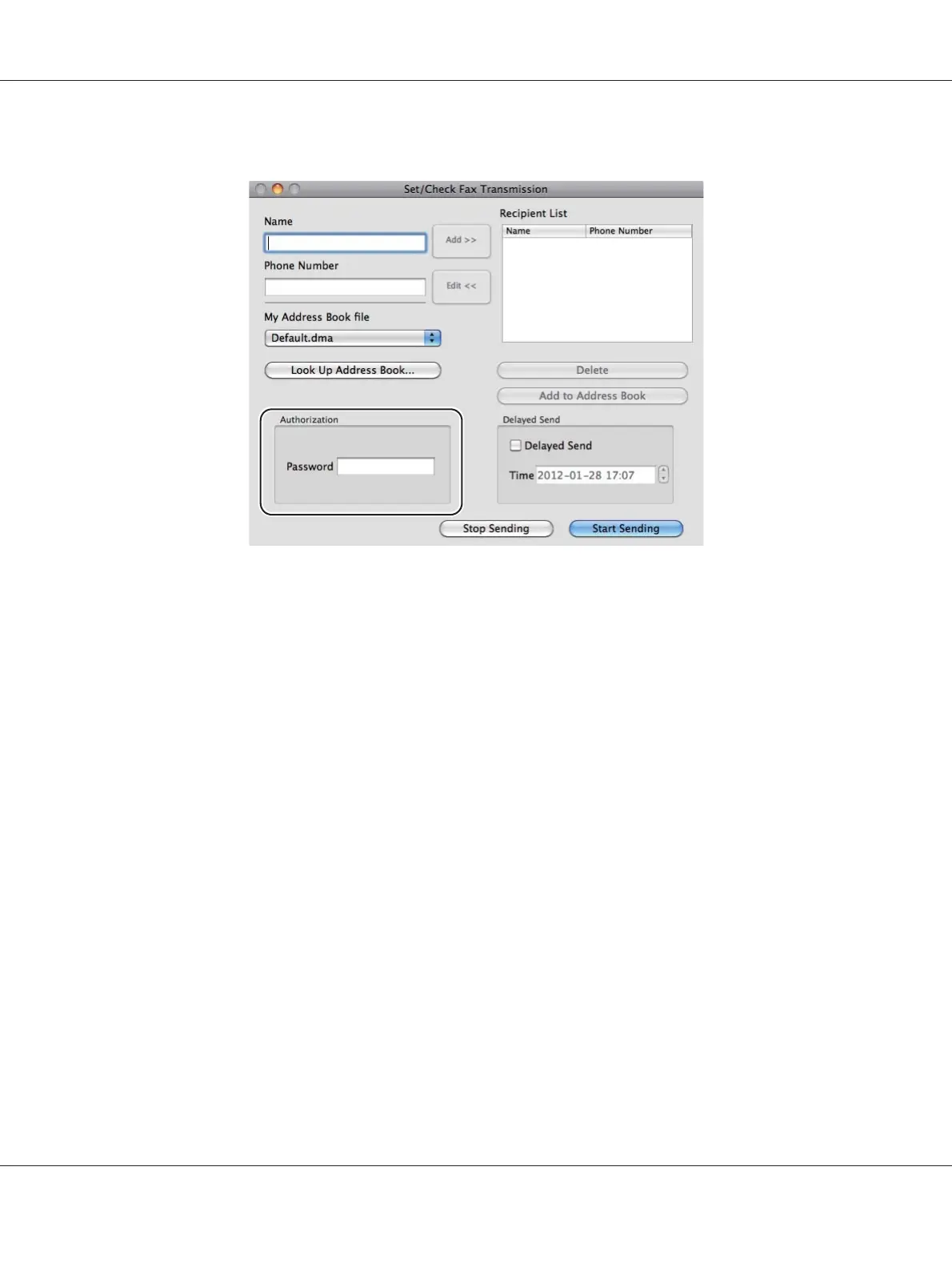
The Set/Check Fax Transmission dialog box appears.
5. Specify the destination for the recipient in one of the following ways:
❏ Specify a recipient directly.
a Enter a name and phone number directly.
b
Click Add.
OR
❏ Select a recipient from the Address Book saved on your computer.
a
Click Look Up Address Book.
The Refer To Address Book dialog box appears.
b
Select a recipient and then click Add.
c
Click OK.
Note:
When the Fax service is locked with a password, enter the password in the Password box under
Authorization.
AL-MX200 Series User’s Guide
Faxing 237















 To Next Page