990DSL
Users Guide
3-18
2. Press D(
System Setups). Press L.
The
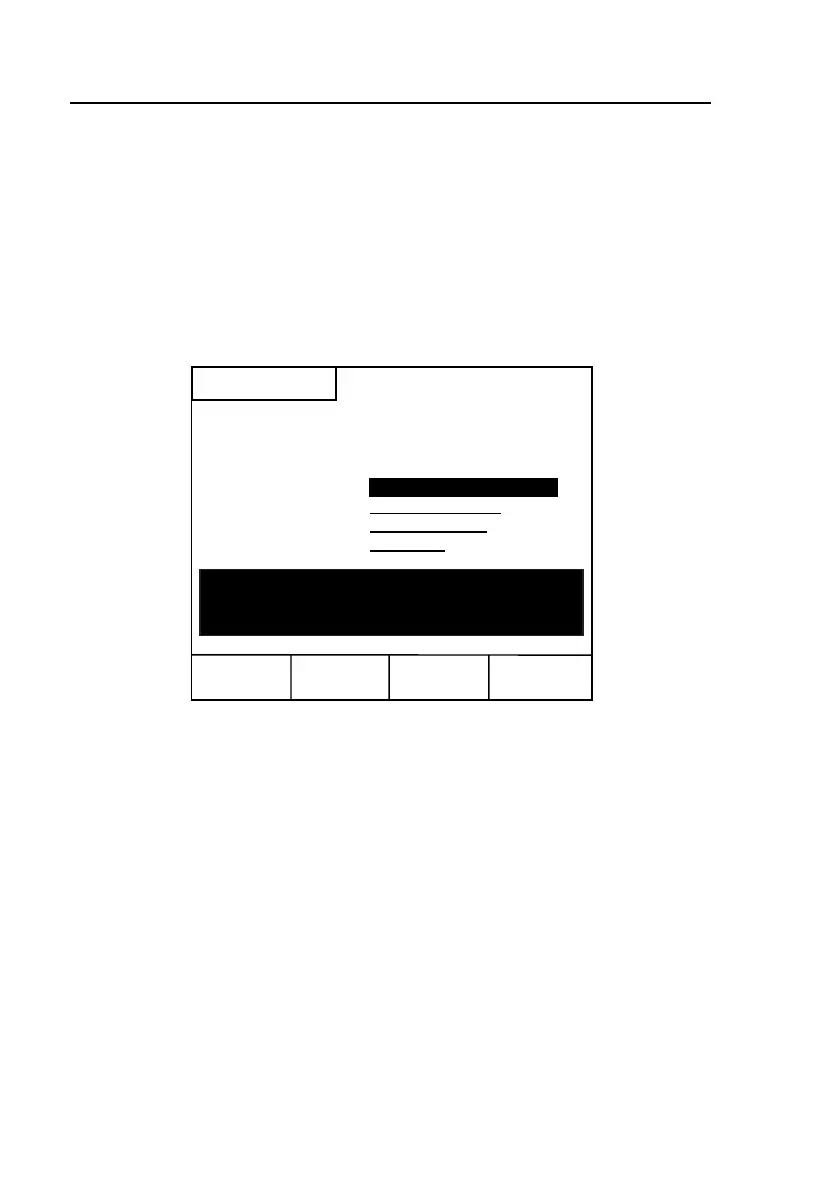
System Setups screen (Figure 3-5) is displayed. This screen has four
parameters. The cursor is positioned on
Operator Name.
Note
The information you supply for each parameter on this screen can be
up to 30 alphanumeric characters long.
System Setups
Operator Name -
Wire Center - FLEETWOOD CO
Location - 2144 Adams St.
Job Number - 1021-4443
Edit
Include
All
List Wire
Centers
To include Operator Name, Location, & Job
Number in Saved Test Results Header, press
"Include All" below :
acy09s.eps
Figure 3-5. System Setups Screen
3. To supply an operator name, press A(Edit). In the Operator Name field,
type the name. When you finish, press L.
Note
Consult Table 3-2 for assistance with operating the tester in the Edit
mode.



 To Next Page