TX1310 M3 Upgrade and Maintenance Manual 47
Basic hardware procedures
4.4.2 Extending the HDD cage out of the chassis
I Depending on accessibility, it may be required to pull out the HDD cage
for maintenance purposes.
I If it is necessary to get access to the HDD3 and HDD4, proceed the
following steps:
Ê Remove the side cover, see section "Removing the side cover" on
page 46.
Ê Remove the HDD cage cover.
Ê Remove the HDD cage door.
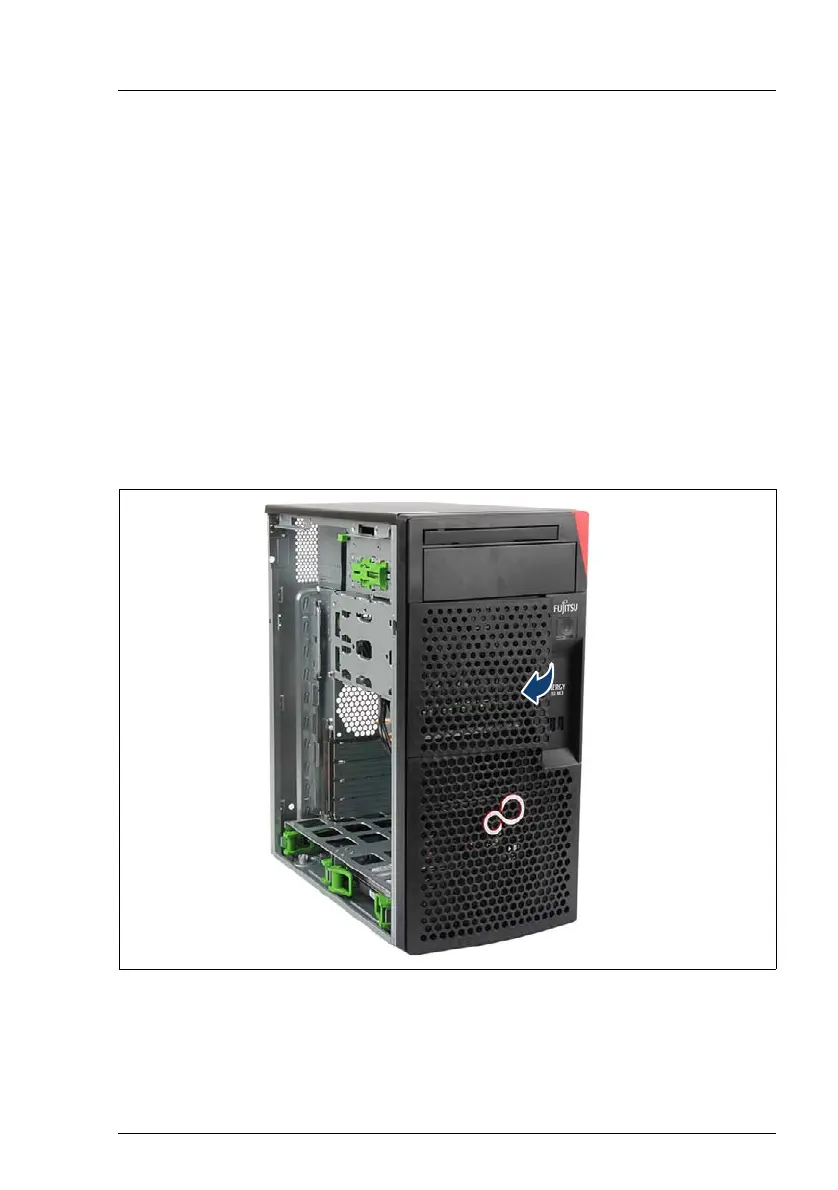
Removing the HDD cage cover
Figure 5: Removing the HDD cage cover
Ê Remove the HDD cage cover by pulling it backwards beginning at its right
side.



 To Next Page
 Loading...