MDS 05-6632A01, Rev. F MDS Orbit MCR/ECR Technical Manual 151
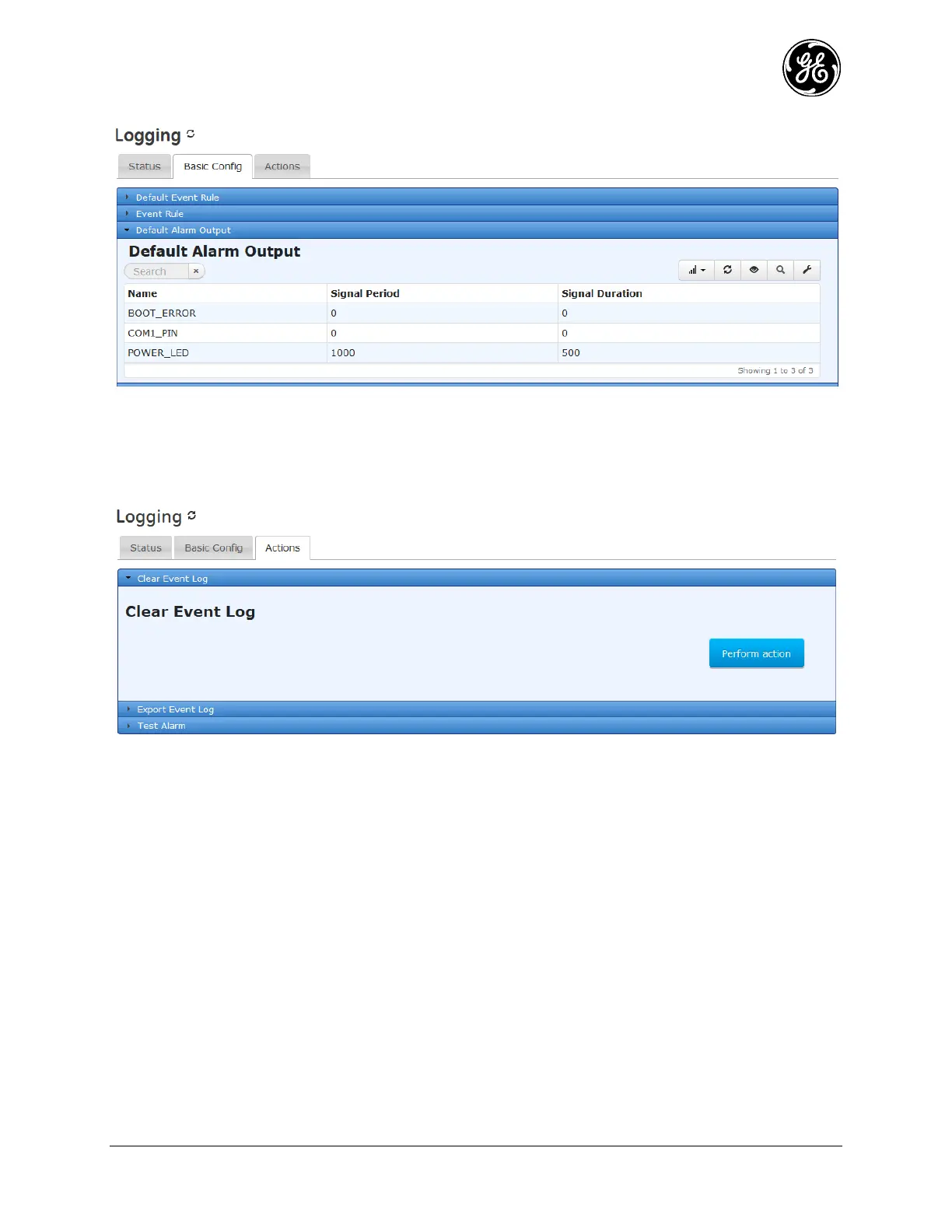
From the Web UI at Logging ---> Basic Config scroll down to Default Alarm Output.
Modification of the alarm behavior can be adjusted adding entries to the Default Alarm Output table.
Clearing the Event Log
The user may explicitly clear the event log. To clear the event log, navigate to Logging ---> Actions /
Clear Event Log and click on the Perform Action button.
Figure 3-73. Clear Event Log
The following example shows how to clear the event log from the CLI:
> request logging clear-event-log
Exporting the Event Log
The following example shows how to have the device generate an exportable event log and download that
log to a local file through the web browser.
Navigate to Logging ---> Actions / Export Event Log
Click on the Begin Generating button once the file destination is configured.



 To Next Page
 Loading...
