216 MDS Orbit MCR/ECR Technical Manual MDS 05-6632A01, Rev. F
Example
The following example describes the step-by-step configuration of example input and output filters that
can be applied to cellular interface of the MCR. Since the cellular interface is connected to public cellular
network, which is inherently an untrusted network, the cellular interface can be considered untrusted as
well. Therefore, this example permits all outgoing cellular traffic, but restricts incoming traffic. Incoming
IPsec tunnel traffic is allowed, as are UDP services DNS, NTP, and IKE (to allow IPsec connection
setup). Incoming TCP services SSH and NETCONF are also permitted to allow management of the MCR
via the cellular interface. All other incoming traffic is denied.
Using the Access Control List Wizard
The Access Control List Wizard is the web UI’s simplest way to create, delete, and manage packet
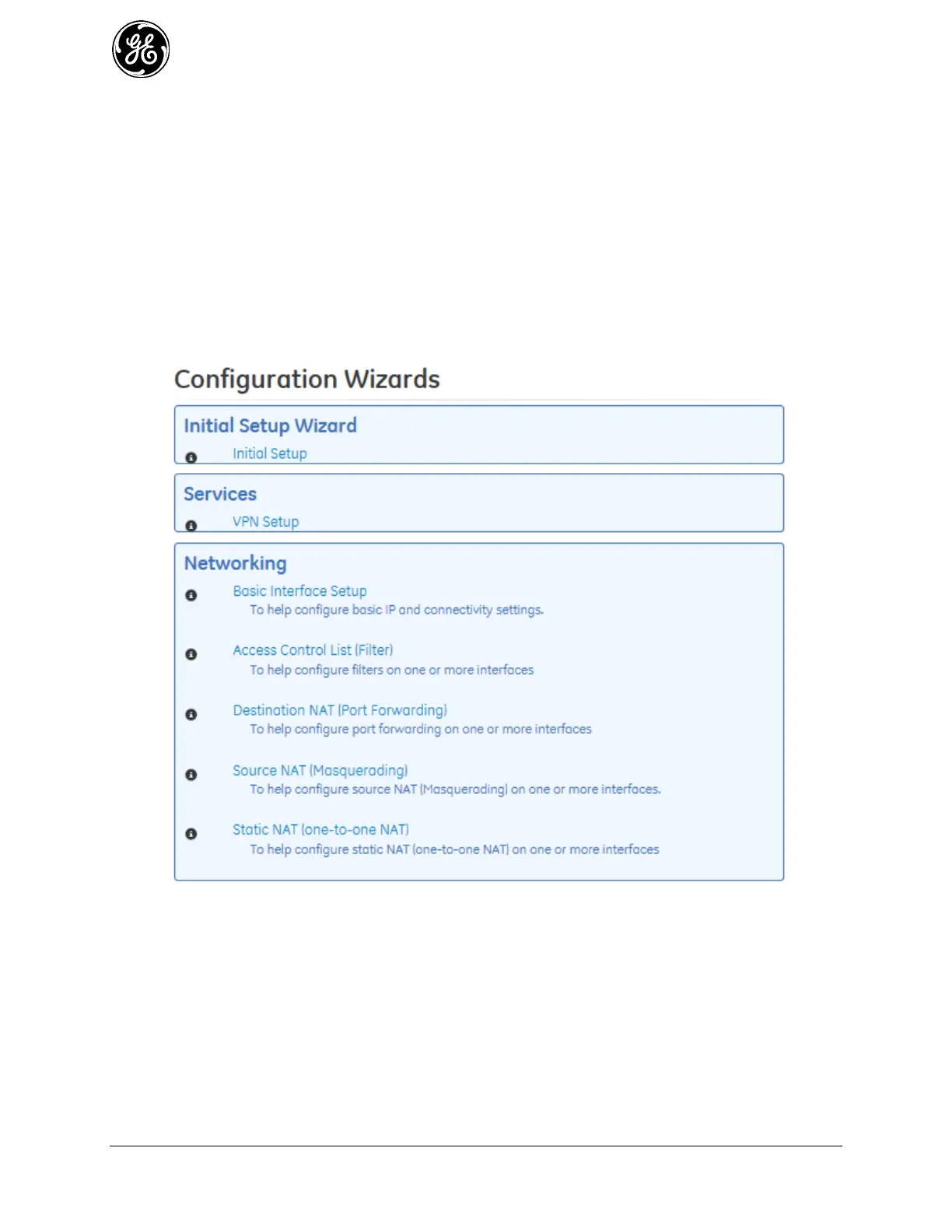
filtering rules. First, navigate to Wizards and click Access Control List (Filter) from either the
navigation bar or the main Wizards page.
Figure 3-123. Wizards List
The Access Control List Wizard Introduction page appears. Click Next to continue.



 To Next Page
 Loading...
