RDS Toolbox (arms only)
H000002007-RDS User Manual │Version 5.0.0 (2018-09-17) │104
Ribbon
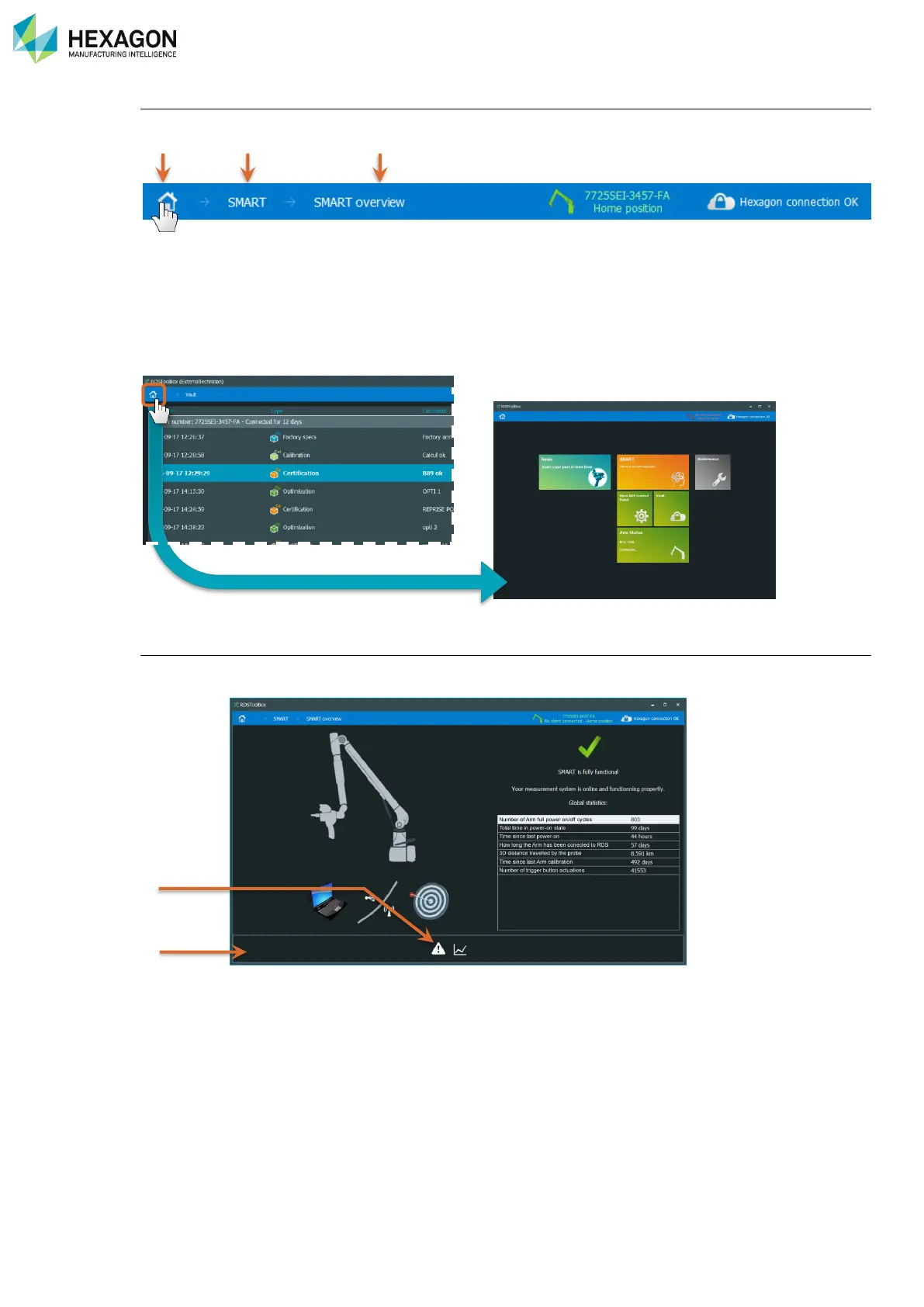
On the top of the screen, the current menu is displayed.
a. Home: Returns to the home panel (no ribbon choice)
b. Menu levels
c. Current panel: Simply remind the current menu (no ribbon choice)
Click on Home to display the home panel and use the tiles.
To go back to the main panel, simply click on the Home button
Action line
On most of the panels, is located a band that contains the action buttons. RDS Toolbox automatically shows
the useful buttons.
a. Action buttons
b. Action line



 To Next Page