RDS Toolbox Vault – secured area
H000002007-RDS User Manual │Version 5.0.0 (2018-09-17) │137
I.9.2 HOW TO … GET A PACKAGE FILE
In a standard way (computer connected to internet), when a package is created, it is immediately uploaded
to the HEXAGON Server, and becomes available for a service aim.
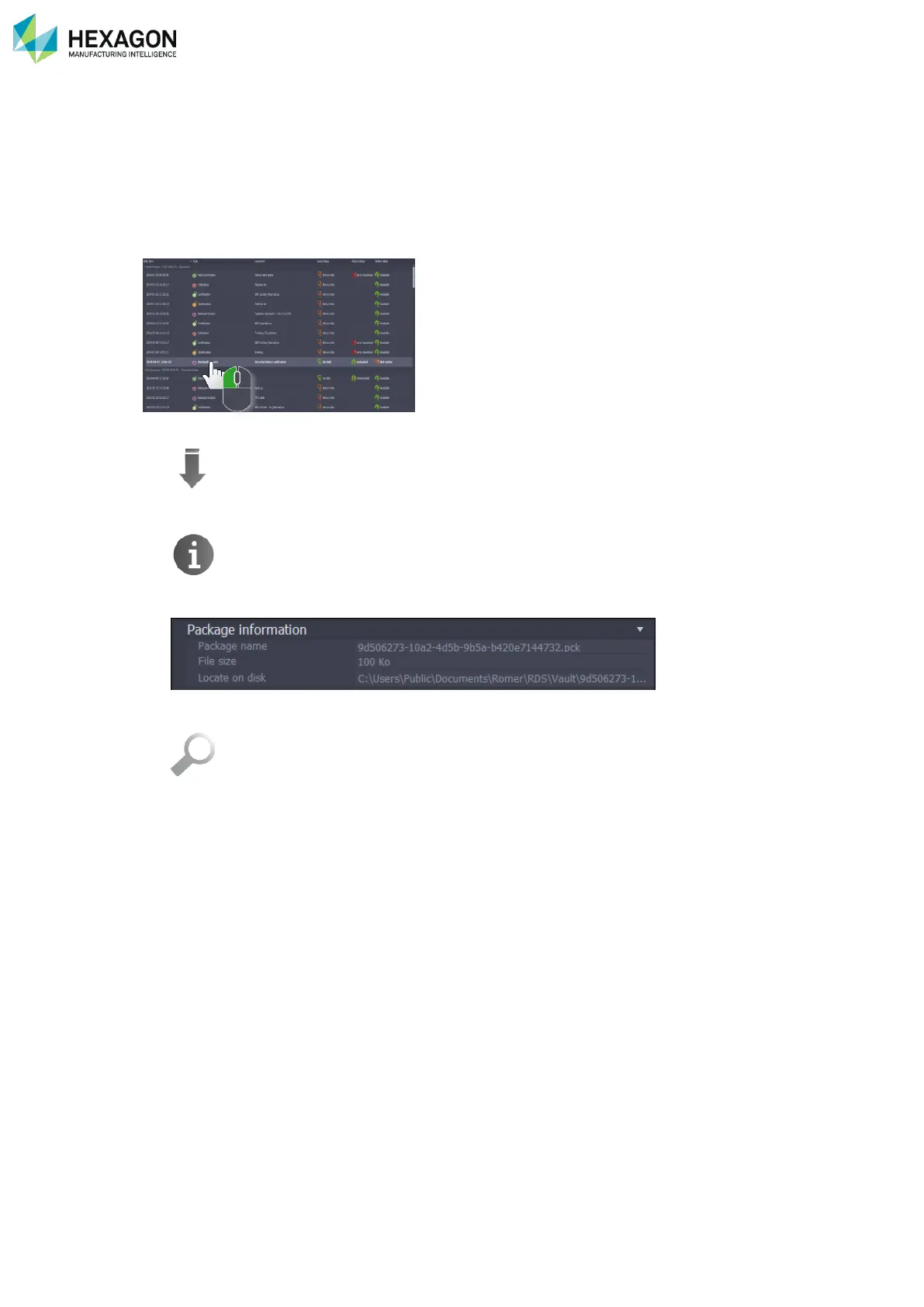
In case the computer cannot be connected to internet, the package can be got back as a file, to be sent to
a Service Centre by E-Mail.
1. Select the package.
2. Download it.
3. Use the Information action button.
4. In the information window, notice the package identification name.
5. Select the line “Locate on disk” and click on the magnifying glass.
6. In the opened browse window, select the package with its identification name and copy it on a
removable support.



 To Next Page