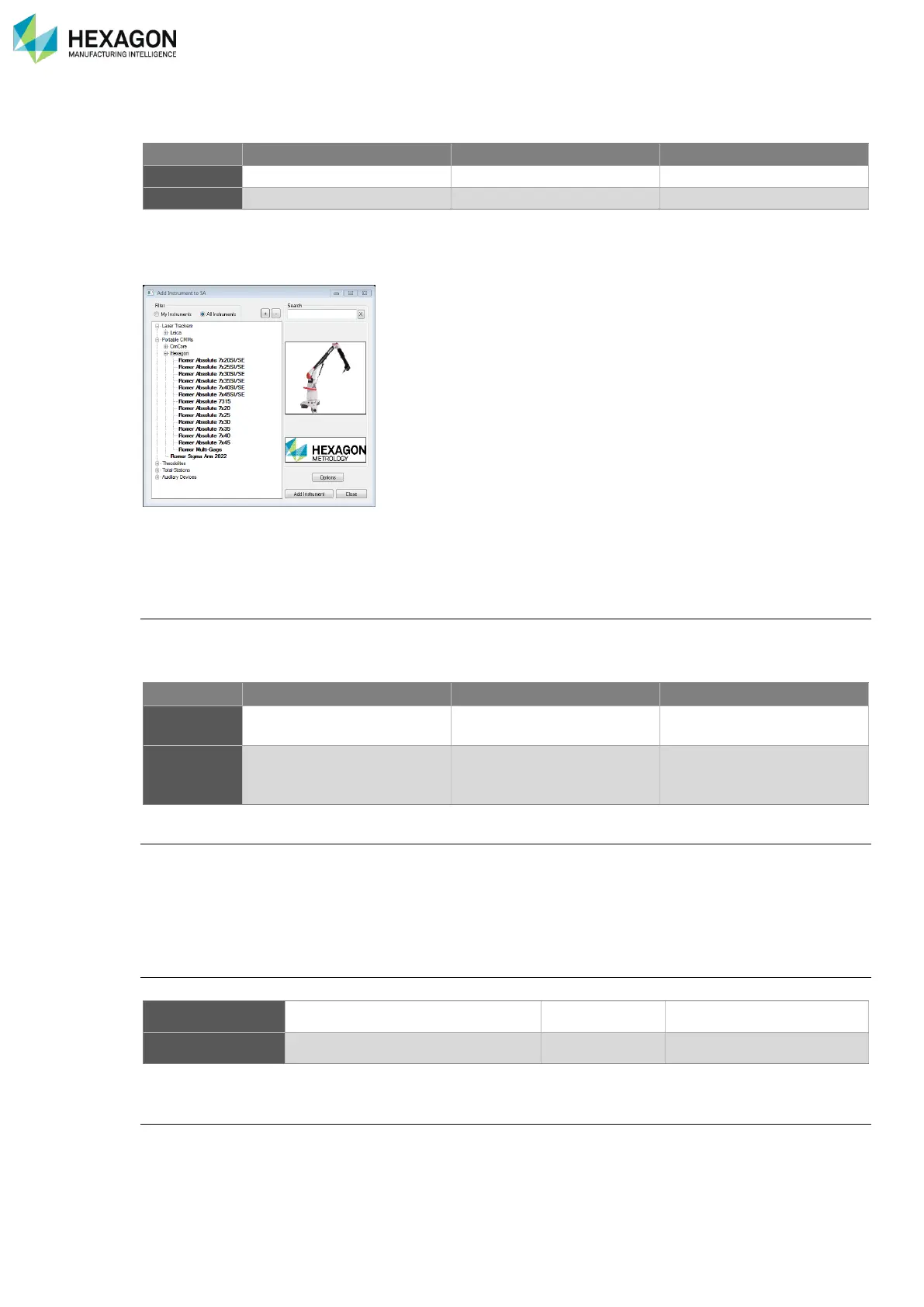
Once SA is installed, access “Instrument > Add” and select the appropriate device.
M.1.5 QUINDOS7
Configuration for probing
Upon Quindos/IppServer-startup the configuration menu is shown for arm settings, (for example the
speaker volume). To make the new settings effective, press the SAVE-button and exit the configuration
menu.
Probing scan
Only scanning of unknown contours is currently implemented.
The result points are sent to Quindos at the end of the scan or when a certain amount of points is measured
Scanning ends when a point is reached that fulfils the stop condition
Scanning also ends, when the red (main) button is released. This feature can be switched on and off with
the registry entry “EndScanOnButtonUp” in the “Driver”-section of the working environment.
Probe naming:
The probe names in Quindos and RDS will differ due to different naming conventions:
(The name conversion is automatic)
Probe alignment:
If the realignment of one probe is needed, the user can execute the Quindos command ReQualifyTool; for
detailed usage of the command, please see the Quindos user manual.
Please avoid renaming of probes during alignment. Use the predefined names!



 To Next Page