Appendix
H000002007-RDS User Manual │Version 5.0.0 (2018-09-17) │198
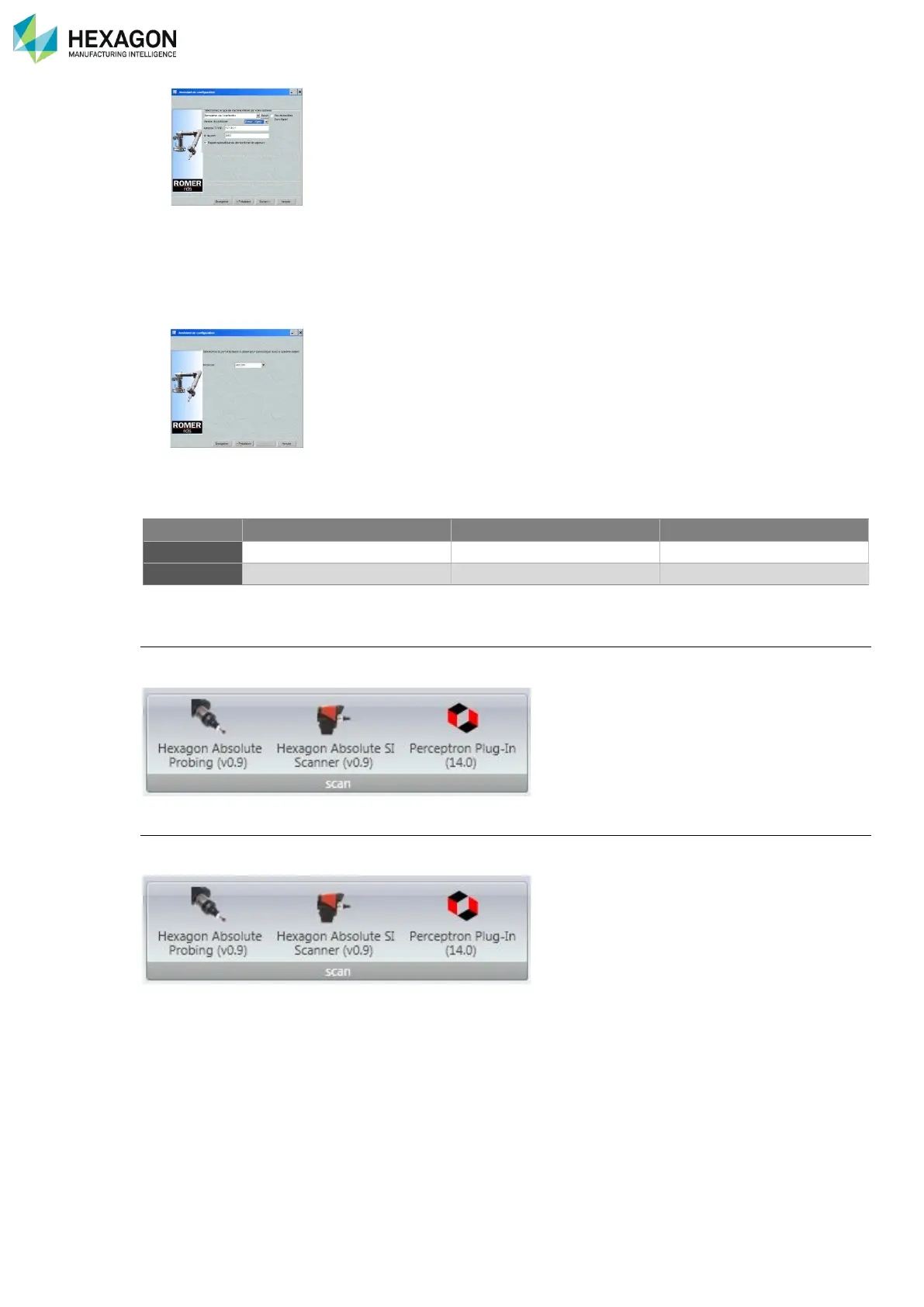
4. On same window, for Protocol version, choose “ROMER RDS”.
5. Tick “Automatically recall last probes file” then click on “Next”.
6. Finish the configuration by clicking on “Save”
M.1.13 GEOMAGIC
Configuration for probing or HEXAGON
®
scanners
After Geomagic installation, install “Absolute Probing” and “Absolute Scanning” plug-ins
In Qualify or Studio, «material” tab, select “Hexagon Absolute Probing” or “Hexagon Absolute Scanning”
Configuration for Perceptron
After Geomagic installation, run “Perceptron SetUp.exe” plug-ins installation.
In Qualify or Studio, «material” tab, select “Perceptron Plug-ins:



 To Next Page