RDS Toolbox Maintenance
H000002007-RDS User Manual │Version 5.0.0 (2018-09-17) │169
K.1.2 FIND A PROBE
To find easily the correct probe, RDS Toolbox provides several options:
Use the Search box (Ctrl+F)
This tool permits to reduce the list of probes with a research text.
Simply enter a part of the Name or the Part Number in the search box.
The list is automatically reduced to the search criteria.
: Cancels the text filter
Use the filters on the Probes tiles.
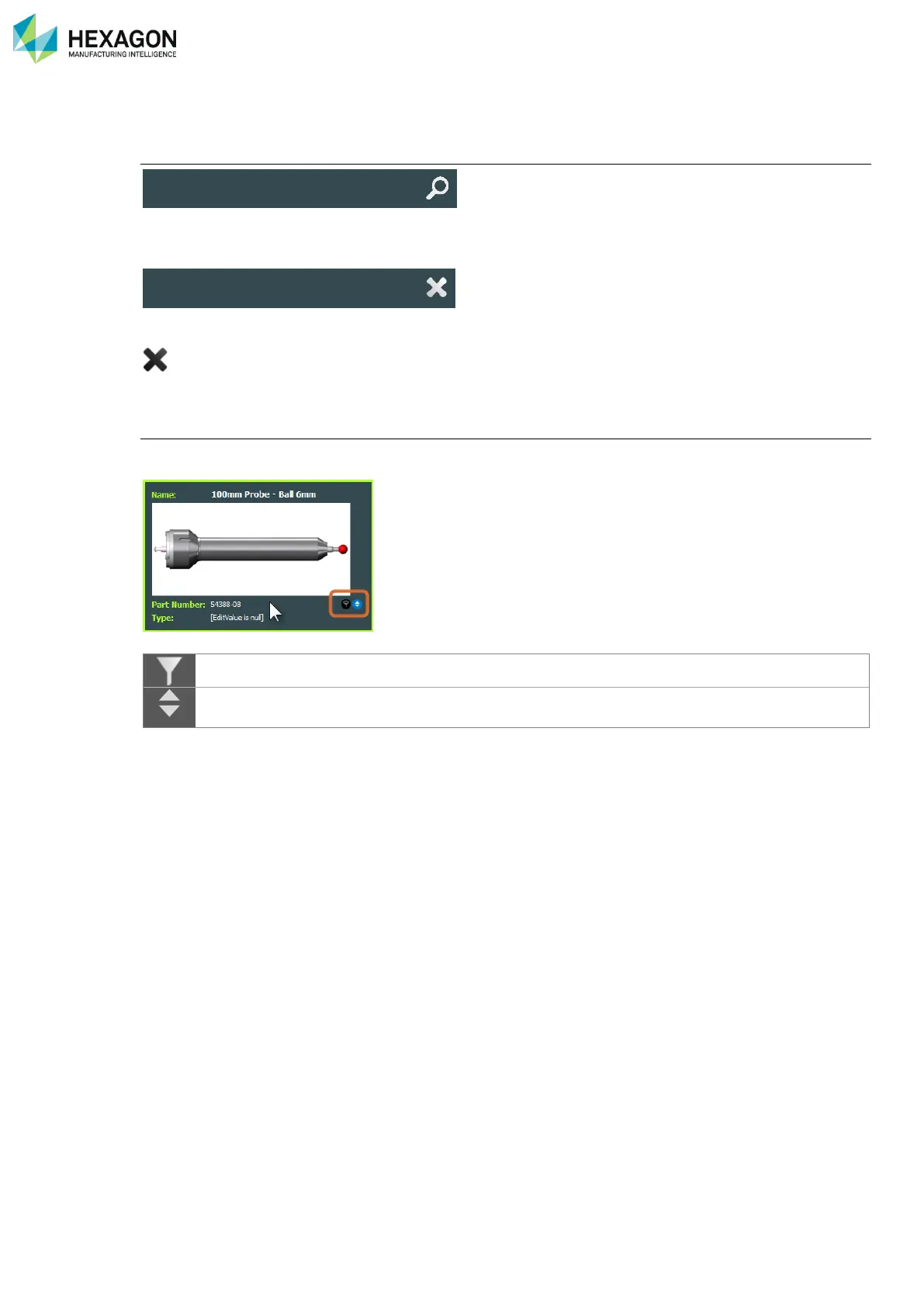
For each of the details on the probes tiles, tools are available to filter or sort the list by the selected detail:
Move the pointer over one detail, two symbols appear:
Click on it to reduce the list of probes to the selected type of detail.
Click on it to sort the list of probes by the selected type of detail (increasing).
Click a second time to reverse the order (decreasing)



 To Next Page