SMART
H000002007-RDS User Manual │Version 5.0.0 (2018-09-17) │142
J.3.2 LOCAL AND DISTANT ARM - DATABASE MODE
To survey a local arm (connected or Off-line) at a previous period than the available dataset, it is possible
to use SMART packages.
By the same way as local arms, it is possible to survey a distant arm that has never been connected to the
computer, by adding it in the Vault list and downloading SMART Data set packages (Technician profile
only).
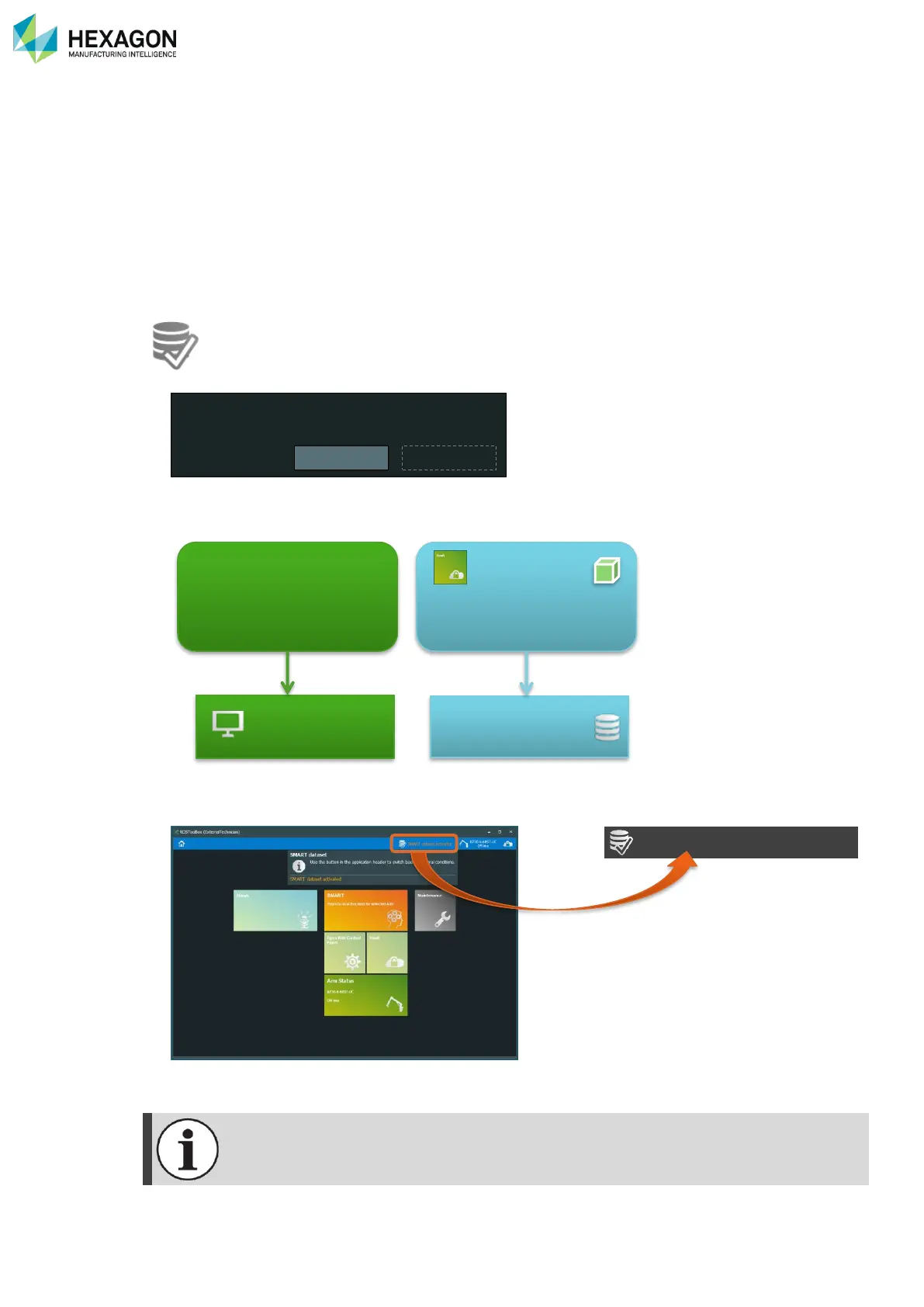
All the SMART Data set packages are used through a separate “Database mode”: RDS Toolbox switches
from the standard “Live” mode to a SMART Package Database.
By using the Database Mode, all the SMART Data Set Packages “On Disk” can be surveyed.
1. Simply select the SMART Data Set Package and click on “Use database”.
2. A prompt is asking you for confirming the use of the selected database: answer “Yes”
3. Then RDS Toolbox switches into ta “Database Mode”: RDS Toolbox doesn’t use anymore the local
memory, but only the database coming from the SMART Data set package.
4. Then a “SMART dataset activated” notification appears beside the arm selection. Press on it to return
to the standard mode.
In the Database mode, only the SMART functions are available. Switch back to the standard
local mode to enable the other tiles.



 To Next Page