EasyManua.ls Logo

Hexagon RDS - RDS Toolbox Notifications

Hexagon RDS
208 pages
Print Icon
To Next Page IconTo Next Page
To Previous Page IconTo Previous Page
Loading...
RDS Toolbox (arms only)
H000002007-RDS User Manual Version 5.0.0 (2018-09-17) 105
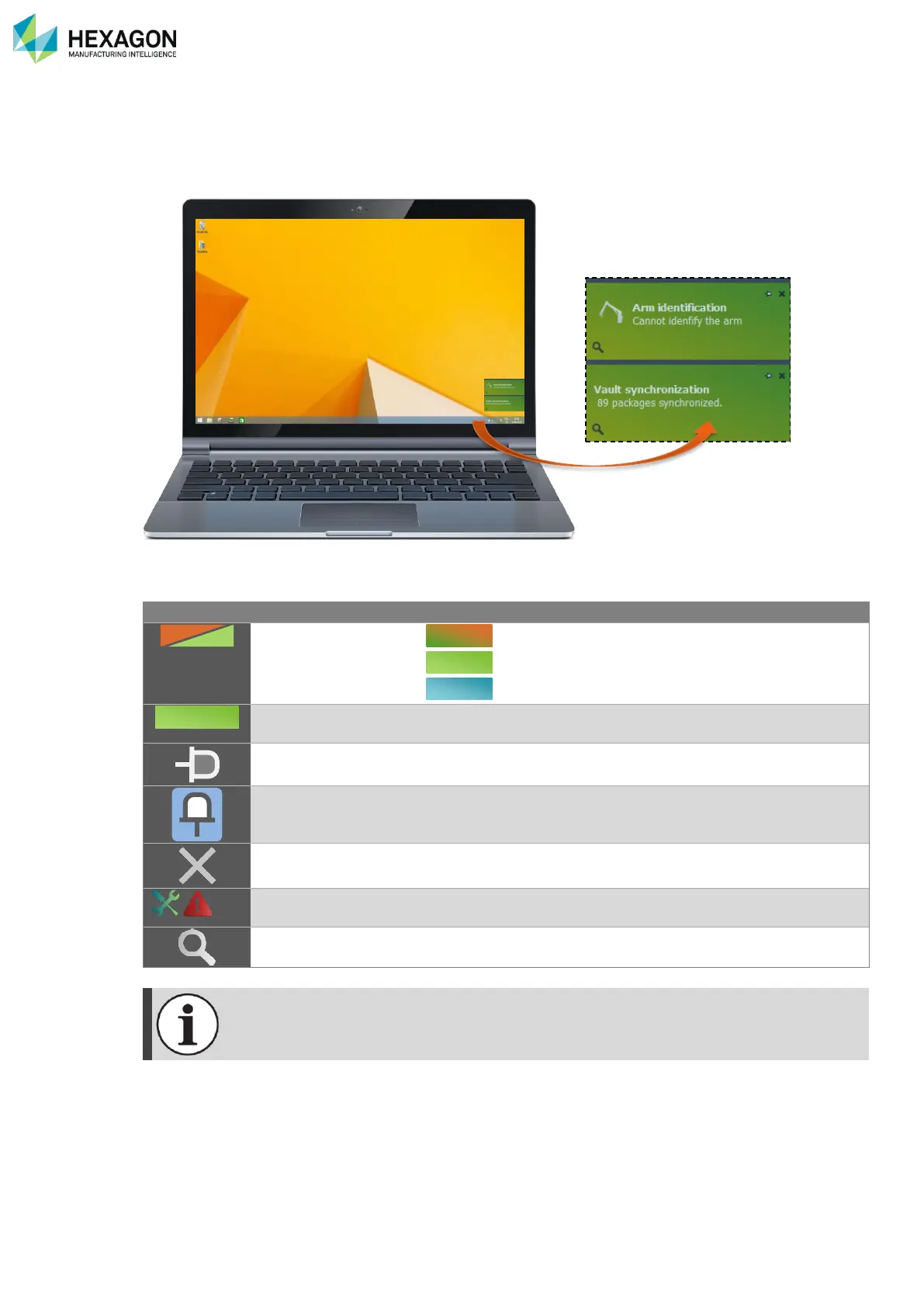
F.2.3 RDS TOOLBOX NOTIFICATIONS
One aspect of RDS Toolbox is to keep the user informed. This can concern warnings about the status of
the arm or information about Hexagon Manufacturing Intelligence news, or new available accessory, or
software version, …
The notification is display for some seconds, after what it is automatically hidden.
The notifications can be displayed again after a while.
Topic
Colour of the
notification
SMART Alert notification
Information notification
News notification
Click on the text
Opens the notification in the appropriate Panel
Pin the notification
Pin the notification to keep it displayed (on the foreground) until
it is unpinned or until the user click on it to open in RDS Toolbox.

Unpin the notification
Unlock the notification and let it be hidden.
Close the notification
/ / …
Symbol of the
notification
According to the type of notification.
Details
Displays details in a window.
Alert and News notifications pop-up only if the connected arm is in rest position or if no arm
is connected.
Description of the
notification

Table of Contents

Related product manuals