SMART
H000002007-RDS User Manual │Version 5.0.0 (2018-09-17) │141
J.2 COMMUNICATION WITH THE HEXAGON SERVER
By default, when installing RDS, SMART establishes automatically the communication with the HEXAGON
Server, to send SMART data and receive news.
It is possible to deactivate this communication, as well as the popups. Refer to the RDS Control Panel
chapter D.4 SMART.
The whole SMART Data flow stored on the computer is uploaded automatically once a day, however, it is
possible to upload manually. Also, if the computer cannot be connected to internet, at the request of a
Hexagon Manufacturing Intelligence technician, it is possible to create a manual zip file that can be sent to
the Hexagon Manufacturing Intelligence Service Centre.
For the manual upload and zip file creation, please refer to chapter § Vault
J.3 ARM SELECTION: 2 POSSIBILITIES
J.3.1 LOCAL ARM - STANDARD MODE
By default, provides the survey of all the arms that have been connected to the computer. This is the
standard mode that uses the local memory.
Connected arm
RDS Toolbox collects SMART indicators and information any time an arm is connected to the computer.
All the previous SMART data in the memory of the arm are downloaded onto RDS Toolbox. Then, the data
are periodically synchronized with HEXAGON SERVER.
The SMART information from the currently connected arm is then directly accessible.
By default, SMART tile gives access to the current arm.
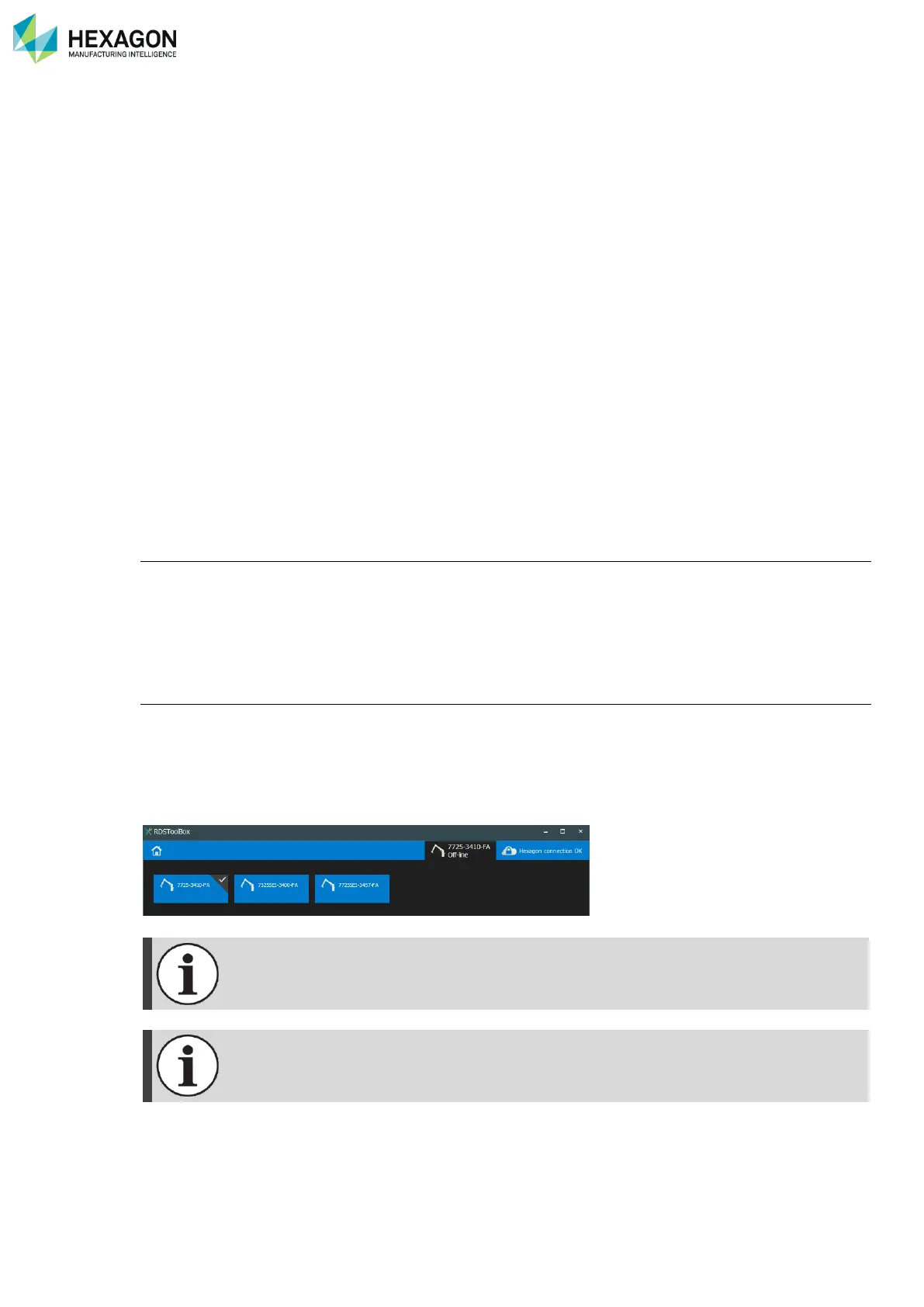
Off-line arms
As RDS Toolbox collects and keep in memory all the SMART indicators of each arm that has been
connected to the computer, it means that not only the currently connected arm can be surveyed, but also
all the previously connected arms.
In fact, there is no difference between the connected arm or an Off-line arm, both are local arms.
To select the arm to survey, use the Arm selection button on top right of the screen.



 To Next Page