RDS Toolbox (arms only)
H000002007-RDS User Manual │Version 5.0.0 (2018-09-17) │108
F.3 PANELS COMMON FEATURES
F.3.1 STATUS OF THE CONNECTION
To be able to synchronize the Vault packages and the news, RDS Toolbox needs to be connected to the
HEXAGON Portable Arms Server (“HEXAGON Server”). A simple standard internet connection is needed.
When the computer is not connected to internet, the SMART data and all the new Vault packages are
stored locally on the computer, to be synchronized as soon as the computer gets a connection.
Once the computer is connected to internet, RDS Toolbox automatically synchronize the Vault content
(packages up and down) and collects and displays any new publications.
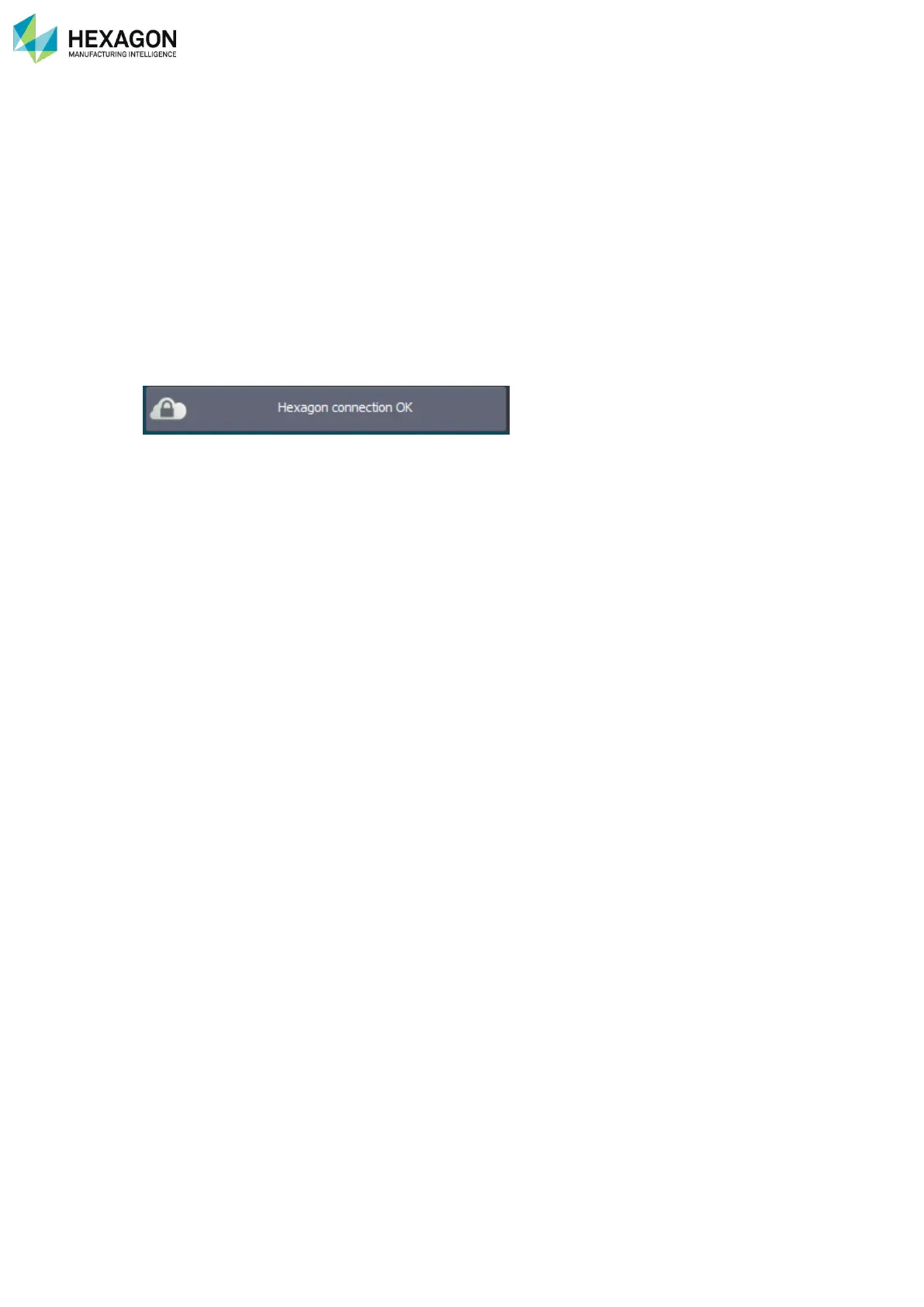
On the top right corner of RDS Toolbox, is shown the status of the connection to the HEXAGON Portable
Arms server.



 To Next Page