RDS Toolbox (arms only)
H000002007-RDS User Manual │Version 5.0.0 (2018-09-17) │103
F.2.2 MENUS NAVIGATION
Quick Navigation guide
Click on the Action line button
Go back to the upper level
Click on the Exit button on the Action line
Go back to the Home panel
Click on the Home button on the Ribbon
Use tiles
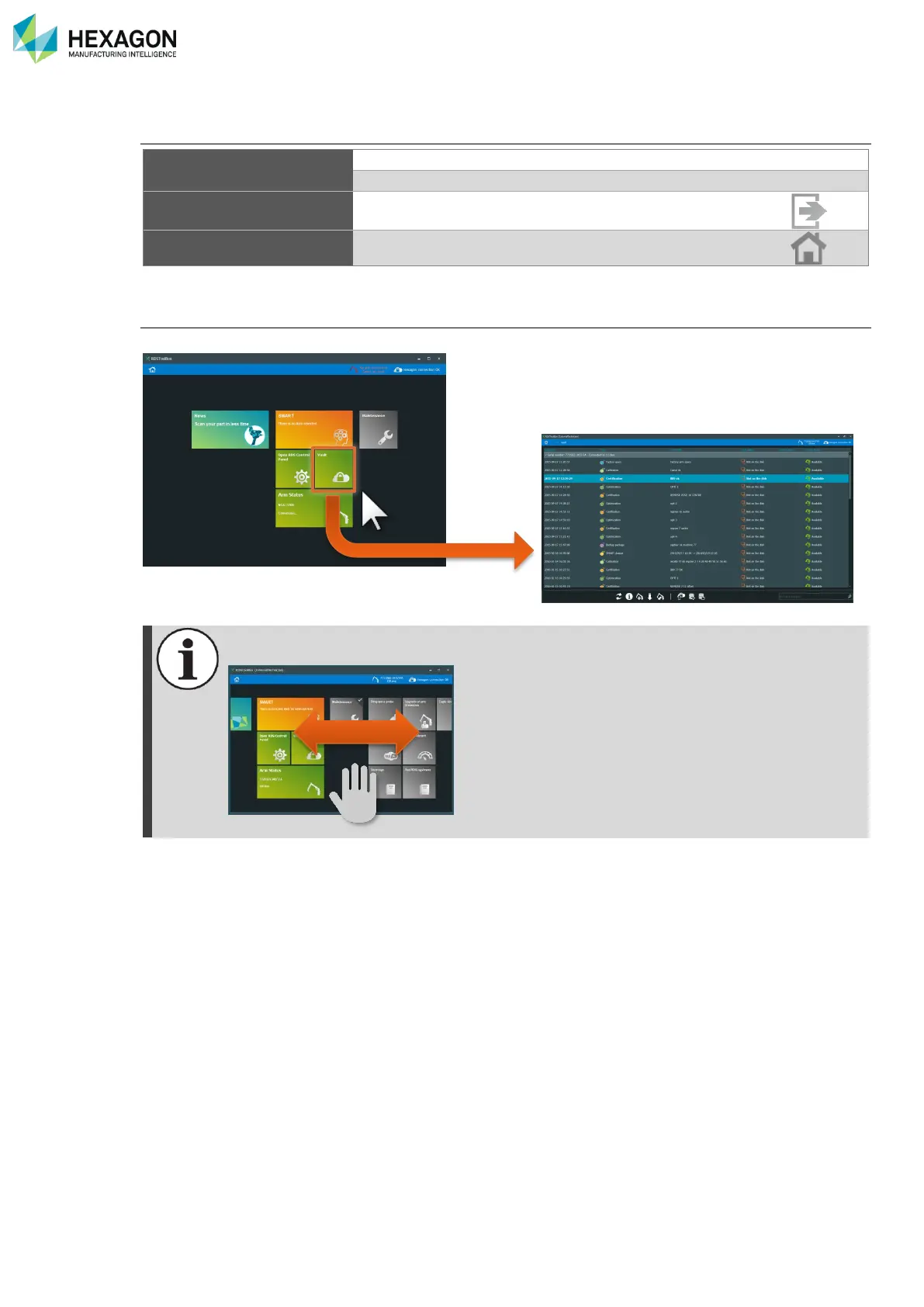
In RDS Toolbox, to open a panel, or activate a link, simply click on the desired Tile.
Depending on the resolution of the screen, RDS Toolbox panels may go over the screen. In
such case, shift the panel from right to left by dragging it with the mouse (click out of the tiles).



 To Next Page