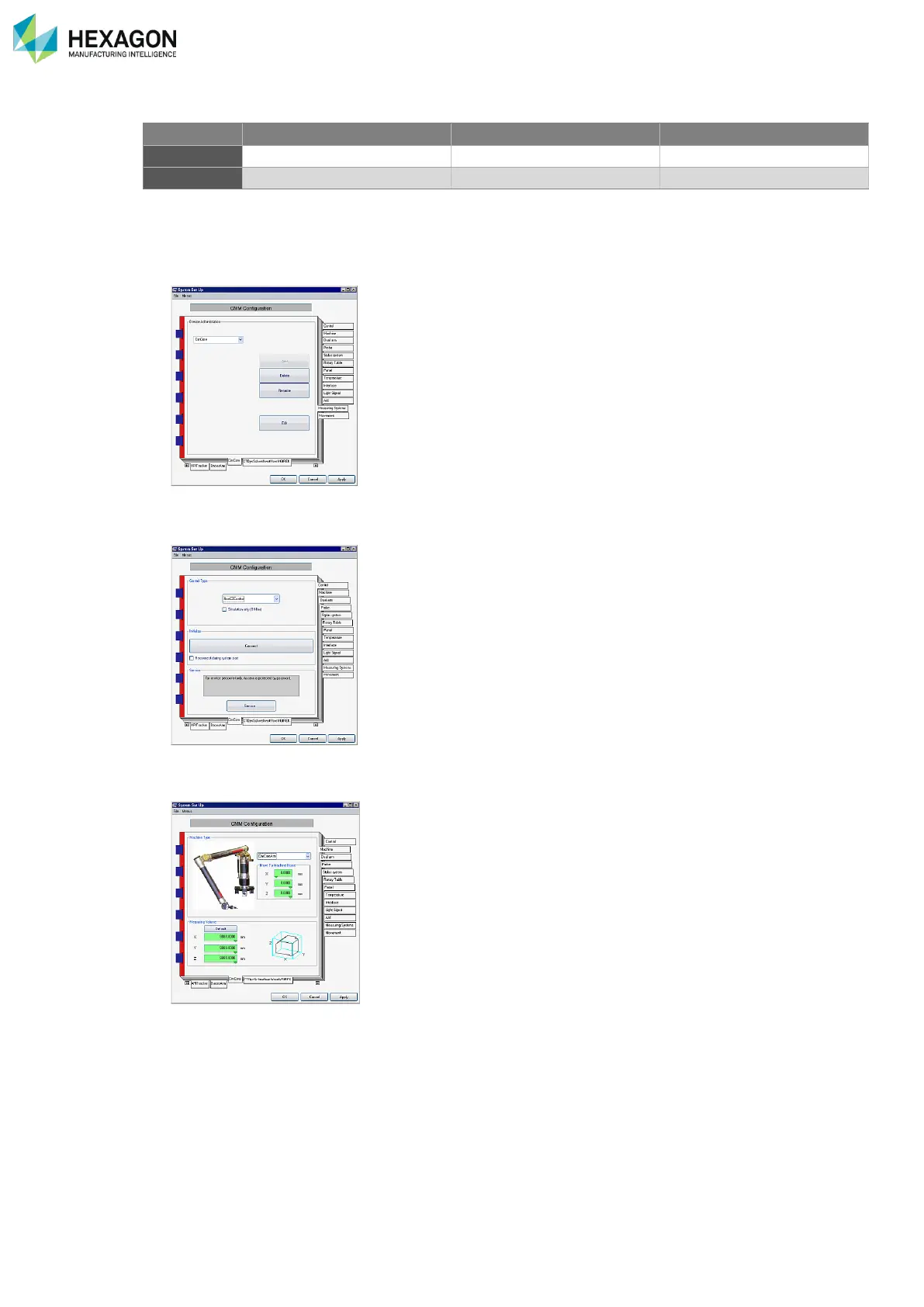
Always press the “Apply" button before switching to a different tab when you have made any changes.
1. To define a new CMM in the Administration tab create a new controller by typing a name and pressing
Enter and then clicking the Add button.
2. In the Control tab define the controller: Select NonCZControl from the Controller selection. Make sure
you have Simulation only (offline) unchecked.
3. In the Machine tab define the machine properties. Please select Non-CZControl
®
ROMERRDSArm
from the dropdown list. For more details see the Calypso User Guide.
4. In the Probe tab select PH FIX
®
TPxx as the probing system regardless of what probe you are actually
using (Solid probe or TP2).



 To Next Page