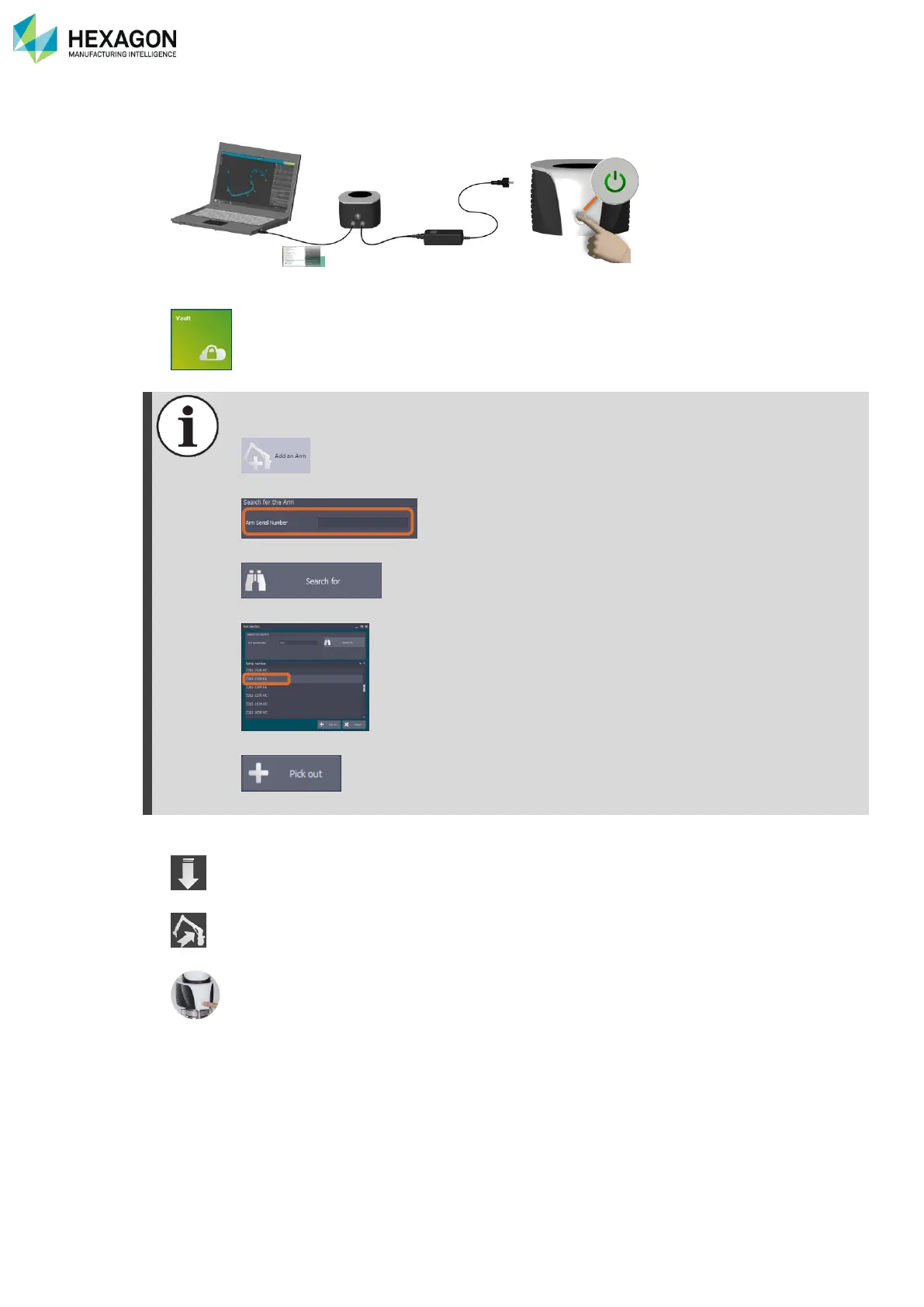
RDS Toolbox Vault – secured area
H000002007-RDS User Manual │Version 5.0.0 (2018-09-17) │139
I.9.4 HOW TO … RESTORE THE ARMDATA
1. Connect the arm to RDS through USB.
2. Open RDS Toolbox
3. Select “Vault”
4. In the list of packages, select the package to restore (Backup, Alignment, Certification)
If the arm is not present in the list, a Technician profile is necessary:
• Click on “Add An arm”
• Enter the serial number
• Click on “Search for”
• Select the wanted arm
• Click on “Pick out”



 To Next Page