Presentation - Installation
H000002007-RDS User Manual │Version 5.0.0 (2018-09-17) │9
A. PRESENTATION - INSTALLATION
A.1 WHAT IS RDS
RDS is the HEXAGON software package for the management of the HEXAGON Portable Measuring Arms
and Leica trackers (AT960) with Leica Absolute Scanners.
It is the interface between the measuring systems (Absolute Arm and Cimcore arms, ROMER and Tesa
Multi Gages, Leica AT960 with LAS, LAS-XL scanner) and all the application software.
RDS is required to operate the Absolute Arm, Cimcore CA7 arm and Multi Gages.
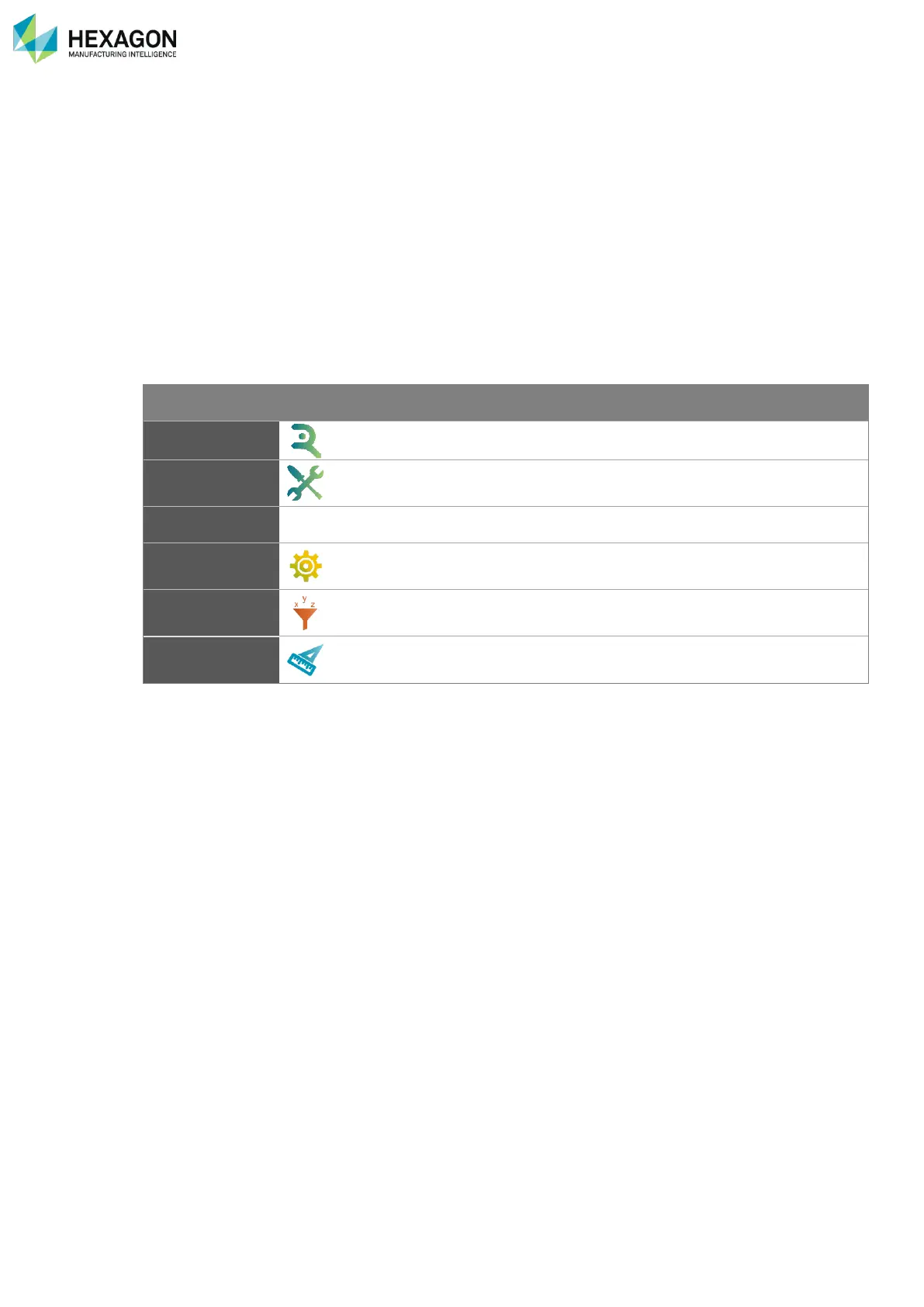
This server contains the drivers and contains utilities. The main components of RDS are:
Main door to all RDS tools. It also provides some quick tools.
Maintenance software for Alignment data synchronization to database, and
arm diagnosis
User’s interface to setup the machine.
Utility software for Alignments, verifications and accuracy diagnostics.
Utility to quickly measure basic dimensions.
In this manual are described RDS Agent, RDS Toolbox (Level1), RDS Control Panel, RDS Arm aid and
RDS Quick Measure.
RDS Data collector is explained in “RDS Data Collector Manual”
RDS Level 2 is explained in “RDS Technician Manual” (Technician profile only)
A.2 RDS LEVELS AND SECURITIES
There are different types of installations:
• Standard installation (End-User): standard installation for end-user profile (Level1).
• Calibration installation: only for technician profile (Level2).
Some functions are protected according to the RDS user level (see §B RDS user levels).



 To Next Page