RDS User Profiles
H000002007-RDS User Manual │Version 5.0.0 (2018-09-17) │22
B. RDS USER PROFILES
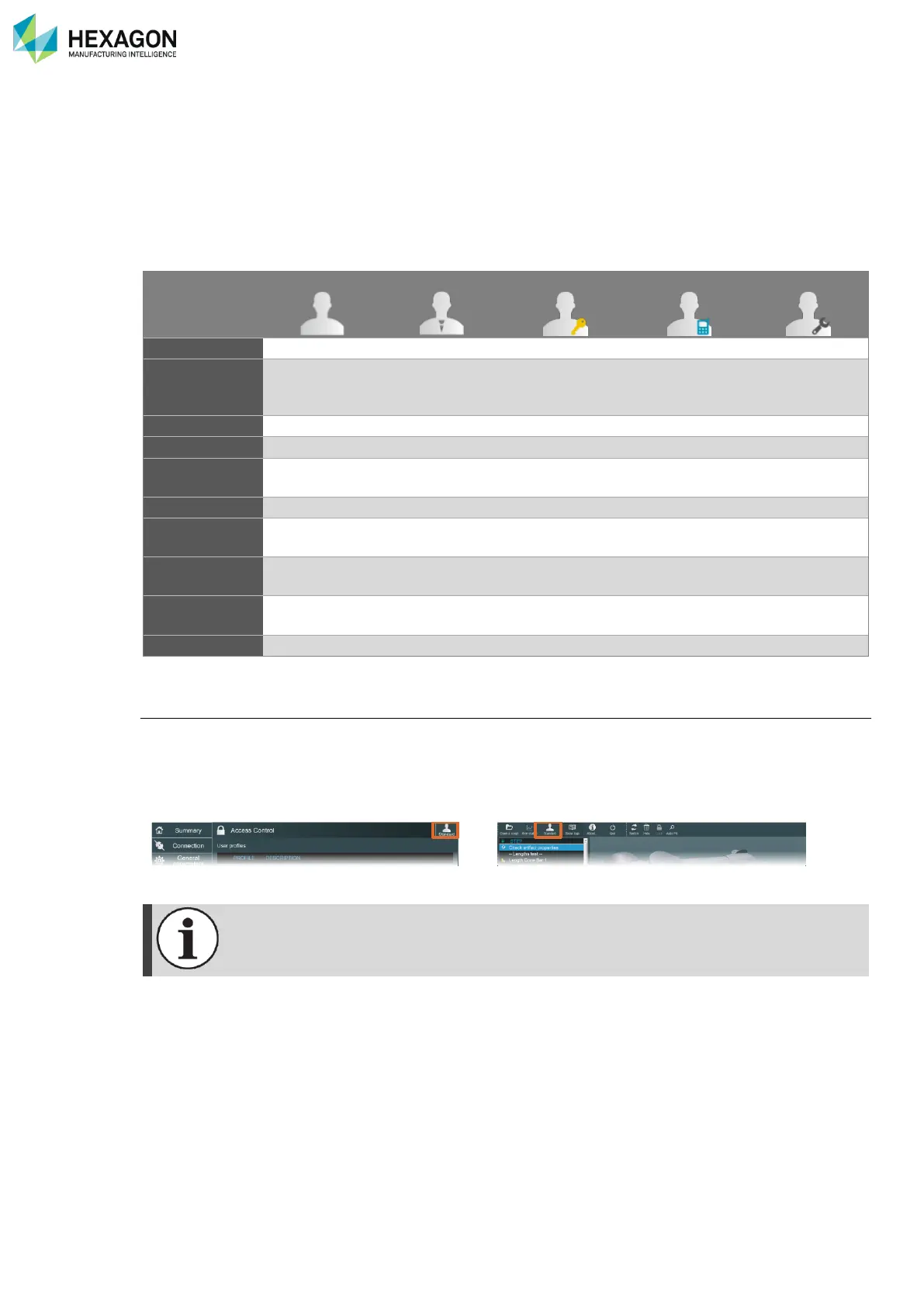
Different profiles exist to use RDS; according to the selected profile, functions may be available or not. This
provides security on the configuration of the system.
According to the user profile, the prohibited functions or settings may concern advanced settings, Alignment
operations (in RDS Data Collector), and any function which could result on a risk of wrong measurements,
or potential damage on the system.
5 levels of profiles are defined, respectively protectable or protected with a password or with a feature code.
Activate an End-User profile
Standard user is the default profile.
RDS always starts with the default profile. When the user switches to another profile, this new selection
remains active until a new selection is done or until RDS is restarted.
The selection of a User profile can be done indifferently in RDS Control Panel or in RDS Data Collector.
As soon as a Feature code is activated (and valid), then the corresponding profile (Support
or Service) becomes the default one.



 To Next Page