SMART
H000002007-RDS User Manual │Version 5.0.0 (2018-09-17) │144
J.4.1 SMART COMPONENTS GRAPHIC VIEW
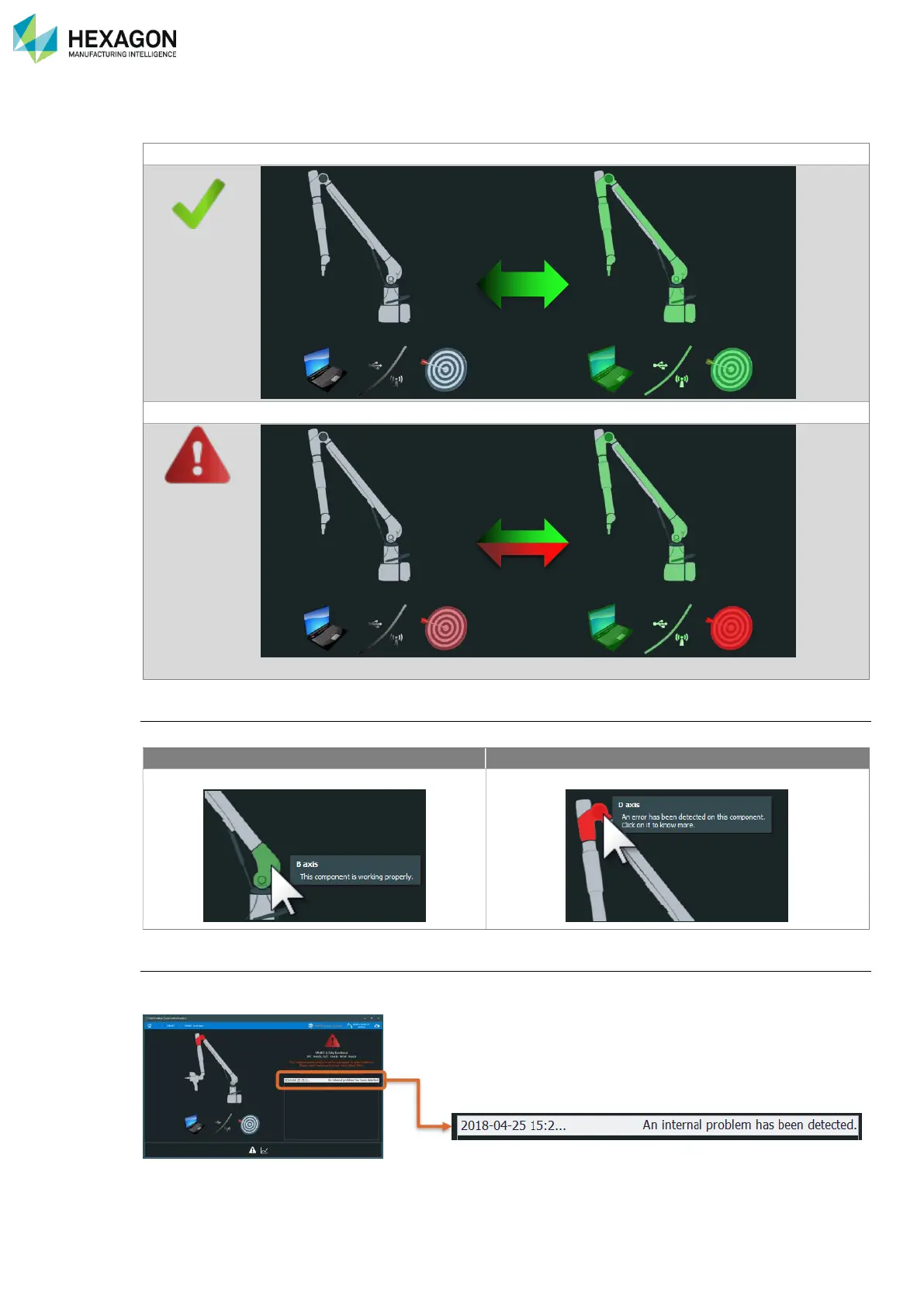
The graphic view of the arm and accessories allows quickly locating an issue on one component.
In a normal situation without any alert, each component is slowly flashing green.
If RDS Toolbox gets a SMART alert from the system, the concerned component is shown red
In the present case, 1 warning is shown: the Target (=accuracy).
By pointing the component
The description of the component and its status are displayed on it
Component is working properly
Component presents an alert
By clicking on a component
Some statistics (for green components) or the alert(s) (for red components) related to the component are
displayed in the statistics area.



 To Next Page