RDS Toolbox Vault – secured area
H000002007-RDS User Manual │Version 5.0.0 (2018-09-17) │131
I.6.1 DISPLAY THE INFORMATION – GET THE PACKAGE
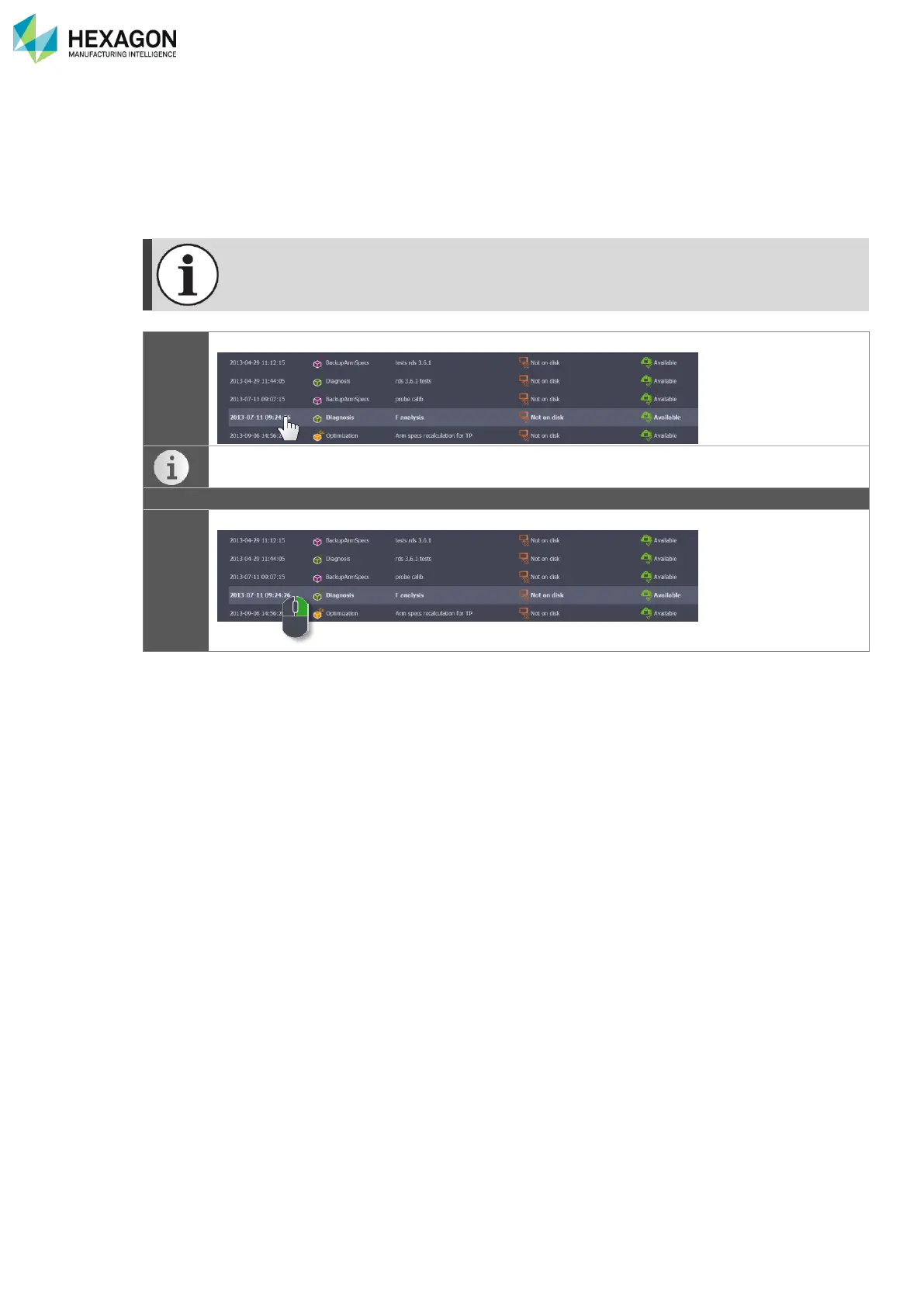
RDS Toolbox can display the information of any package in the vault, whatever it is “On disk” or not.
Moreover, for the “On Disk” packages, a button gives a direct access to the location folder of the packages
files, so that it is possible to get back the package file and send it by E-Mail in case the computer cannot
be connected to internet.



 To Next Page