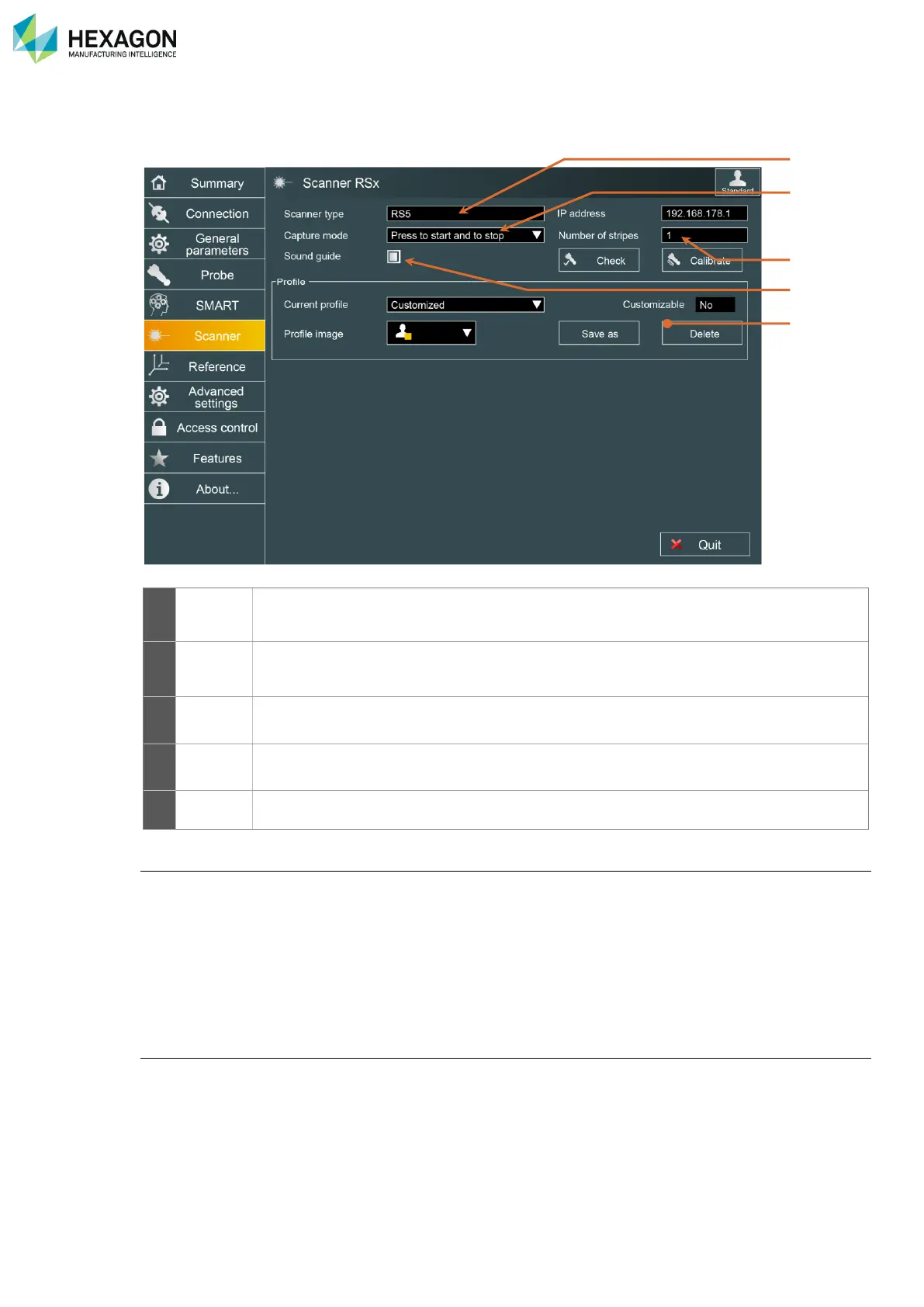
Shows the type of scanner (RSx, HP-L-20.8, HP-L-8.9, CMS108, LAS, LAS-XL)
Capture mode
The capture mode defines the way to start and stop digitizing:
• “Press Button once to start and stop”: the button of the arm is used as a switch: one simple press-and-
release to start digitizing, another one to stop.
• “Capture while button is pressed”: press and hold the button to start and continue digitizing, release the
button to stop.
• “Capture n not empty stripes” (Service user profile only): press the button to start digitizing, then RDS
automatically stops when the defined number of stripes (“Number of Stripes” parameter) is reached.
Depth sound
While digitizing, a sound can be emitted from the arm, giving information about the distance between the
scanner and the surface to scan: when this option is activated, the closest the scanner is to the surface,
the higher the sound frequency is, and no sound is emitted if the scanner is out of the scanning window.



 To Next Page