RDS Toolbox Maintenance
H000002007-RDS User Manual │Version 5.0.0 (2018-09-17) │167
K.1 PROGRAM A PROBE
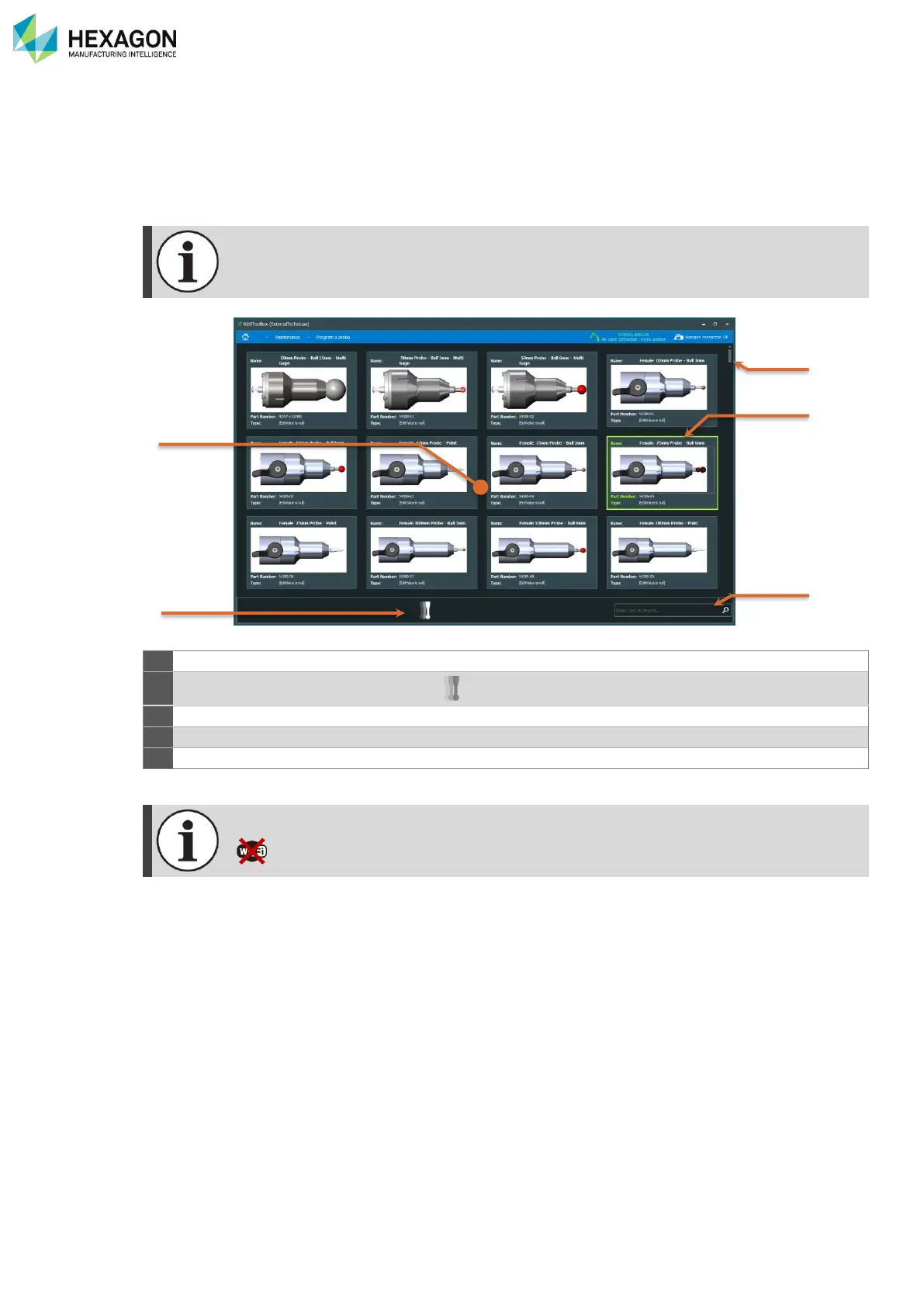
This panel has to be used to program or reprogram a probe in case of a programming problem: it defines
in its memory the type of probe (contact, diameter, non-contact, …).
The probes database is automatically updated as soon as the computer in connected to internet
(synchronization with HEXAGON SERVER database).
On first launch after the installation, the list of probes is empty, until the computer is
connected to internet to update it.
Start programming process
Lift to scroll the probes
Selected Probe program (highlighted green)
This tool needs a USB connection. Wi-Fi connection not supported.



 To Next Page