Tracker tools
H000002007-RDS User Manual │Version 5.0.0 (2018-09-17) │94
E.1.2 HOW TO FIND AND LOCK A TARGET
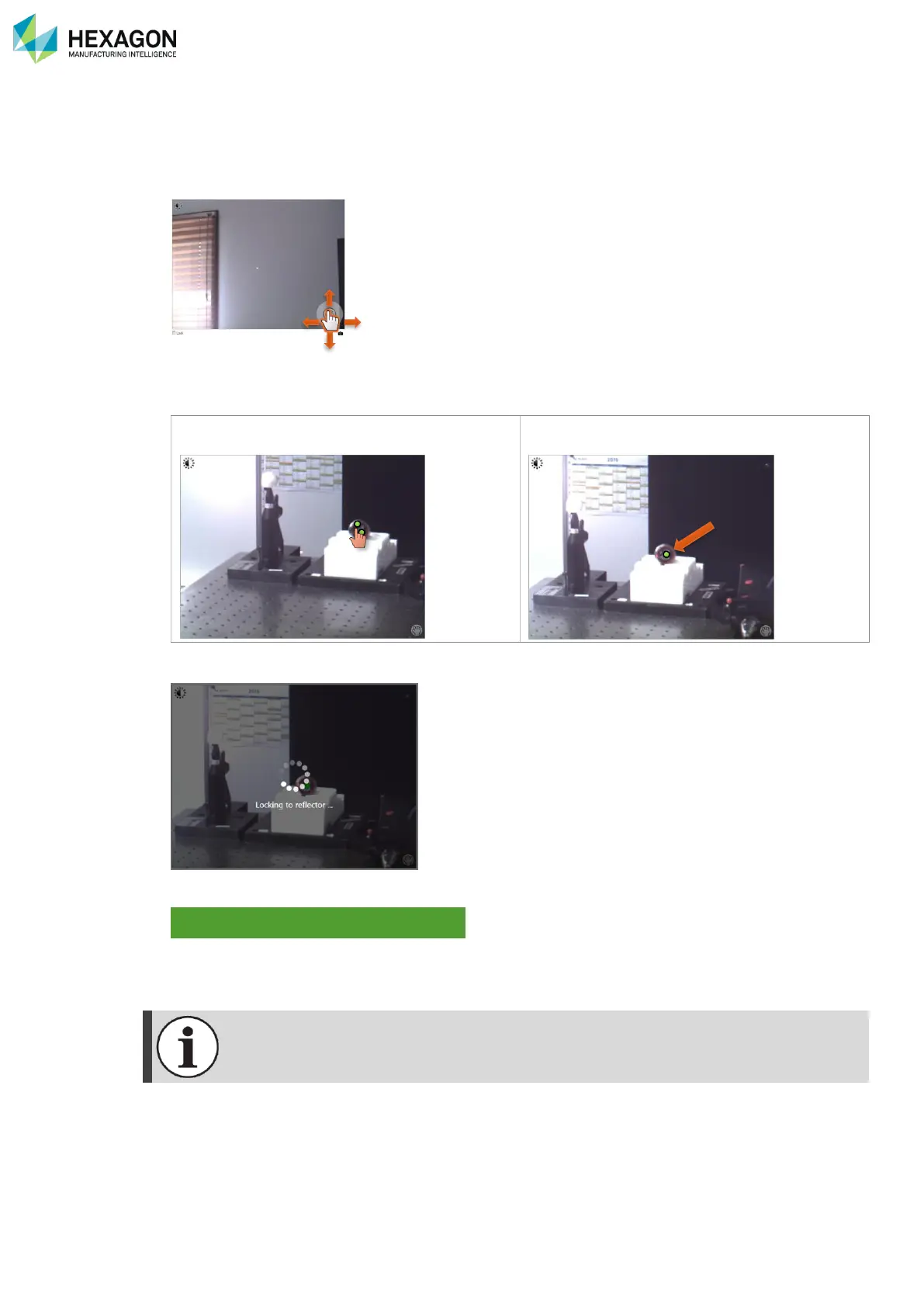
The purpose is to move the video in sort of placing the target at the middle of the view.
1. If not, enable the Lock option (bottom left).
2. Move the pointer on the hand (bottom right), then move the hand to get the view on the target.
3. Once the target appears on the video, affine the position by clicking at the centre of the target: only one
green dot is displayed on the target.
4. If “Lock” is enabled, the tracker automatically adjusts and locks target.
5. Once the target is locked, RDS indicates
6. Close the OVC



 To Next Page