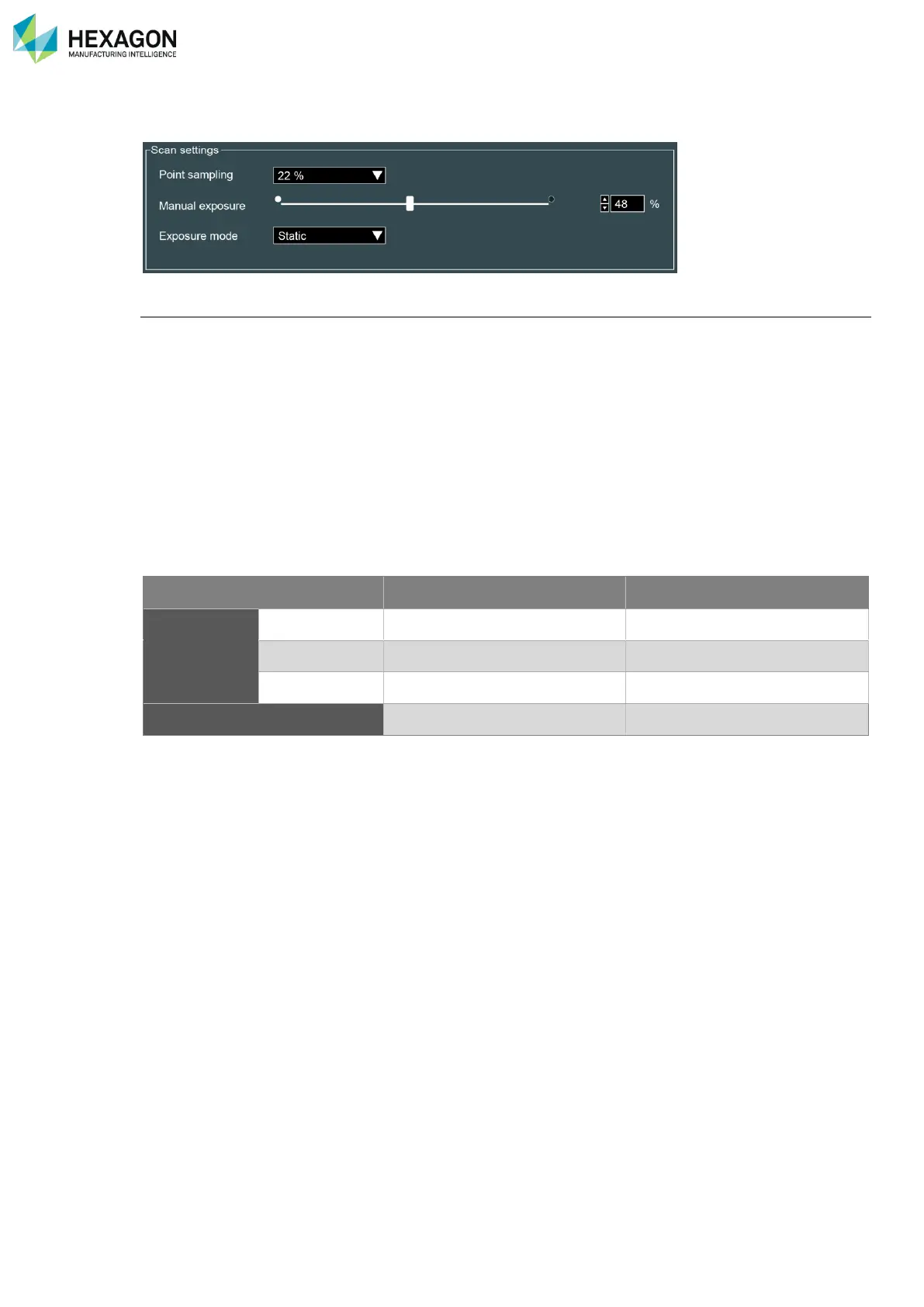
RDS Control Panel
H000002007-RDS User Manual │Version 5.0.0 (2018-09-17) │70
D.7.4 EXPOSURE (HP-L-8.9 / RS2-5)
Exposure modes
RDS provides 2 exposure modes:
• Manual mode: while scanning, the exposure is fixed. This is useful for a regular scanning, on a single
colour material. The adjustment of the exposure can be operated by 2 ways:
• Manual setup: the exposure is setup manually defining the exposure value. It is not possible to
setup while digitizing.
• Capture the exposure: RDS switches temporarily to an automatic exposure, until it is setup. It
is not possible to setup while digitizing.
• Auto mode (RS2-5 only): the exposure is setup automatically in real time even while digitizing: no
need to take care about set it up.
The mode can be also switched through the Quick Access Menu.



 To Next Page