RDS Control Panel
H000002007-RDS User Manual │Version 5.0.0 (2018-09-17) │71
Manual setup (static mode)
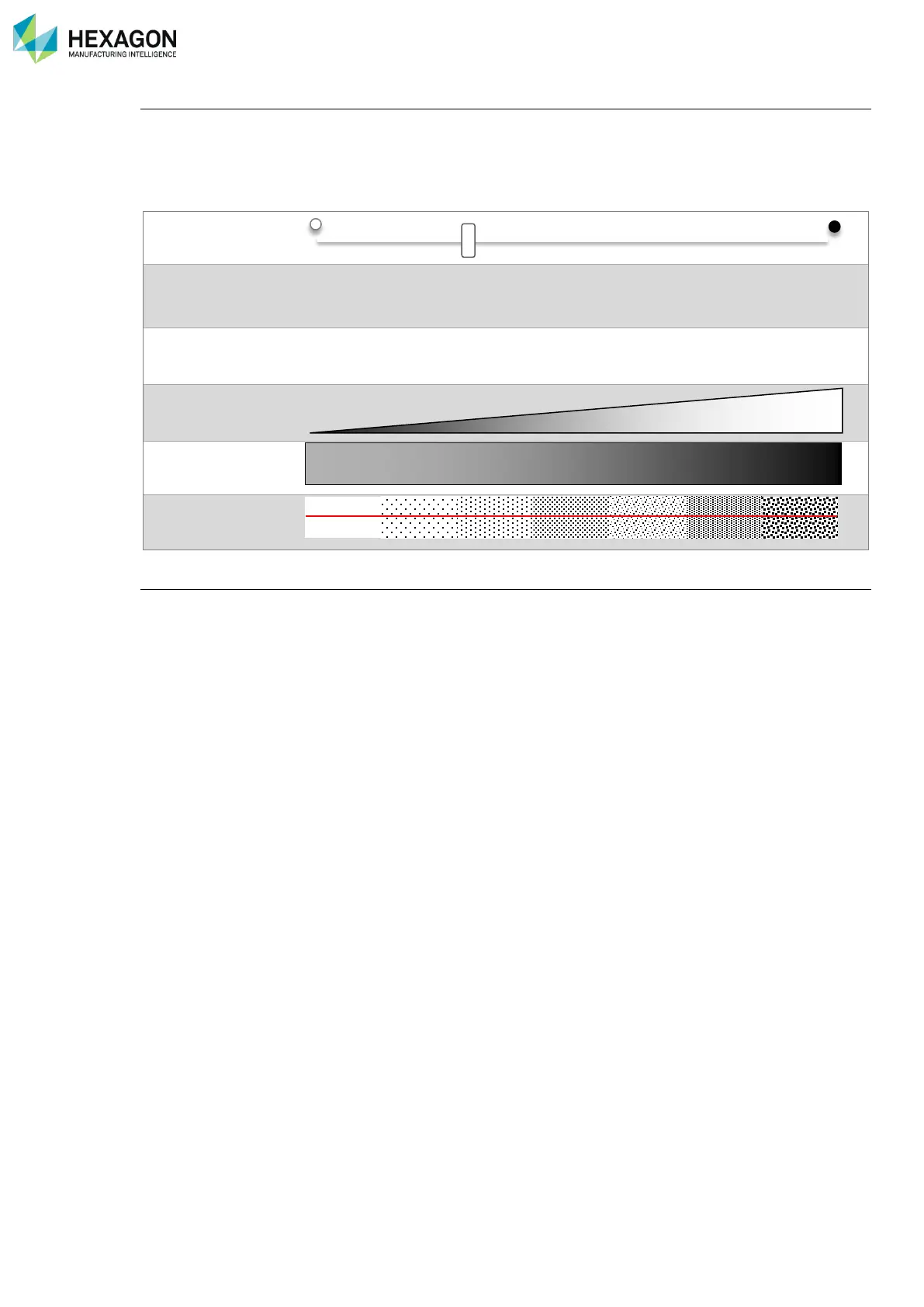
Set up the exposure time of the camera: the higher the value is, the longer the camera is opened.
This parameter must be set up according to the ambient light and the darkness of the surface: set low value
for clear surface and higher value for dark surface. However, a high value increases the risk of noise points.
It is then necessary to adjust this parameter correctly.
20µs 200µs 1000µs 4000µs 10000µs
Light capted by the
scanner
Capture the exposure (static mode)
RDS provides a process to setup automatically the exposure.
This exposure can be done with through the Quick Access Menu (Q.A.M.).
Access the Q.A.M. with a press on the 3-States button and select “Capture the exposure”.
Place the scanner over the surface: the scanner switches to a setup mode. Wait until the adjustment is
finished (the exposure value is stabilized, giving correct number of points): the arm emits 2 beeps.



 To Next Page