RDS Toolbox Maintenance
H000002007-RDS User Manual │Version 5.0.0 (2018-09-17) │176
K.3.3 UPGRADE THE RSX SCANNER (OPTION)
This option is available only when a feature key is activated on the computer.
The feature key is usually linked to the serial number of the scanner.
Requirements
• A valid feature code: as the code is linked with the serial number of the scanner, it may be necessary
to get and transmit it to your Hexagon Manufacturing Intelligence reseller when ordering the upgrade.
• The firmware file: This will be provided with the feature code.
To order the Feature code and the firmware file, please contact your local Hexagon
Manufacturing Intelligence representative.
Always ensure that the requirements are respected according to the version of Scanner
(Motherboard, Event Board, PIC firmware …)
How to get a Feature Code for RSx Upgrade
1. Notice the serial number on the Identification of the scanner or on RDS Agent > Scanner tab.
2. Send this information to your Hexagon Manufacturing Intelligence agent to order the feature code.
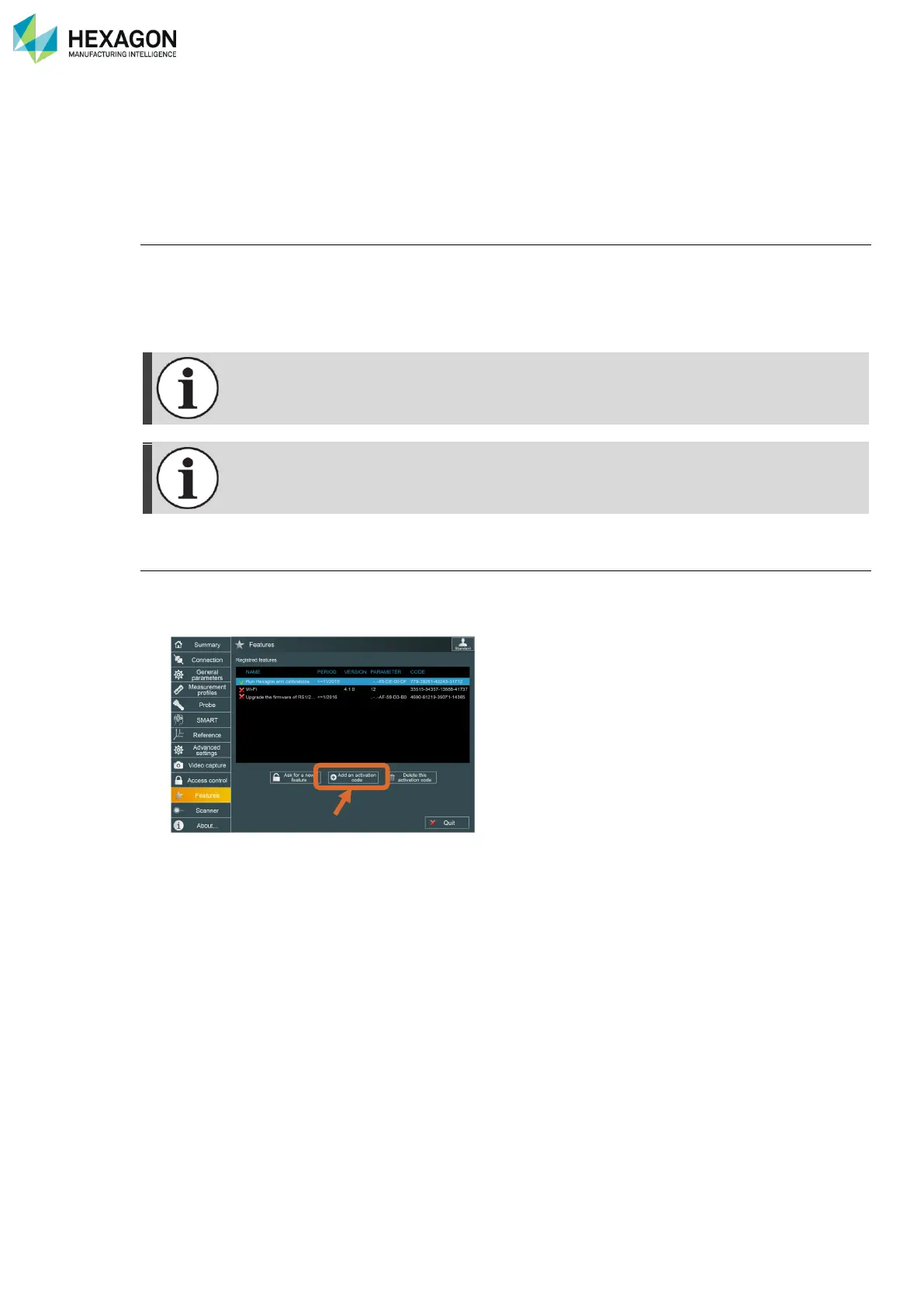
3. Once received, enter the feature code on RDS Control Panel



 To Next Page