RDS Control Panel
H000002007-RDS User Manual │Version 5.0.0 (2018-09-17) │55
D.4 SMART (ARMS)
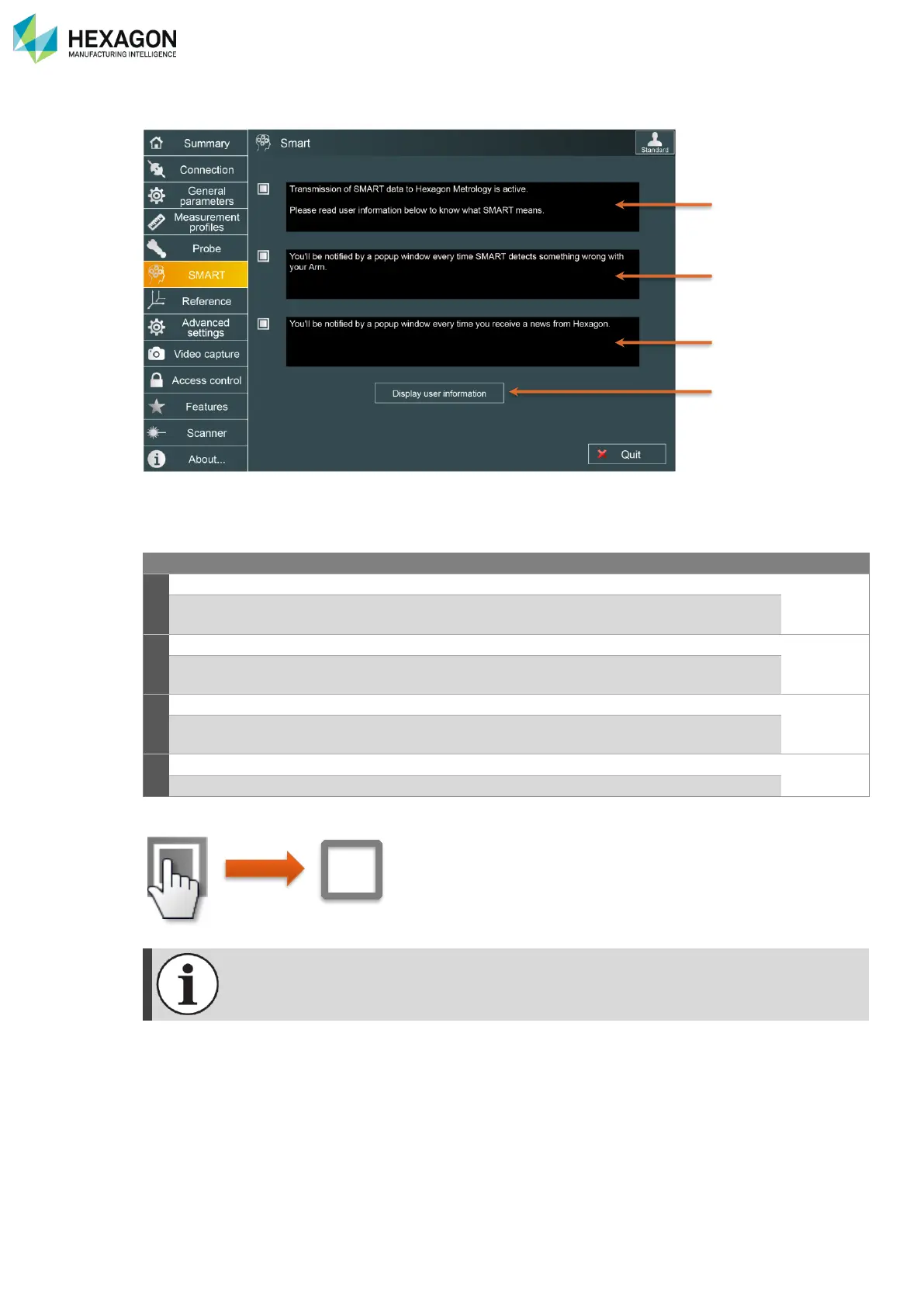
The SMART tab in RDS control Panel gives access to the activation of the SMART automatic components,
as well as the user information.
Activation of the transmission of SMART data:
when activated, RDS will automatically send SMART data to the HEXAGON
Server.
Activation of the SMART alerts:
when activated, RDS will display a popup notification when a SMART alert is
detected, or when a news is received.
Activation of the Hexagon Manufacturing Intelligence news:
when activated, RDS will be able to provide news regarding the product, new
versions...
Display the official user information as during the installation of RDS.
To activate or deactivate an option, simply click on the check box:
For all other information regarding RDS SMART, refer to chapter J. SMART



 To Next Page