EasyManua.ls Logo

Hexagon RDS - A.7 Quick Reference; Quick Reference

Hexagon RDS
208 pages
Print Icon
To Next Page IconTo Next Page
To Previous Page IconTo Previous Page
Loading...
Presentation - Installation
H000002007-RDS User Manual Version 5.0.0 (2018-09-17) 21
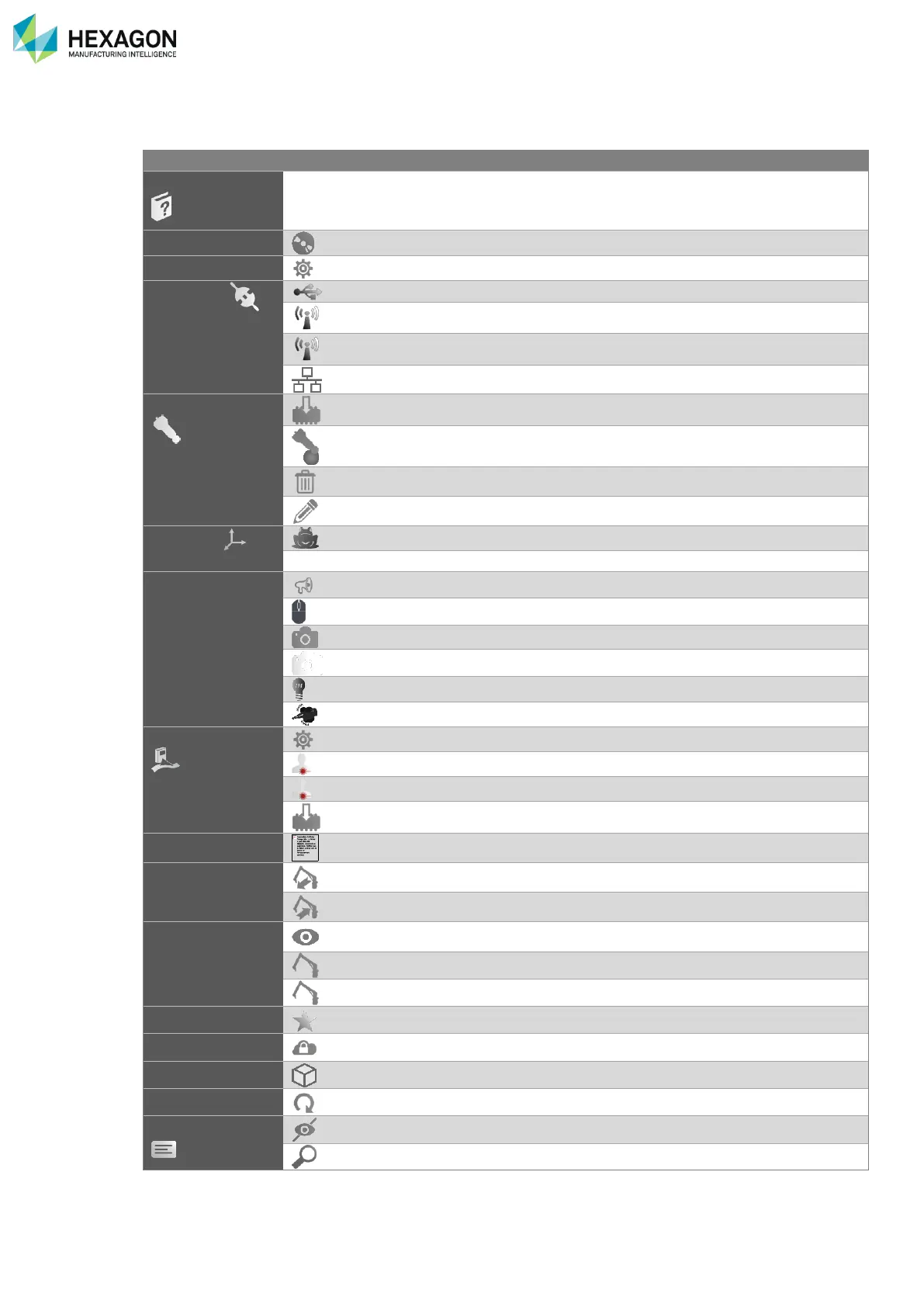
A.7 QUICK REFERENCE
Topic
How to?
Page
Use the manual
Find with keyword
Jump to a link
Go back
Ctrl + F
Click on it
Alt + ←
Install RDS
18
Setup the measurement software for RDS
184
Connection
Setup a USB connection
42
Setup a Wireless connection
50
Configure the Wi-Fi chipset
171
Setup an Ethernet connection
51
Probe
Program a probe
170
Align a probe
57
Delete a probe
58
Modify a probe
60
Reference
Move the arm by a Leap-Frog
78
Activate a GridLok
79
Various settings
Change the sound volume
27
Modify the mouse settings
82
Switch on/off the wrist camera
84
Configure the wrist camera
84
Switch on/off the wrist headlight
54
Activate the Haptic feedback
82
Scanner
Configure a HEXAGON scanner
64
Save a scanning profile
66
Use a scanning profile
32 / 36 / 66
Upgrade the scanner
171
Quick Measure
Proceed a quick measurement
179
Backup / Restore
Backup the arm data
136
Restore the Arm data
139
Arm Status
Survey the arm indicators
150
Show the status of the current arm
143 / 114 / 39
Show the status of a not connected arm
142
Options
Ask / Add a feature code
89
Vault
Get the packages of an arm
128
Send a package by E-Mail
137
Maintenance
Record a signal analysis
171
Alerts
Hide the notifications
147 / 105
Analyse an alert
146

Table of Contents

Related product manuals