RDS Control Panel
H000002007-RDS User Manual │Version 5.0.0 (2018-09-17) │60
How to … Edit the settings of a probe
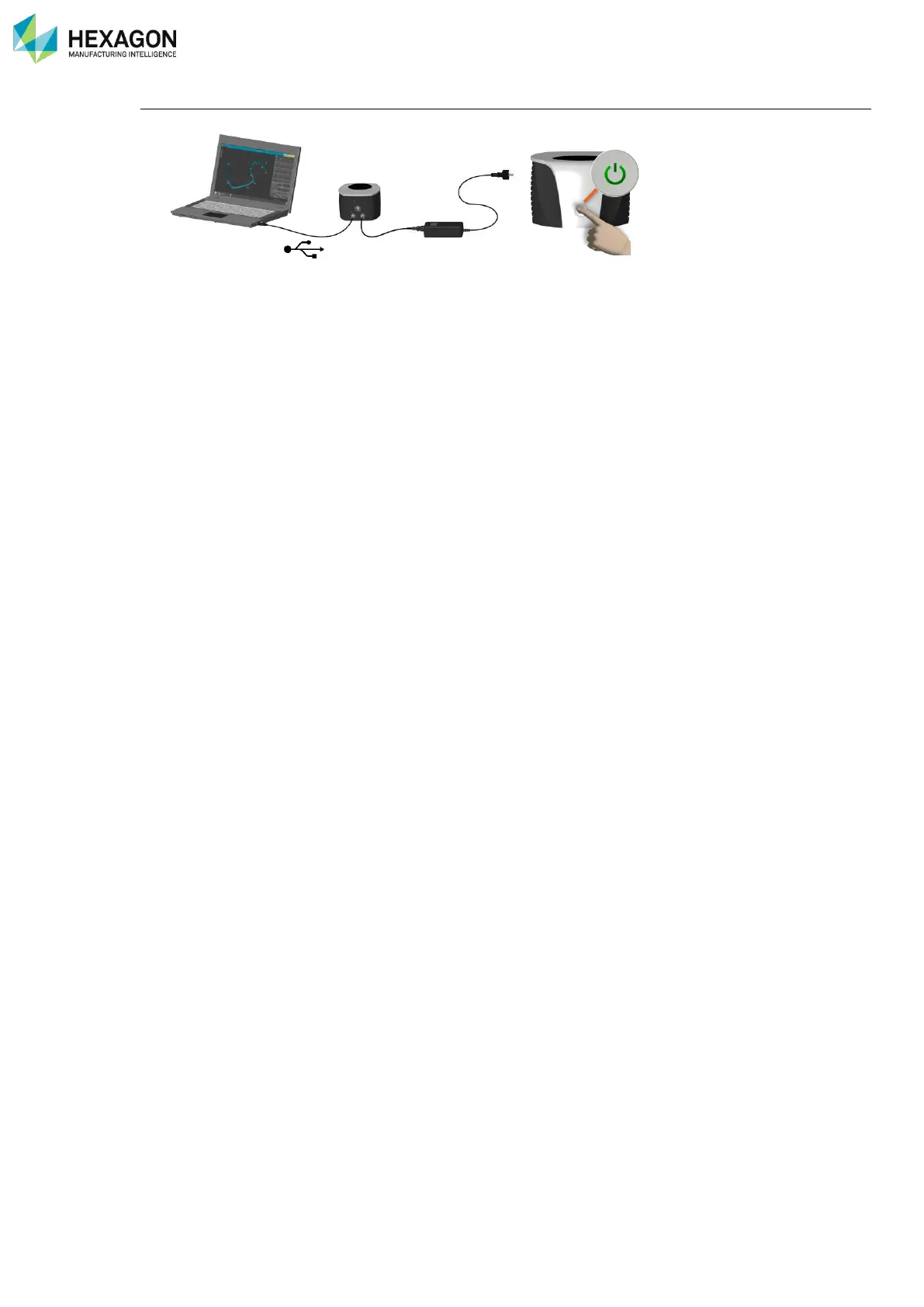
1. Connect the arm to RDS (USB or Wi-Fi)
2. Mount the probe to edit
3. Open RDS Control Panel, Tab “Probes”
4. Select the probe to edit
5. Click on “View”
6. Click on “Edit”
7. Modify the desired value(s)
8. Click on “Save”
9. Validate the warning message
10. Proceed to the probe Alignment



 To Next Page