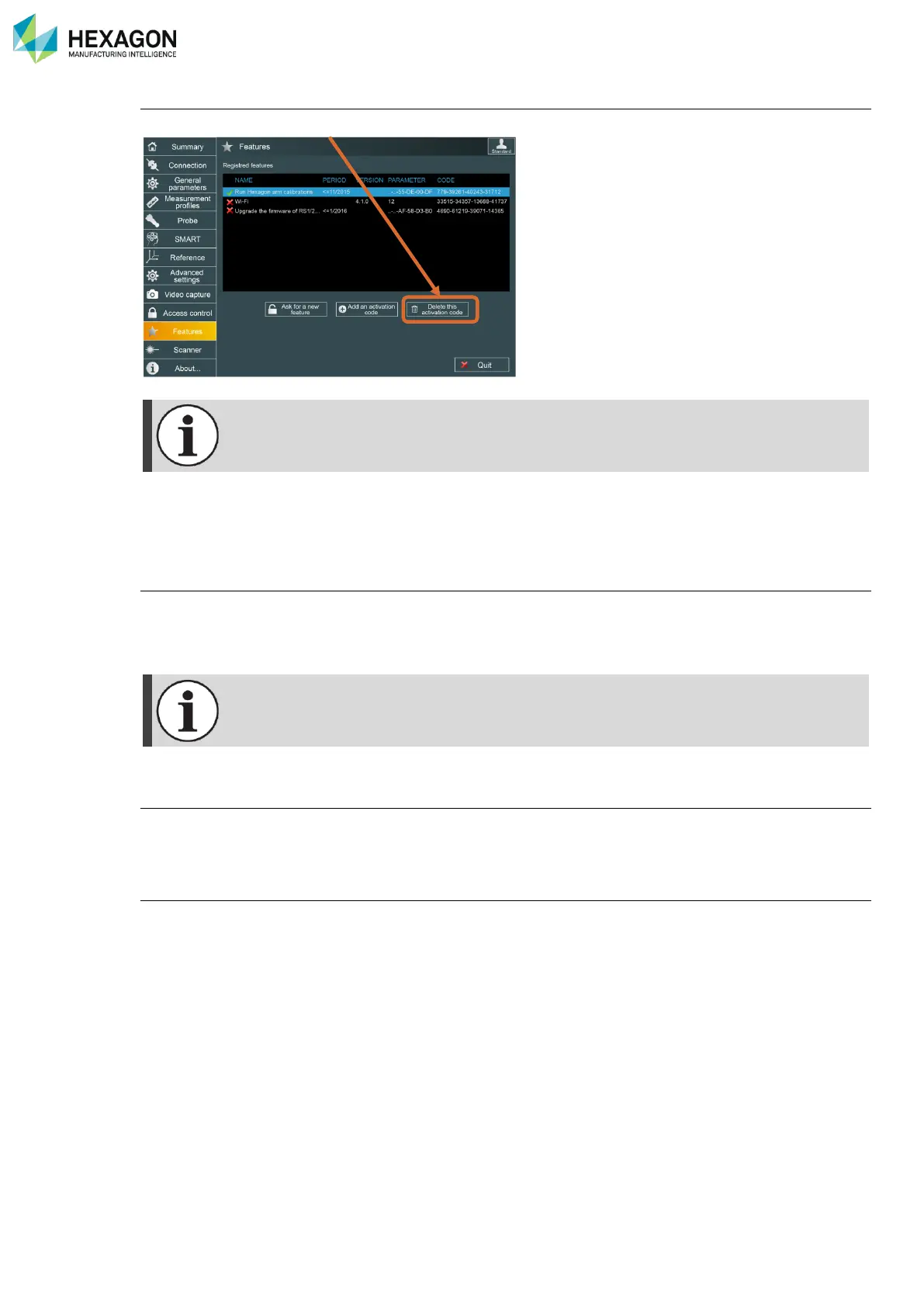
RDS Control Panel
H000002007-RDS User Manual │Version 5.0.0 (2018-09-17) │90
To remove a feature:
Select the feature, then click on “Delete”.
If RDS is reinstalled on same computer, it is not necessary to re-enter activation codes.
If RDS is reinstalled on a new computer, it is necessary to re-enter activation codes.
Make sure to keep those activation codes in a safe place
D.12.3 TYPES OF FEATURE
Wi-Fi (Multi Gage)
Default connection for NCA (ABSOLUTE and Multi Gage) is USB. Wi-Fi option has to be activated to be
able to use it on Multi gage.
Follow previous chapter to activate Wi-Fi.
Wi-Fi activation code is associated with the device and cannot be used with another device.
Alignment, Diagnostic tools
Hexagon Manufacturing Intelligence agents can use RDS to Align the system (under condition of training
and equipment). Request an activation code to Hexagon Manufacturing Intelligence.
RSx upgrade
To upgrade the ROMER scanner RS1 to RS2 or to RS3, a special feature code is necessary.



 To Next Page