SMART
H000002007-RDS User Manual │Version 5.0.0 (2018-09-17) │164
J.7 QUICK SMART GUIDE
J.7.1 QUICK DISPLAY: USE A TEMPLATE
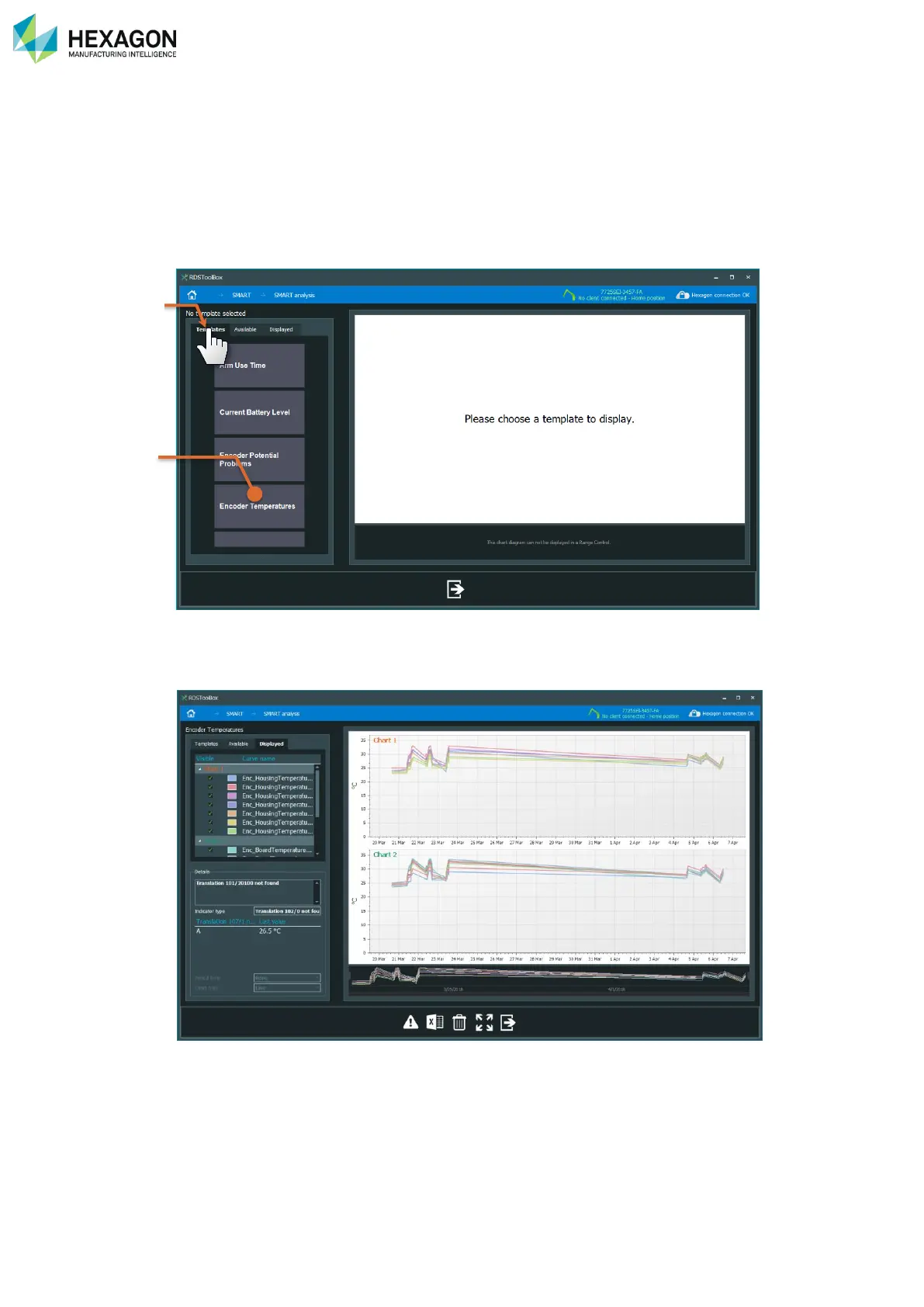
Analysing indicators can be done using templates. Default templates can be automatically proposed, and
user templates can be created.
When entering the Analyse panel from the SMART Overview one, the templates are automatically
displayed. Otherwise, click on the “Templates” tab.
a. Templates tab
b. List of templates
Select the wanted template, the graph(s) is (are) automatically displayed with the updated values.



 To Next Page