EasyManua.ls Logo

Hexagon RDS - Display a Graph - Details

Hexagon RDS
208 pages
Print Icon
To Next Page IconTo Next Page
To Previous Page IconTo Previous Page
Loading...
SMART
H000002007-RDS User Manual Version 5.0.0 (2018-09-17) 159
J.6.8 DISPLAY A GRAPH DETAILS
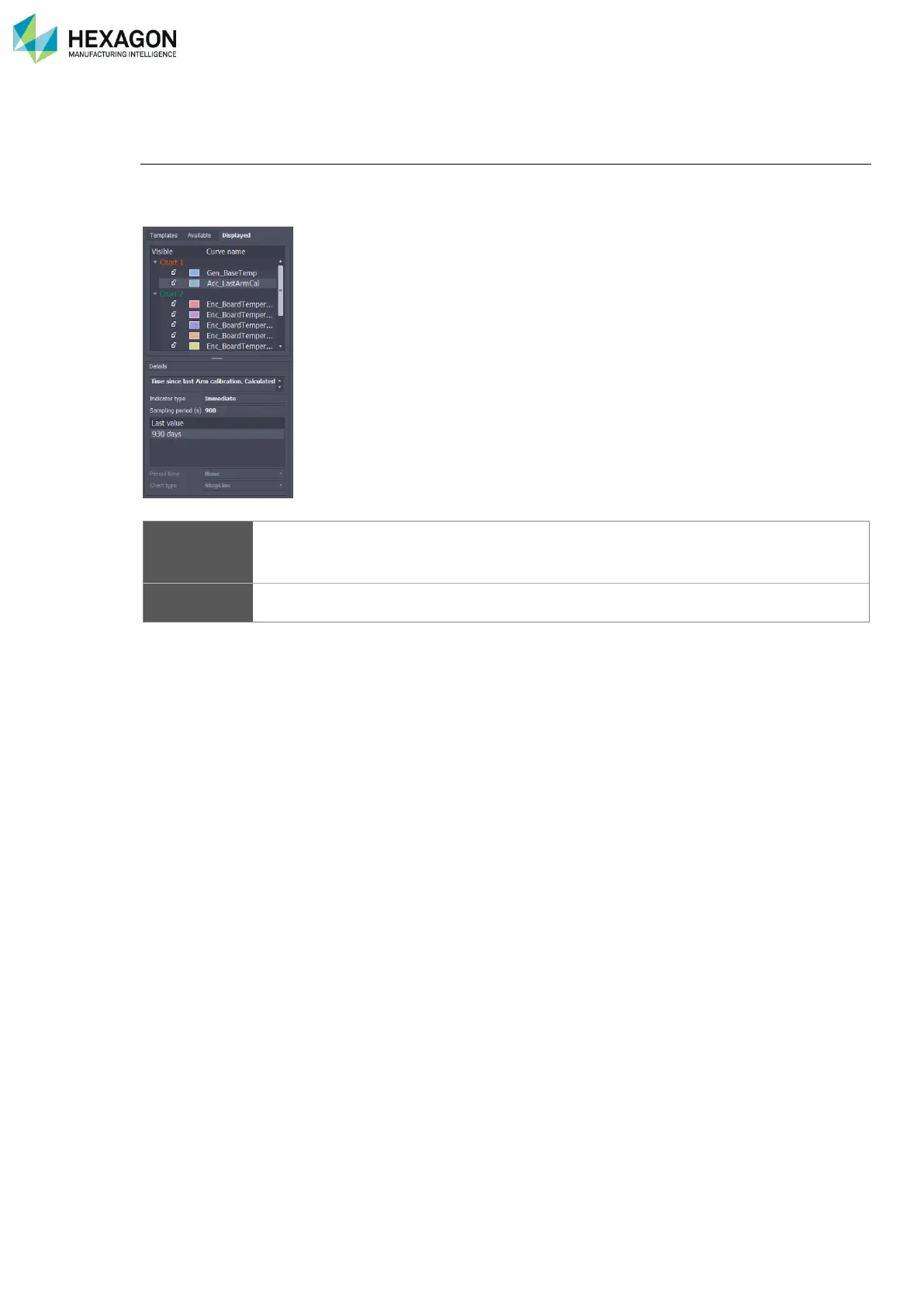
“Displayed” tab
Once an indicator has been added to a chart, the tab switches to “Displayed” tab. This shows the current
charts and indicators.
As for the “Available” tab, the window is split:
List
List of the charts and indicators: the colours of the charts and graphs are reminded here
A check box permits for each indicator to be hidden or displayed
The list can be reduced or deployed
/
Details
Details of the selected indicator: it reminds the description of the indicator and the chart
type and period.

Table of Contents

Related product manuals