RDS Control Panel
H000002007-RDS User Manual │Version 5.0.0 (2018-09-17) │48
D.2.4 WIRELESS CONNECTION (ARM)
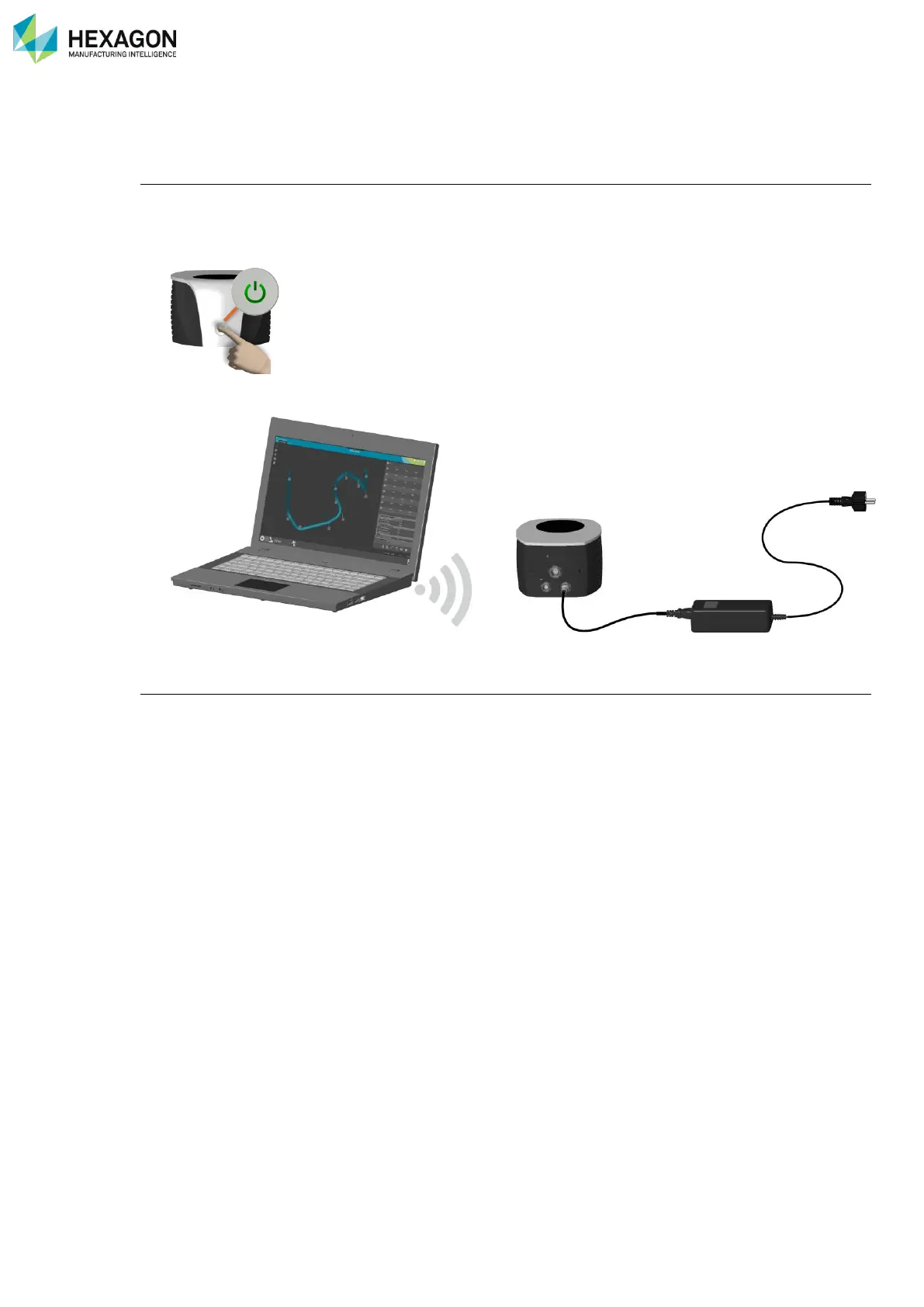
Please follow the instruction below to connect RDS to the arm through Wi-Fi.
Arm setup
1. Make sure that the Mobility Pack or higher is installed on the arm or that the Wi-Fi feature code for the
Multi Gage is installed in RDS.
2. Power on the arm.
3. Ensure that the USB cable is disconnected from the arm to the computer and that the Wi-Fi light on the
front of the arm is on.
Computer setup
4. Setup the TCP/IP V4 address of the Wi-Fi interface of the computer according to the Feature Pack (see
previous §)



 To Next Page