RDS Control Panel
H000002007-RDS User Manual │Version 5.0.0 (2018-09-17) │78
D.8.3 LEAPFROG IN RDS
Principle
RDS transmits the coordinates of probed points to final software.
By operating the Leapfrog at the level of RDS, the displacement becomes transparent to the final software.
That means it’s like if it was a very large measurement volume. We can then use the final software as if
there was no displacement.
To do, we use a group of points as Leapfrog elements: it can be cones, holes or angles in which the ball
probe is seated, or targets, at the centre of which the point probe is placed (attention, however this way is
less accurate).
This group needs at least 3 points that will be probed IN THE SAME ORDER from position 1 and position
2.
Only one probe can be used for this operation.
Method
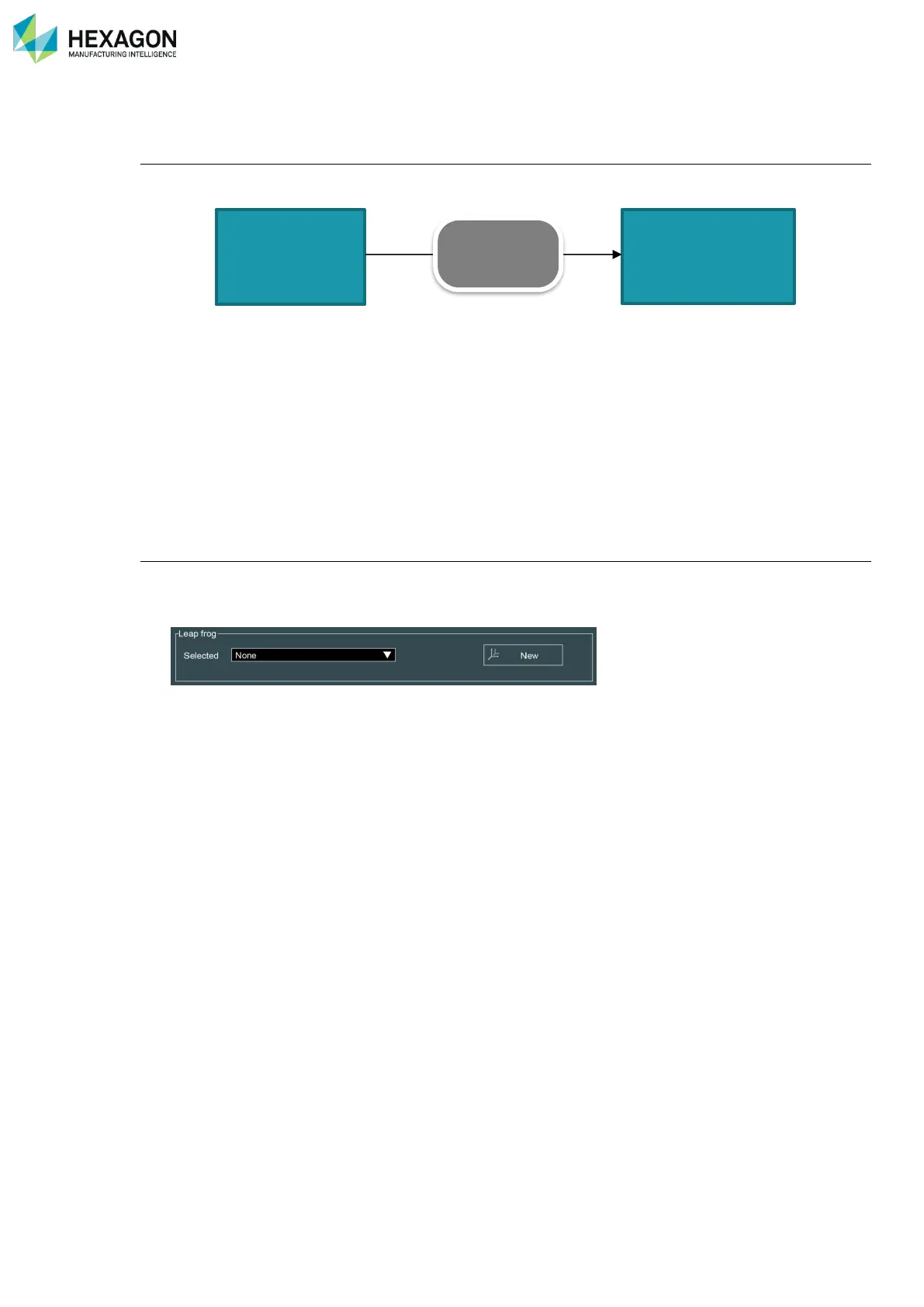
In RDS Control Panel, in RDS Data Collector or directly from the task bar, access to new Leapfrog.
1. Control Panel: Tab Reference, click on “new”
2. Place or choose correctly the points to probe
3. Run the script
4. Probe the points from 1st position, notice the order.
5. When all points are probed, move the arm, (make sure it is well fixed) and probe again the points IN
THE SAME ORDER
6. When prompted, enter a name for this displacement, and select if it is a temporary or permanent
reference.
7. Click on OK: it’s over.
A second displacement is possible by the same way, then third …however, a loss of accuracy may happen
each time.



 To Next Page