RDS Toolbox Vault – secured area
H000002007-RDS User Manual │Version 5.0.0 (2018-09-17) │136
I.9 QUICK VAULT GUIDE
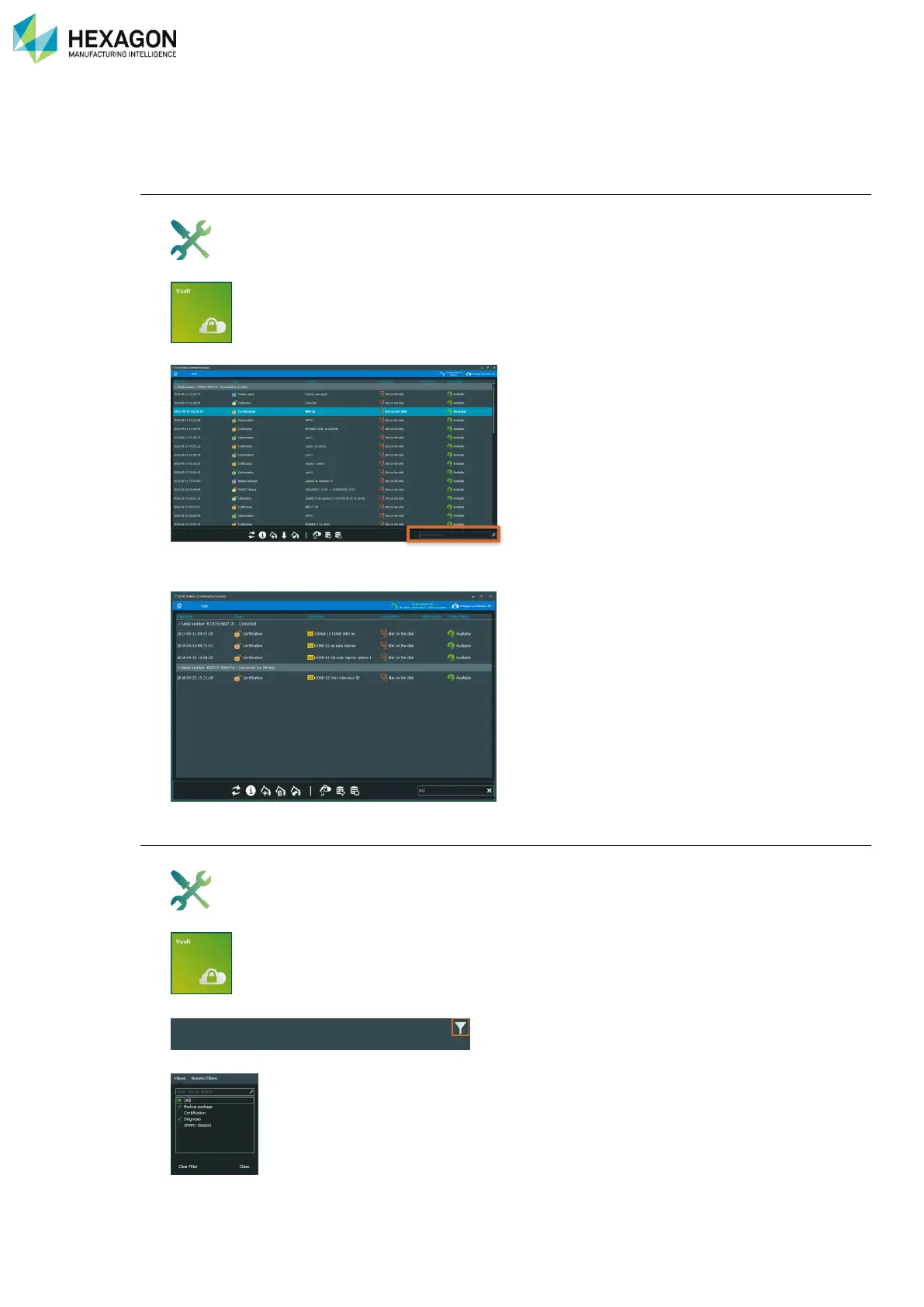
I.9.1 HOW TO … FIND A PACKAGE
With a keyword
1. Open RDS Toolbox
2. Select “Vault”
3. In the search window (Ctrl+F), type key words (e.g.: arm S/N, type of package, comment, date…)
4. RDS Toolbox automatically reduces the list to the packages that contain the keywords, highlighting
them.
With a filter
1. Open RDS Toolbox
2. Select “Vault”
3. On the header of the column where to apply a filter, click on the filter icon (top left corner)
4. Select the desired value (or choose “Custom” for advanced filter)
5. RDS Toolbox automatically reduces the list to the packages that fits with the filter.



 To Next Page