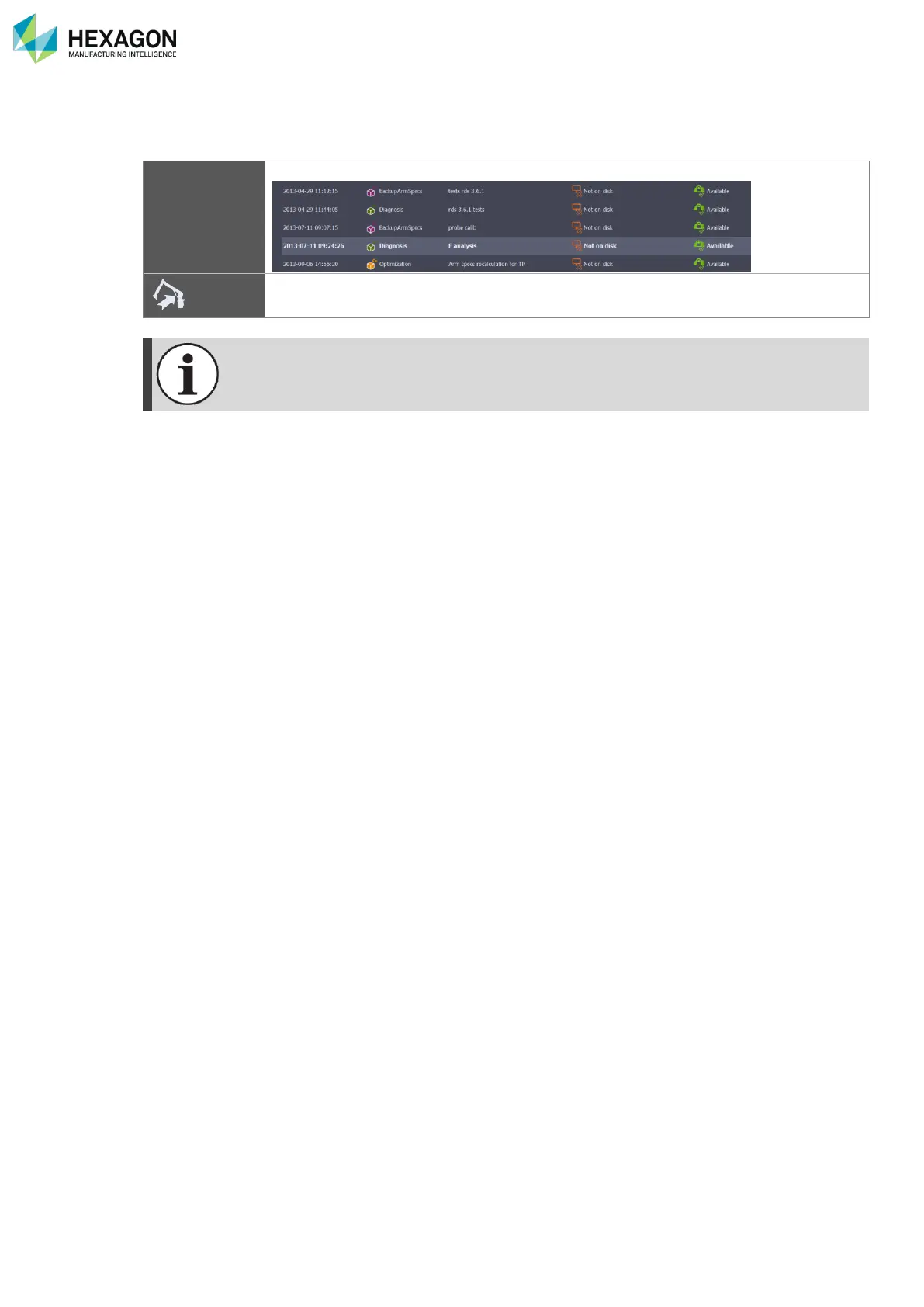
RDS Toolbox Vault – secured area
H000002007-RDS User Manual │Version 5.0.0 (2018-09-17) │132
I.6.2 RESTORE THE ARMDATA
If an error has been done on an alignment, or in case of a trouble, it is possible to restore a previous status
of the memory of the arm. Any package contains the Arm data memory of the arm.
Select the package that contains the desired Arm data status
Click on “Restore” button
If the package doesn’t fit with the arm (the structure of the arm doesn’t fit with the arm data),
RDS Toolbox displays a message.
I.6.3 SWITCH TO SMART DATASET
To visualize the SMART data from a SMART dataset package, once the package is downloaded, simply
use the action “Switch to SMART dataset”: RDS Toolbox then prompt a confirmation message and activate
the selected package.
For more details, please refer to chapter J.3.2 Local and Distant arm - Database mode.



 To Next Page