RDS Agent
H000002007-RDS User Manual │Version 5.0.0 (2018-09-17) │33
C.5 QUICK ACCESS MENU (ARMS ONLY)
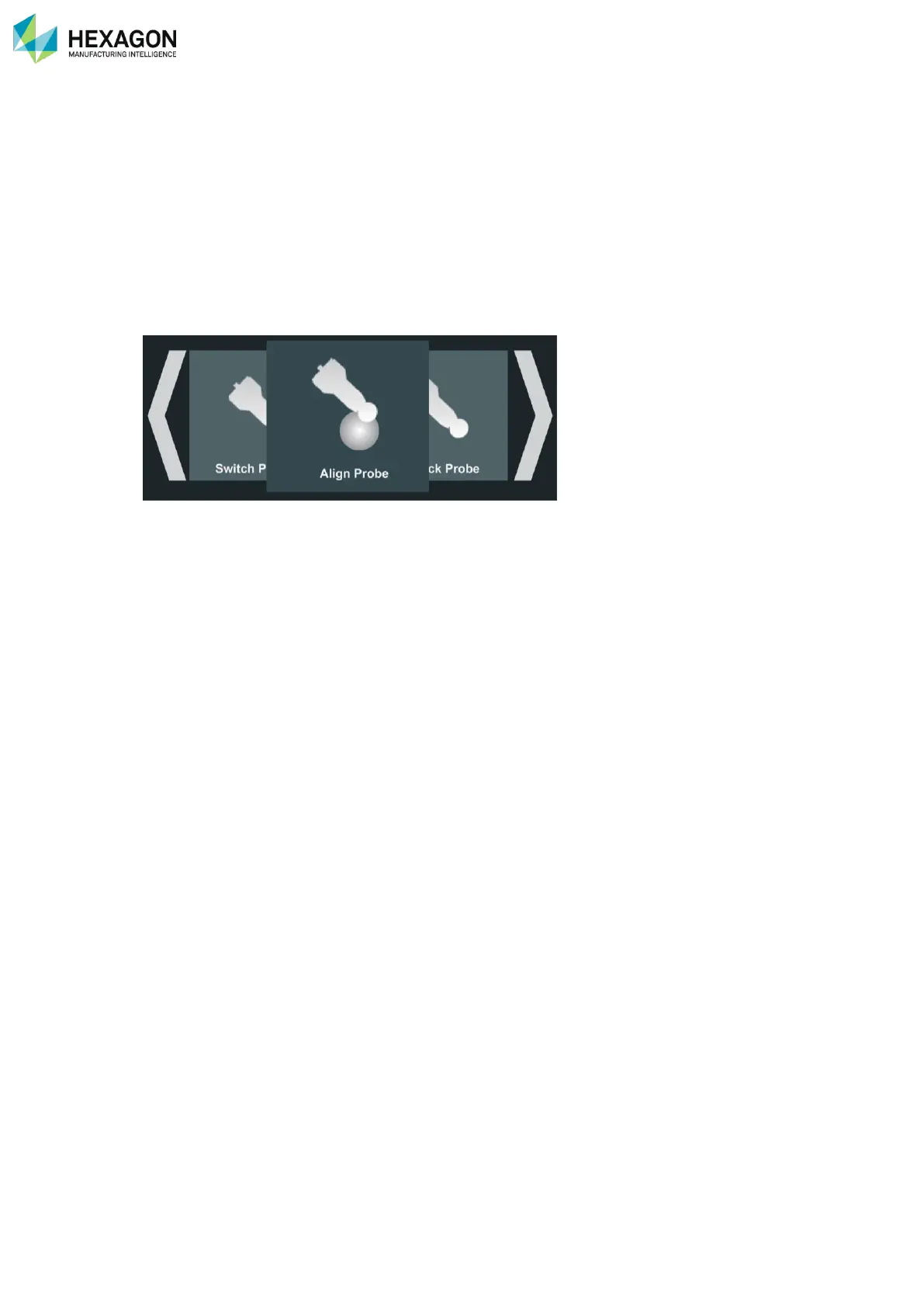
The Quick Access Menu (“Q.A.M.”) is a functionality of the RDS Agent, providing main useful actions very
easily from the wrist of the arm without the need of going back to the computer. The Quick Access Menu is
similar on the Wrist Display on the RA8 – 7 axes.
Actions may be
• Display system status information
• Access to verification or Alignment
• Control Main settings
• Real time feedback for scanning
The Quick Access Menu contains very basic and easy interface and use:
• Left-Right: Make your choice
• Click: validate the choice.



 To Next Page