SMART
H000002007-RDS User Manual │Version 5.0.0 (2018-09-17) │145
J.4.2 SMART OVERVIEW COMPONENTS DESCRIPTION
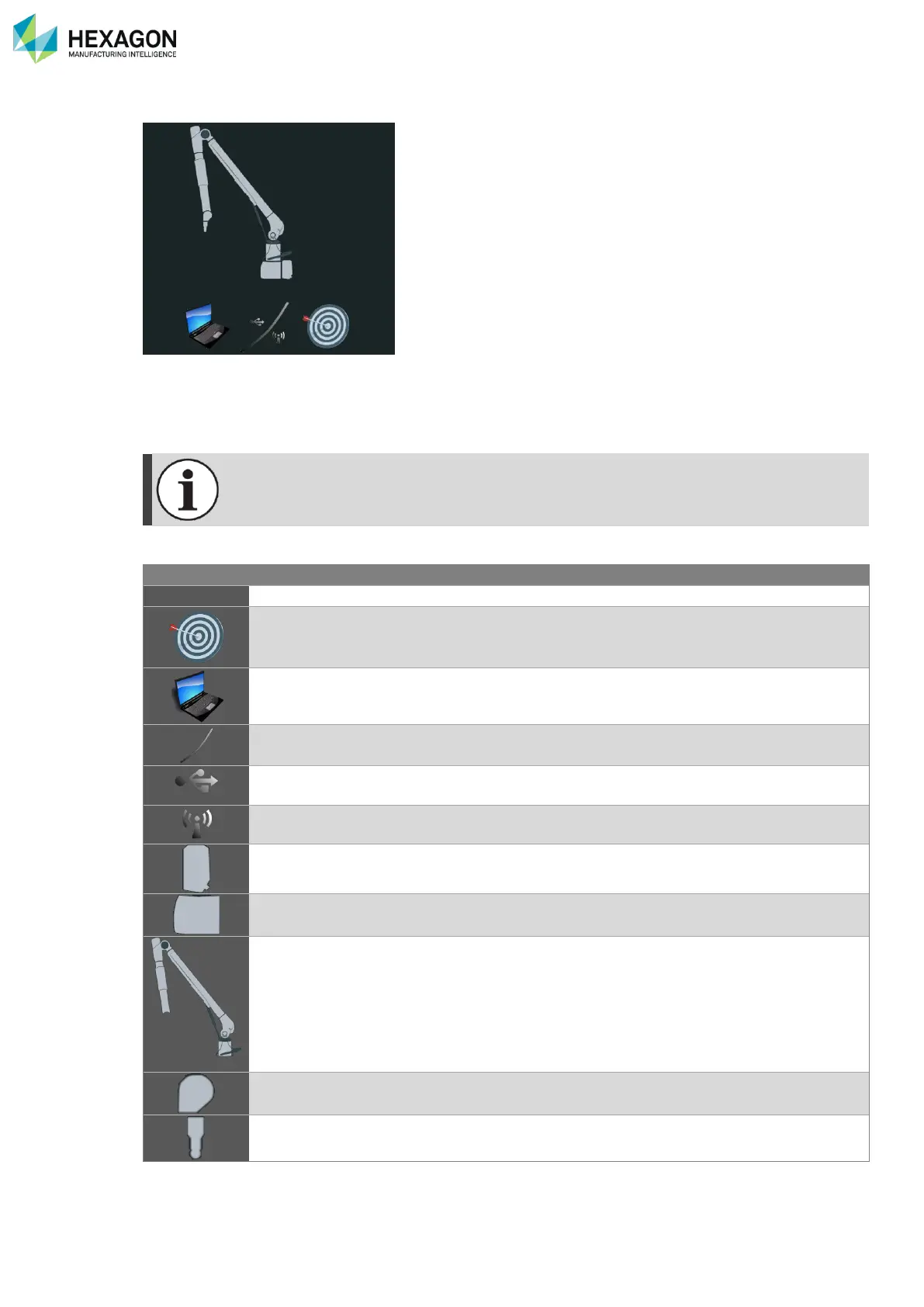
In the SMART overview, a sample of typical statistics can be displayed, depending on the selected
component.
If an indicator of one component gets out of its limits, an alert is generated and displayed in the same
statistics area instead of the statistics.
A complete list of statistics can be consulted through the “analyse Indicators” button.
Number of Arm full power on/off cycles
Time since last Alignment
Number of RDS Control Panel activations
Times and duration of connection
Times and duration of connection
Count of errors
Duration of use
Temperature of the base
A encoder
B encoder
C encoder
D encoder
E encoder
F encoder
G encoder
Number of trigger button actuations
Number of ran probe alignments



 To Next Page