SMART
H000002007-RDS User Manual │Version 5.0.0 (2018-09-17) │160
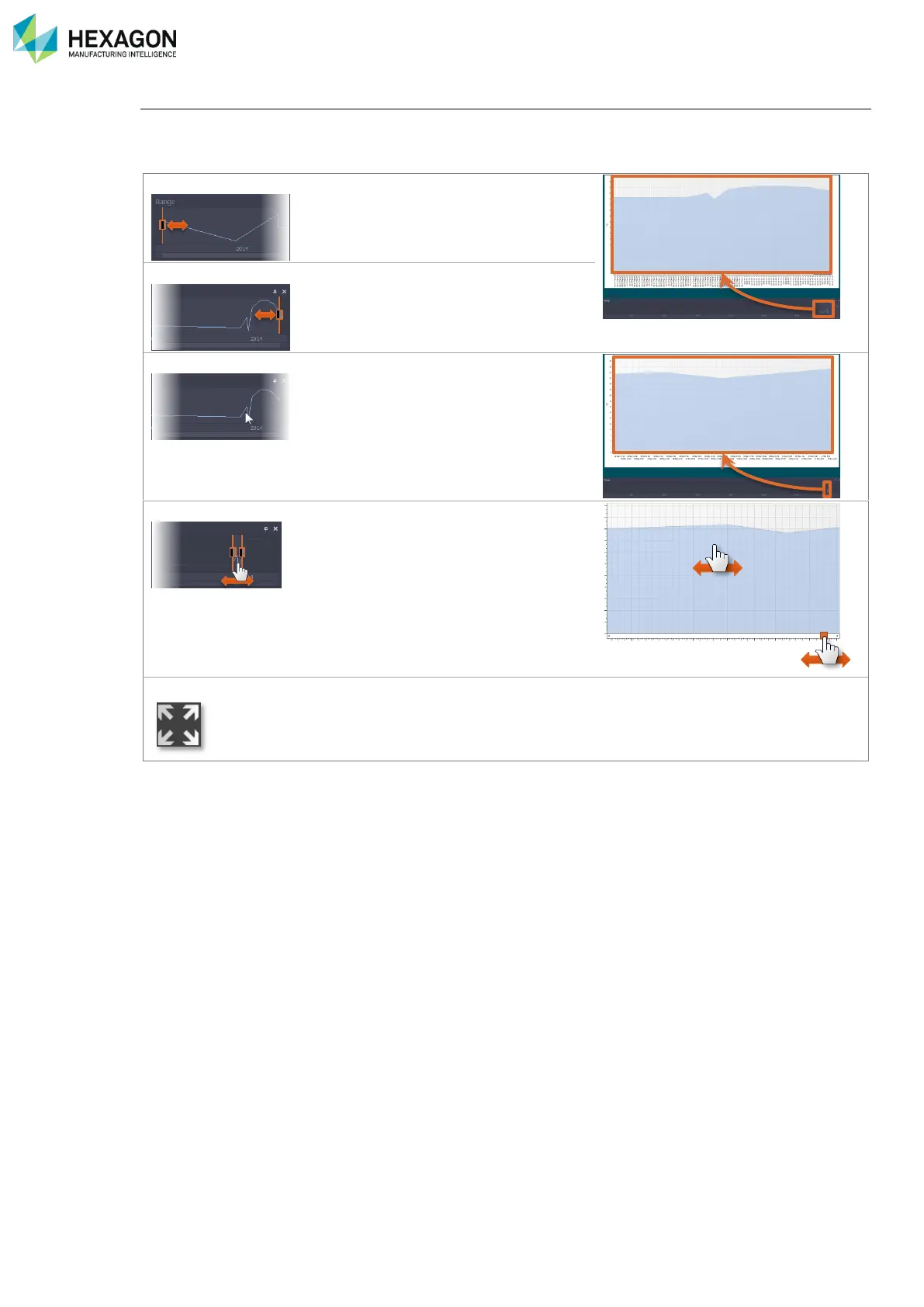
Refine the time range
RDS Toolbox displays the data for all the date and time range available in the memory.
To reduce the time range, use the left and right cursors on the “Range” graph, or click on a position to zoom
on it.
Move it to adjust the lower limit of the
graph.
Move it to adjust the upper limit of the
graph.
Click on a specific time position to
reduce and zoom the graph to this
position.
To translate the time position,
• Pan the selection on the range
graph
• Use the horizontal lift at the bottom
of the chart
• Pan the chart itself
Refit the graph to all range



 To Next Page