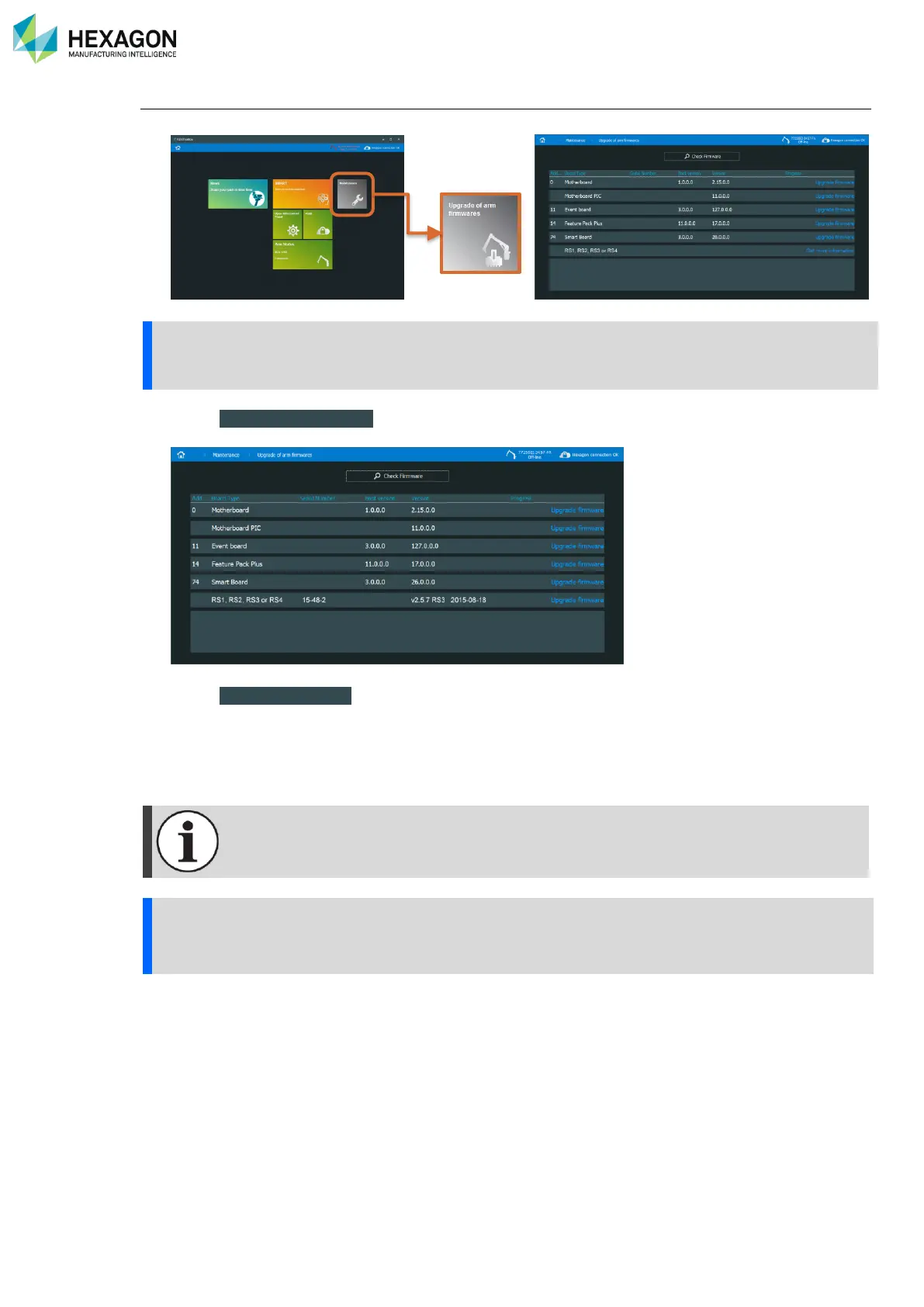
RDS Toolbox Maintenance
H000002007-RDS User Manual │Version 5.0.0 (2018-09-17) │177
How to upgrade the firmware of the integrated scanner.
1. Proceed with a Check Firmware (see previous pages)
2. Press “ Get more information ”, the serial number and version of the scanner are displayed: if not done
yet, communicate the information to the Hexagon Manufacturing Intelligence representative.
3. Press “ Upgrade firmware ”.
4. In the browse window, select the new firmware file.
5. Once the scanner is upgraded, as prompted, restart the scanner to apply the changes.
6. In RDS Control Panel, Probes tab, remove the RSx probe (move the probe switch to the contact probe
location, then delete the scanner).



 To Next Page