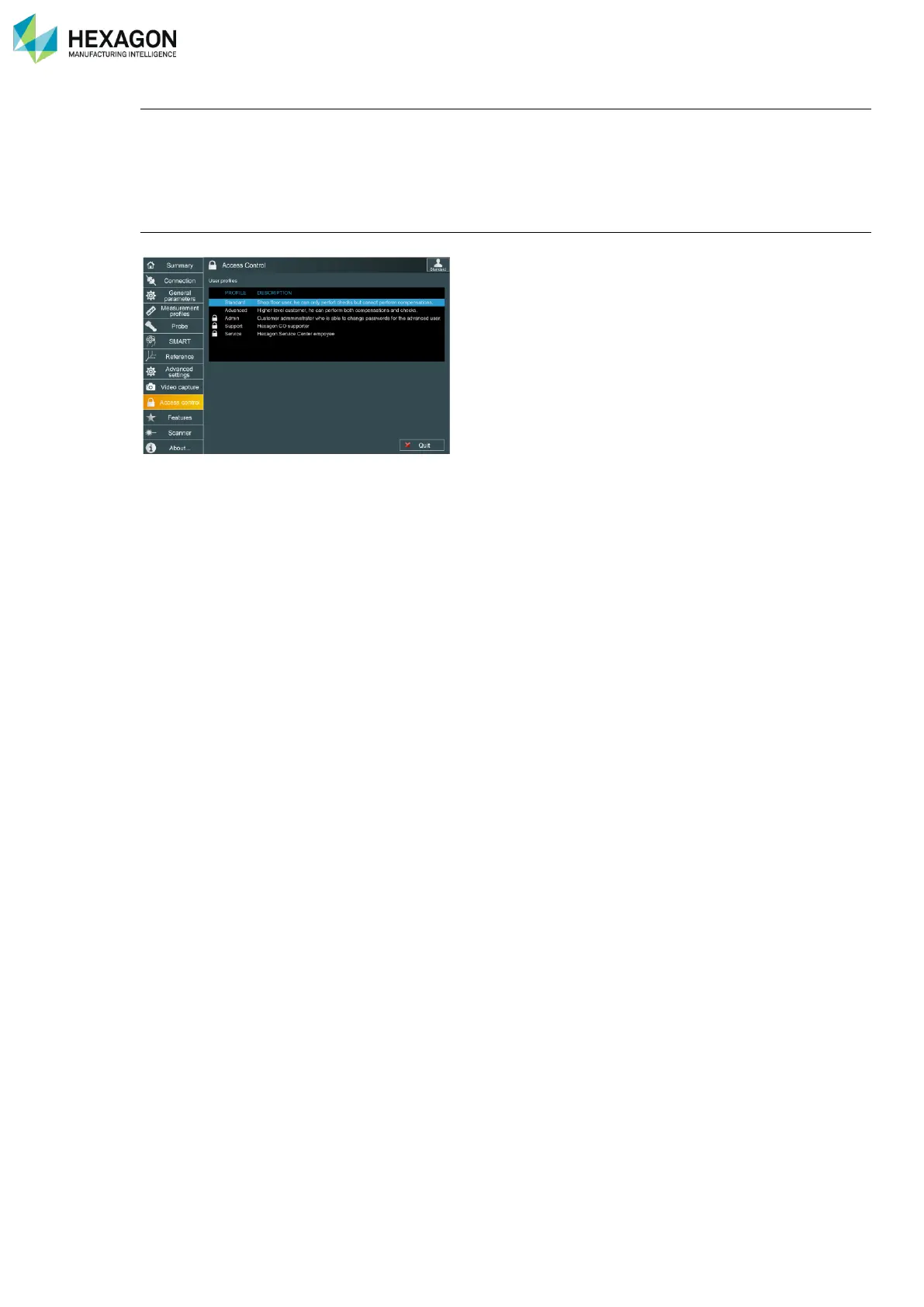
RDS User Profiles
H000002007-RDS User Manual │Version 5.0.0 (2018-09-17) │23
Activate hidden profile
By default, End-Users can access only Standard and Advanced user profiles (upper profiles – Admin,
Support, and Service – are hidden).
To activate one upper profile, select the Advanced profile, and enter the appropriate password or enter the
activation code in “Features” tab.
Change passwords
To change the password of one profile, the Tab “Access Control” in RDS Control Panel can be used.



 To Next Page